Answered
Activate the Global option on Swatch options - Illustrator Script
Hello!
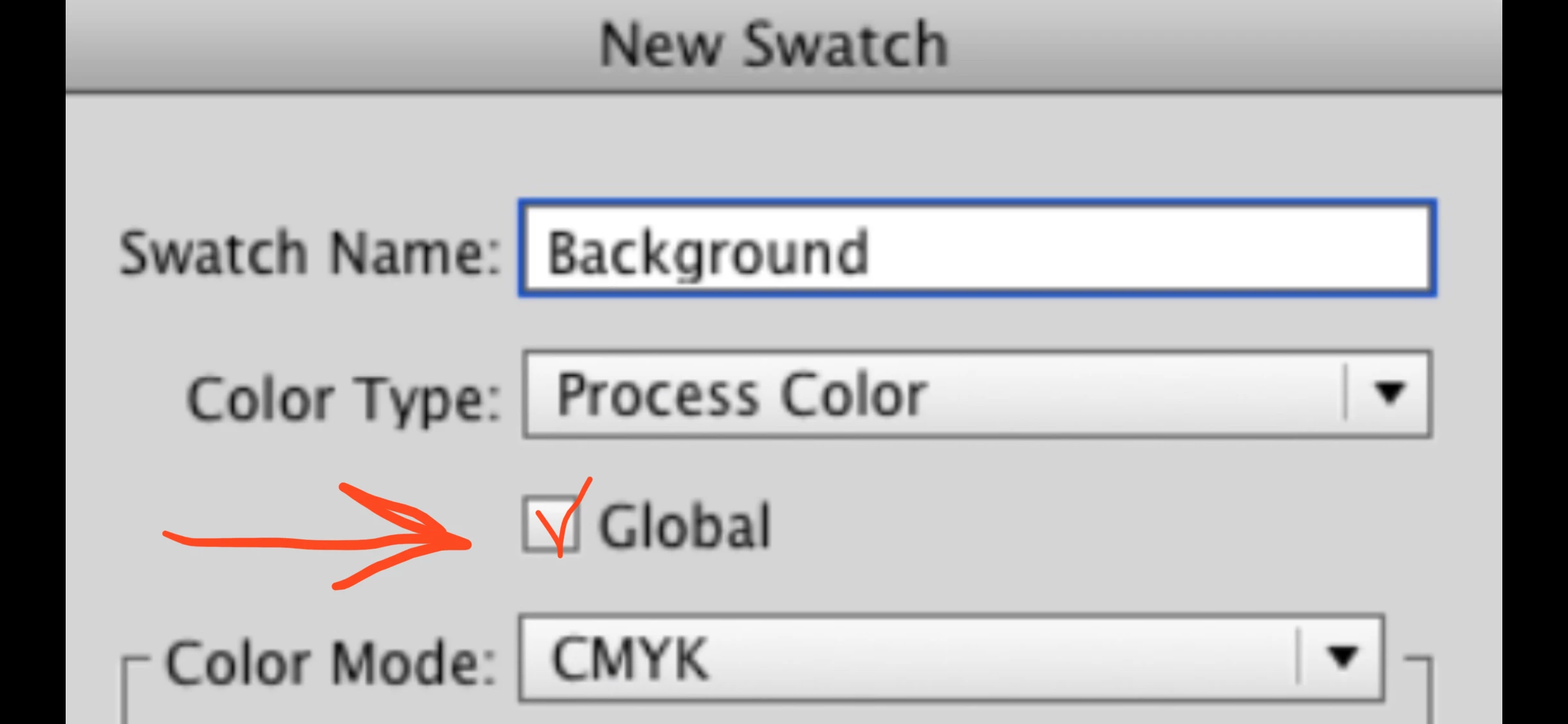
Do you know how to activate the Global option on Swatch options in Illustrator using a Script?
Hello!
Do you know how to activate the Global option on Swatch options in Illustrator using a Script?
Hi Robsmith01, it seems a bit complicated due to the structure of colors in Illustrator. There are swatches and colors and spotColors and spots.
Check out the convertSelectedSwatchesToGlobal function below to give you a practical idea. It expects you to select swatch(es) in the Swatch Palette first. Or just call the individual function convertSwatchToGlobal with a single Swatch object passed in.
function convertSelectedSwatchesToGlobal() {
    var swatches = app.activeDocument.swatches.getSelected();
    for (var i = 0; i < swatches.length; i++) {
        convertSwatchToGlobal(swatches[i]);
    }
}

function convertSwatchToGlobal(swatch) {
    if (swatch.color.typename == 'CMYKColor' || swatch.color.typename == 'RGBColor') {
        var newSpot = app.activeDocument.spots.add();
        newSpot.name = swatch.name;
        newSpot.colorType = ColorModel.PROCESS;
        newSpot.color = swatch.color;
        var newSpotColor = new SpotColor();
        newSpotColor.spot = newSpot;
        swatch.remove()
    }
}

convertSelectedSwatchesToGlobal();
One side effect is that the converted swatches will all be moved to the end of the swatches list, unless yours is sorted.
Regards,
Mark
Already have an account? Login
Enter your E-mail address. We'll send you an e-mail with instructions to reset your password.
 AdChoices