Participant
May 1, 2021
Answered

Activated Font in CC app will not appear in Illustrator

  • May 1, 2021
  • 1 reply
  • 419 views

Illustrator version 25.2.3 (it also wan't working on older version, I updated during troubleshooting)

Creative Cloud App 5.4.3.544

Windows 10.0.19042


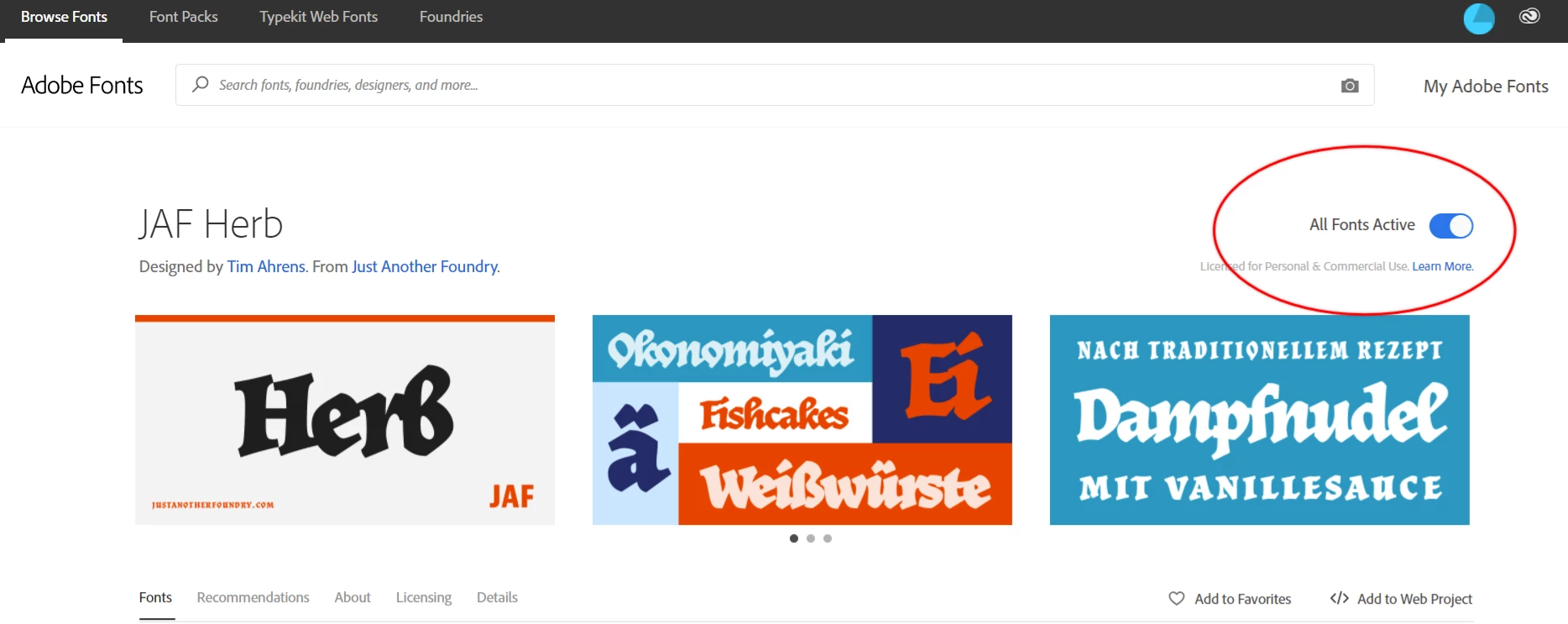
At fonts.adobe.com, I activated the font family "JAF Herb" 
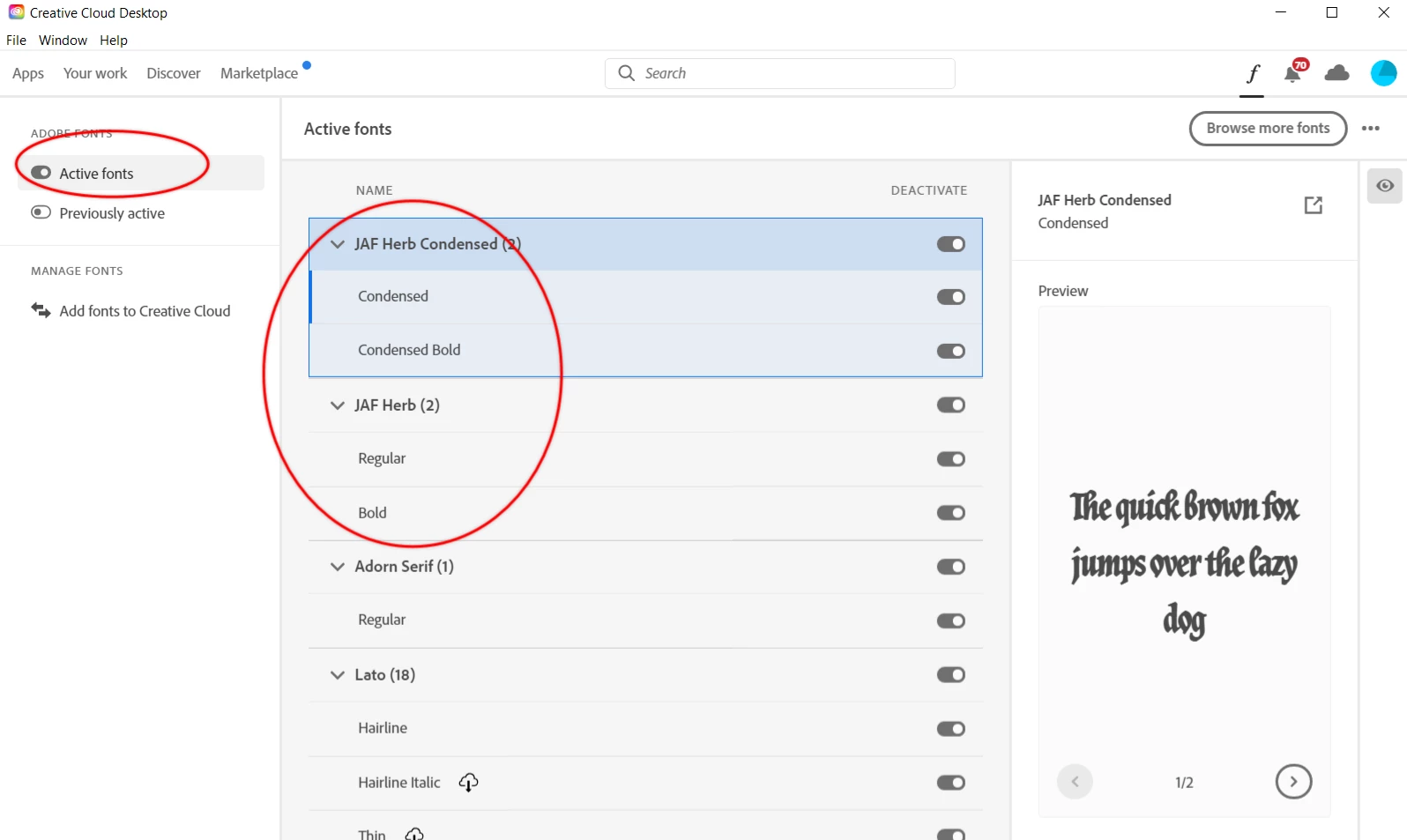
It appears as "Active" in the CC app as well:
 

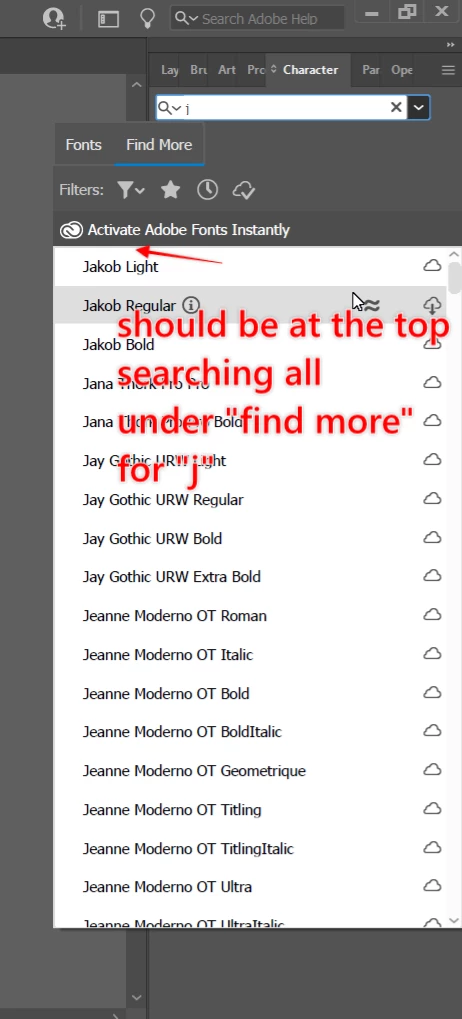
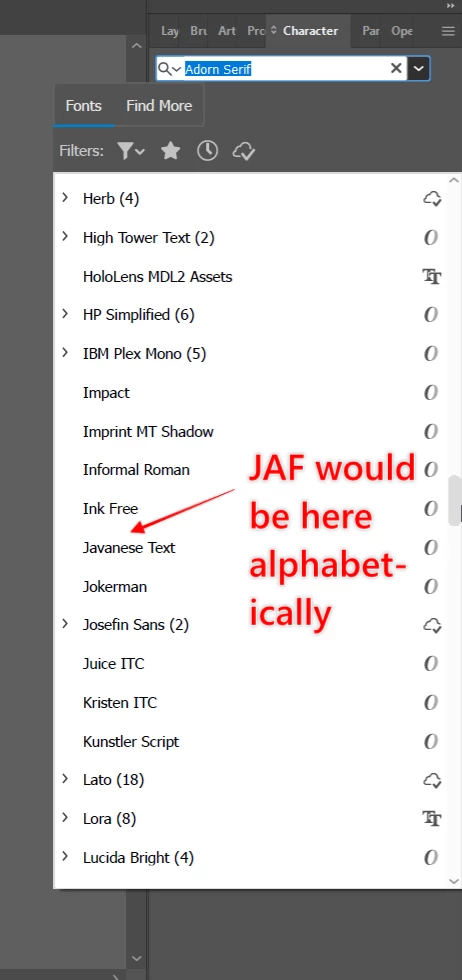
And yet, when I try to find it in Illustrator, I get bupkis:


I have updated apps. Restarted all programs. Restarted my system. Deactivated and activated the fonts. I've tried searching for solutions online, but most of the videos, blog posts, and forum all show outdated versions of the software. I asked random strangers walking by my apartment for help. I've sacrificed small animals at my Adobe shrine. 


Please help.


This topic has been closed for replies.
Correct answer Ton Frederiks

I think it is because of the small animals that the fonts were hidden.

I could find the fonts by typing Herb.

But that is not very intuitive.

1 reply

Ton Frederiks
Community Expert
Ton FrederiksCommunity ExpertCorrect answer
Community Expert
May 1, 2021

I think it is because of the small animals that the fonts were hidden.

I could find the fonts by typing Herb.

But that is not very intuitive.

Participant
May 1, 2021

"Not very intuitive"

No. But I still feel a little like an idiot 🙂 

Ton Frederiks
Community Expert
Community Expert
May 1, 2021

Don't worry about it. I think both JAF and Herb should show the font when typed, like ITC Anna.