


Answered
Add a logo on a 3D illustrator drawing
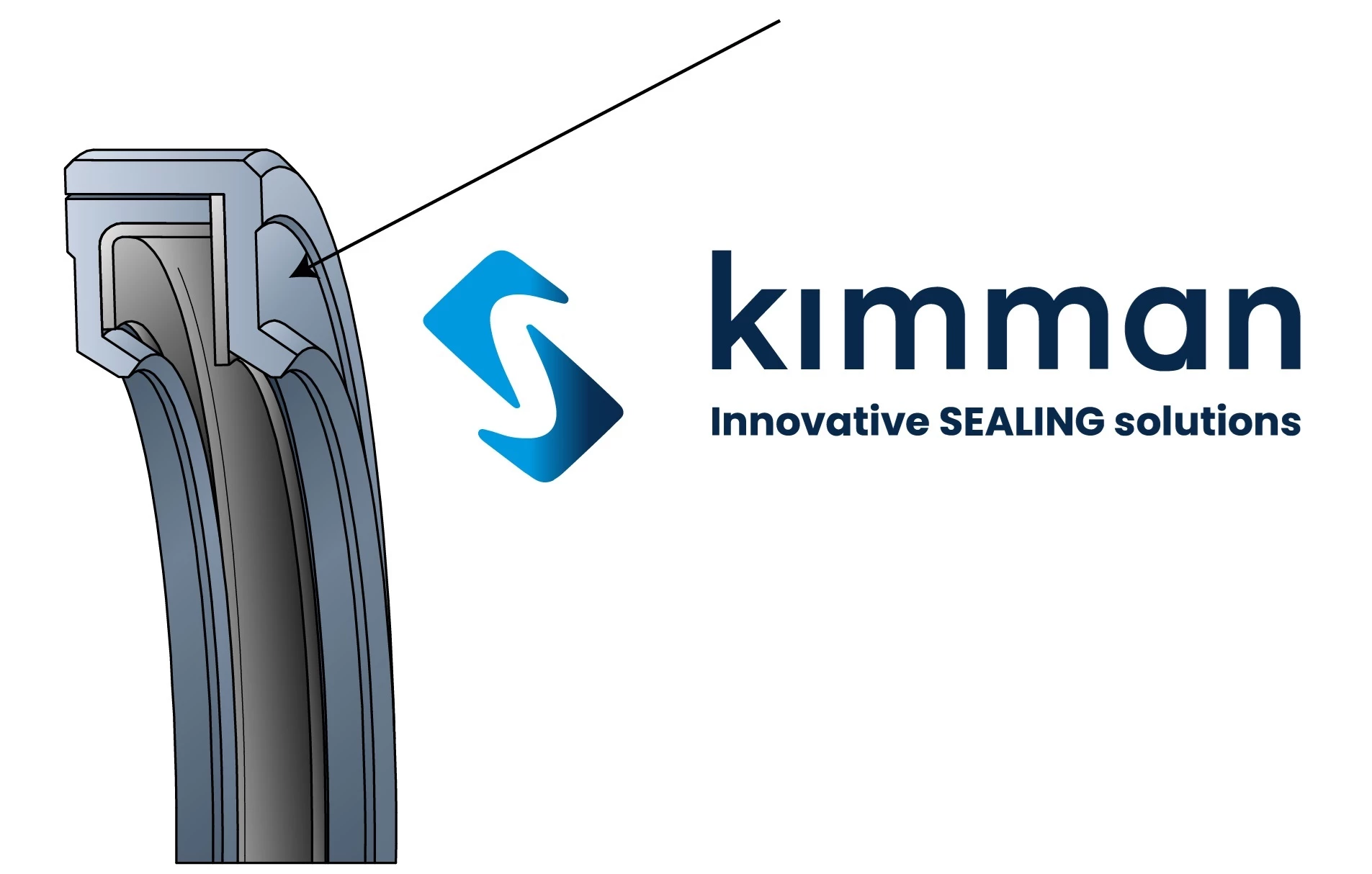
I’m trying to place a custom logo onto a 3D-style technical drawing.
The surface I want to place it on is slightly curved and made up of multiple vector paths. I’ve tried using Object → Mockup (Beta), but it’s greyed out or doesn’t work properly with my geometry.
What’s the best workflow for this?
- Should I be using Mockup, Envelope Distort, or something else?
- Do I need to simplify the surface into a single shape first?
- Any tips for keeping the logo clean and properly aligned on a curved surface?
Appreciate any guidance or examples — especially for technical/engineering-style illustrations.

 AdChoices