
Answered
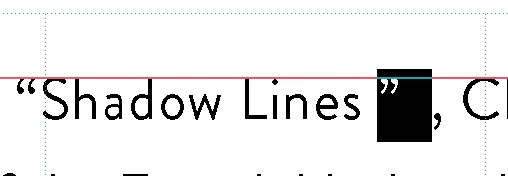
Add extra space after an apostrophe
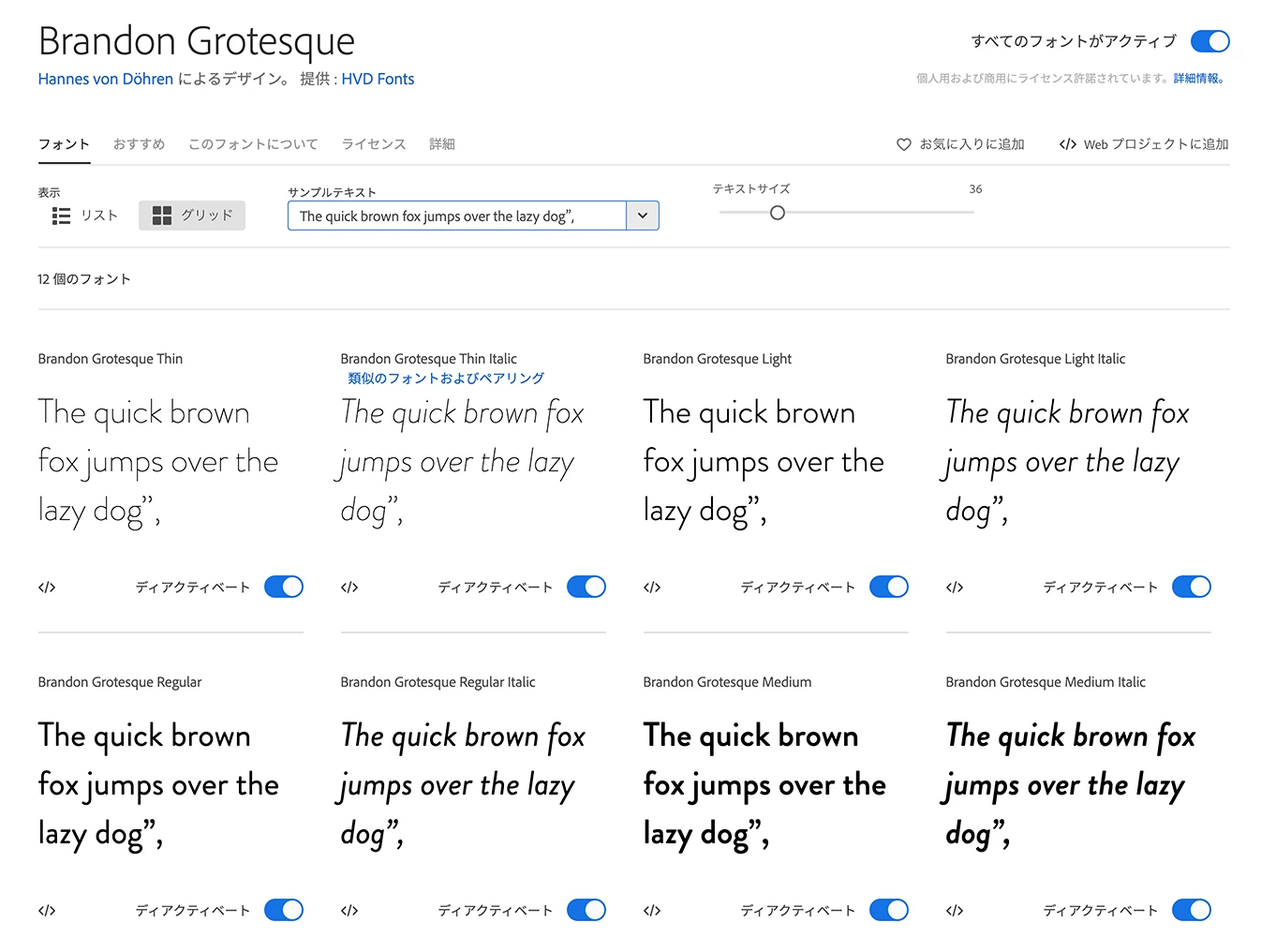
I am using Brandon Grotesque (Adobe font).
And I have big space after ”,
How can I solve this problem?
I am using Illustrator 2020.
Thank you,
I am using Brandon Grotesque (Adobe font).
And I have big space after ”,
How can I solve this problem?
I am using Illustrator 2020.
Thank you,
It's also persistent across other fonts, so something very weird going on.
Can't see any character styles or anything applied.
Some kind of corruption with that type block?
When I type into a new text frame (in your doc) it's okay... but if I use the eyedropper to copy the format the gap appears...
Same happens when using the Glyphs, insert into your block: gap; insert into new text block: no gap.
If you copy the text out to a text app, copy and paste back in to a new text block it goes away.
If the doc is not to big probably safer to recreate that way, and burn this one with a few incantations.
Actually, I fixed this problem.
Just activated "Show East Asian Options"
and then on the Text tub. I chnaged "Auto" to "None" and tthen wired space dissappired 😉
Thank you very much for your time and help! xxx

Already have an account? Login
Enter your E-mail address. We'll send you an e-mail with instructions to reset your password.
 AdChoices