Participant
February 1, 2022
Answered

Add fill button keeps adding weird outline

  • February 1, 2022
  • 3 replies
  • 426 views

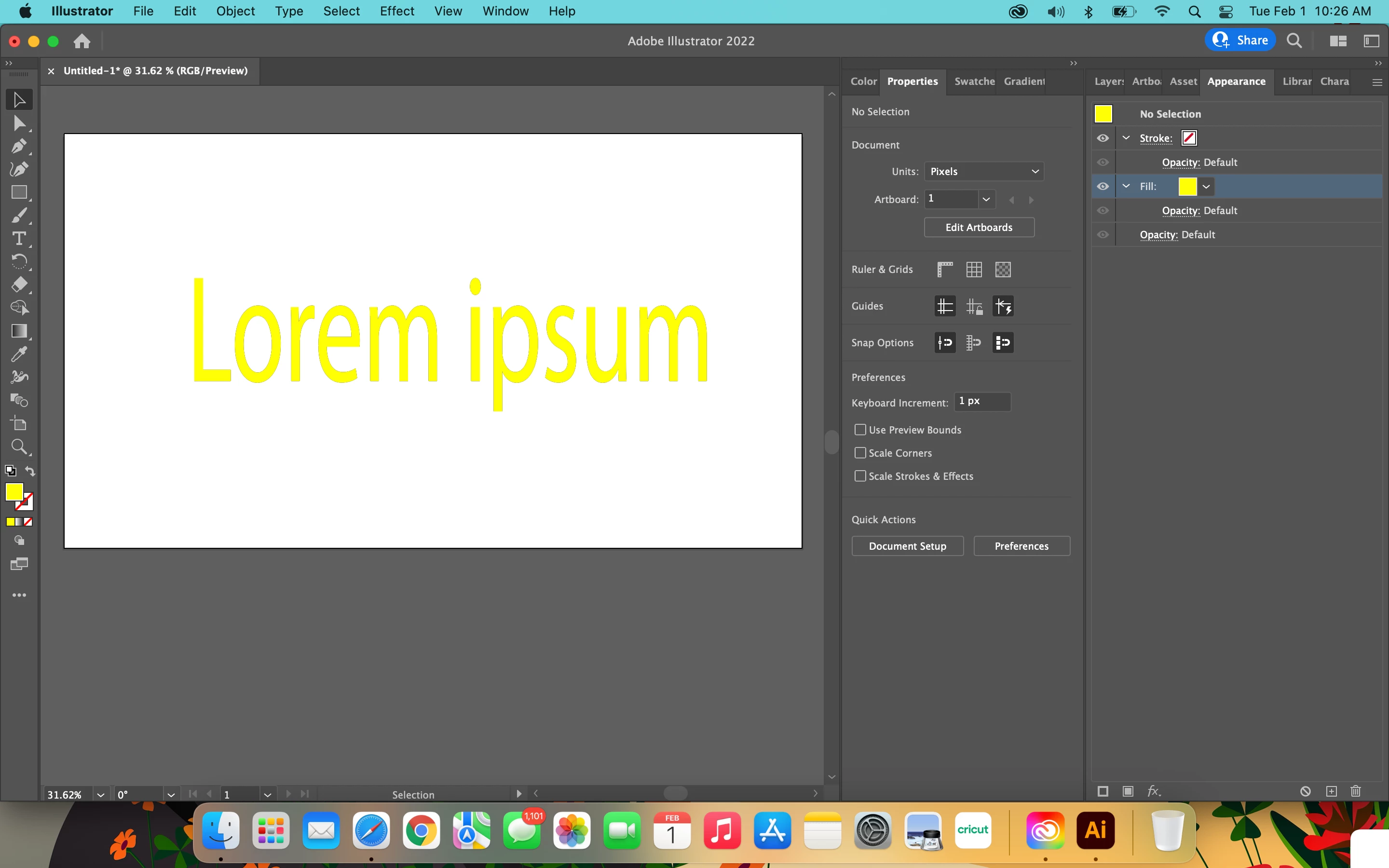
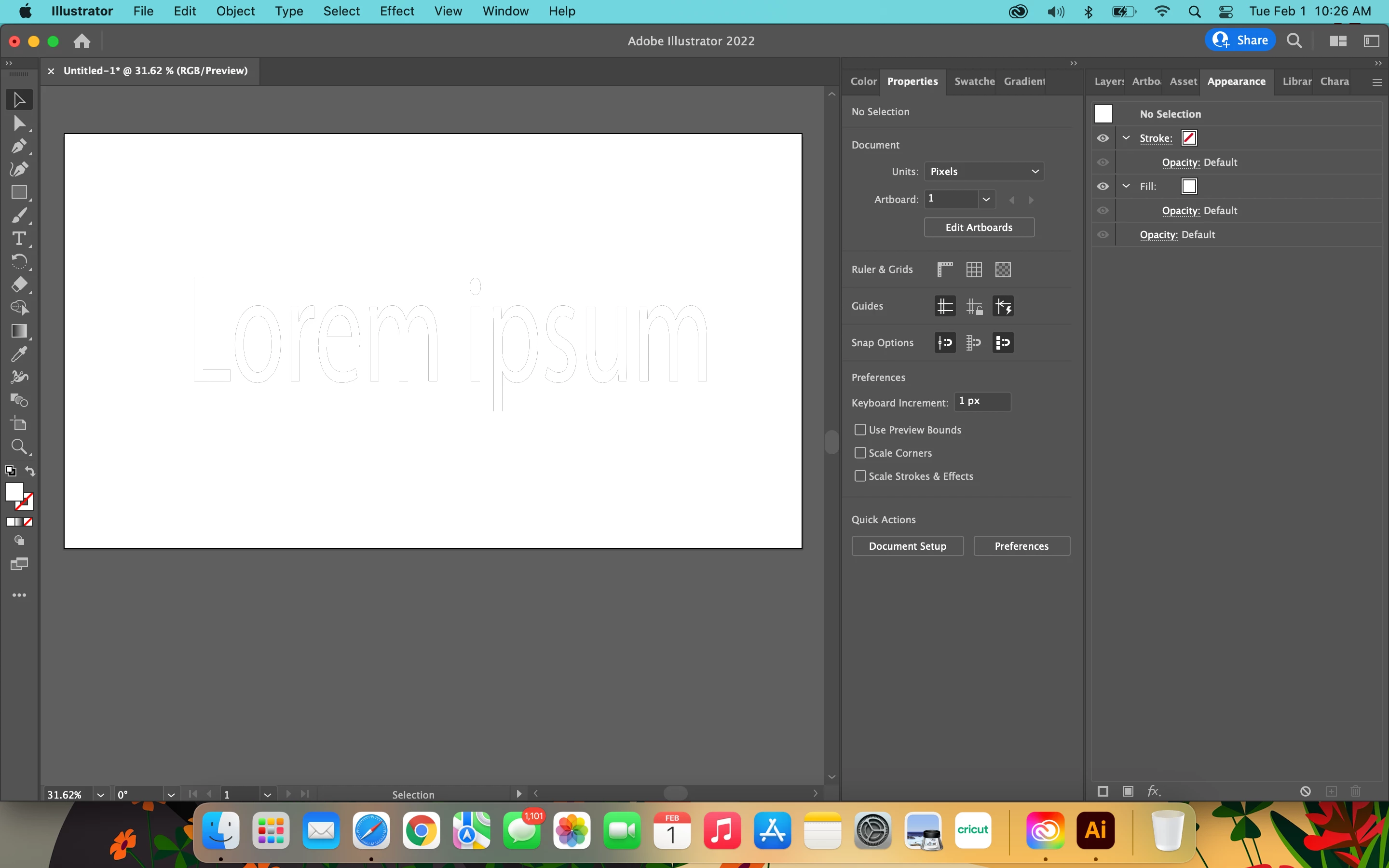
I have been having this problem since Nov 2021. Every time I add a new fill in the appearances panel a uneven outline appears on my text. My stroke is off and it only happens when I add a new fill to text in the appearances panel.
This topic has been closed for replies.
Correct answer Ton Frederiks

See the answer from kphotopage.

To avoid 2 fills:

Double Click your text with the Text tool. Give it a fill of None.

Select your text with the Selection Tool.

Add a fill in the Appearance panel.

3 replies

Ton Frederiks
Community Expert
Ton FrederiksCommunity ExpertCorrect answer
Community Expert
September 15, 2022

See the answer from kphotopage.

To avoid 2 fills:

Double Click your text with the Text tool. Give it a fill of None.

Select your text with the Selection Tool.

Add a fill in the Appearance panel.

kphotopage
Legend
February 3, 2022

Keyosha, Hi.


I suspect you have two Fills on the type.

I did the same to demonstrate.


With your Text Tool, select your type. It probably has a 

fill of Black.

Now with your Selection Tool, you added an additional Yellow color on top.


To get rid of that hint of Black, select your type with the Text Tool, and give it a color of none.


K

Ton Frederiks
Community Expert
Community Expert
February 1, 2022

Does it improve when you change the preview? Cmd or Ctrl E.