Participating Frequently
December 9, 2021
Resuelto

Add white border to jpg file

  • December 9, 2021
  • 1 respuesta
  • 720 visualizaciones

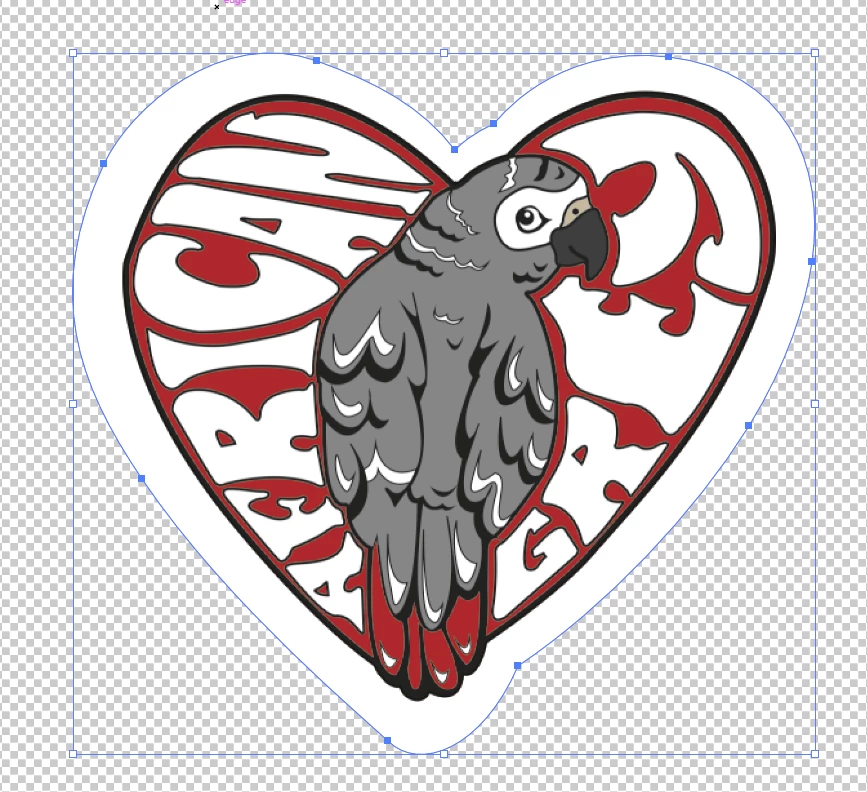
I am trying to add a white border to a jpg file (see below) in Illustrator. Then I want to use the image to create a die cut sticker, so I need to export it as a png file so everything but the image is transparent. How do I do this? Thanks!

Este tema ha sido cerrado para respuestas.
Mejor respuesta de Doug A Roberts

Quickest way would probably be to just draw round it with the pen, then use that as a clipping path for the JPEG, then export to PNG:

1 respuesta

Doug A Roberts
Community Expert
Community Expert
December 9, 2021

Quickest way would probably be to just draw round it with the pen, then use that as a clipping path for the JPEG, then export to PNG:

Participating Frequently
December 9, 2021

Thanks a lot for the suggestion. It worked out good!