Adding a colour to my pattern background and removing outlines on shapes
- November 11, 2020
- 1 reply
- 1502 views
Hi there,
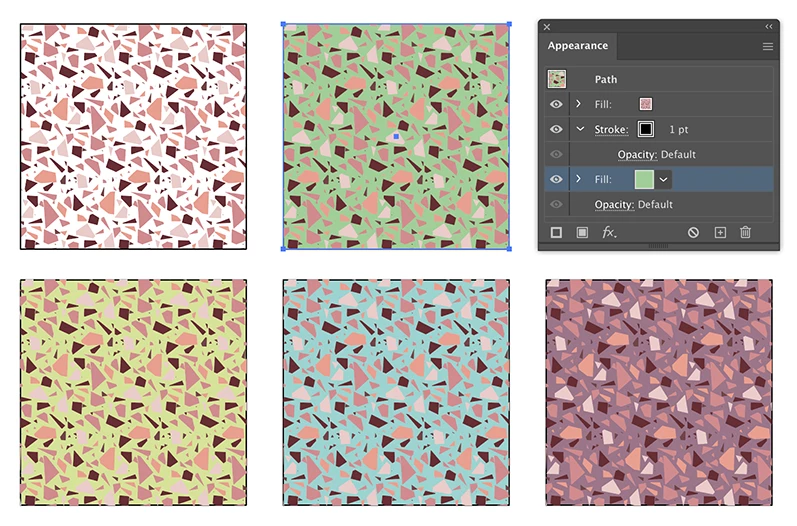
I created the attached images terrazzo pattern in illustrator using the patter tool. I then followed the below short 4 min video on how to add a background colour to my pattern.
https://www.youtube.com/watch?v=61HO0JqYqdw
In the video she says to add a rectangle slightly bigger then my tile edge over the paterrn then Object > Arrange > Send to back. When I move the rectangle to the left and up like she suggests it just seemed to cut off my pattern so I moved it to the right and up too and my pattern still seems to get cut off?
Is there an easier way of adding a background colour to my pattern or is there a simple trick that i'm missing?
Also when you zoom in as you can see the horizontal lines which don't seem to have the pattern overlapped are still visible? Is this because I added a background colour and would this show up on the repeat pattern?
The vertical lines you can still see my original white background where my pattern cuts, can anyone help me with this?
Lastly when I zoomed in I also noticed all my shapes are outlined in black which I didn't want either, is there a way to remove the outline?
Many thanks,
Rebecca
 AdChoices