
Answered
Adding a gradient to text on a path?
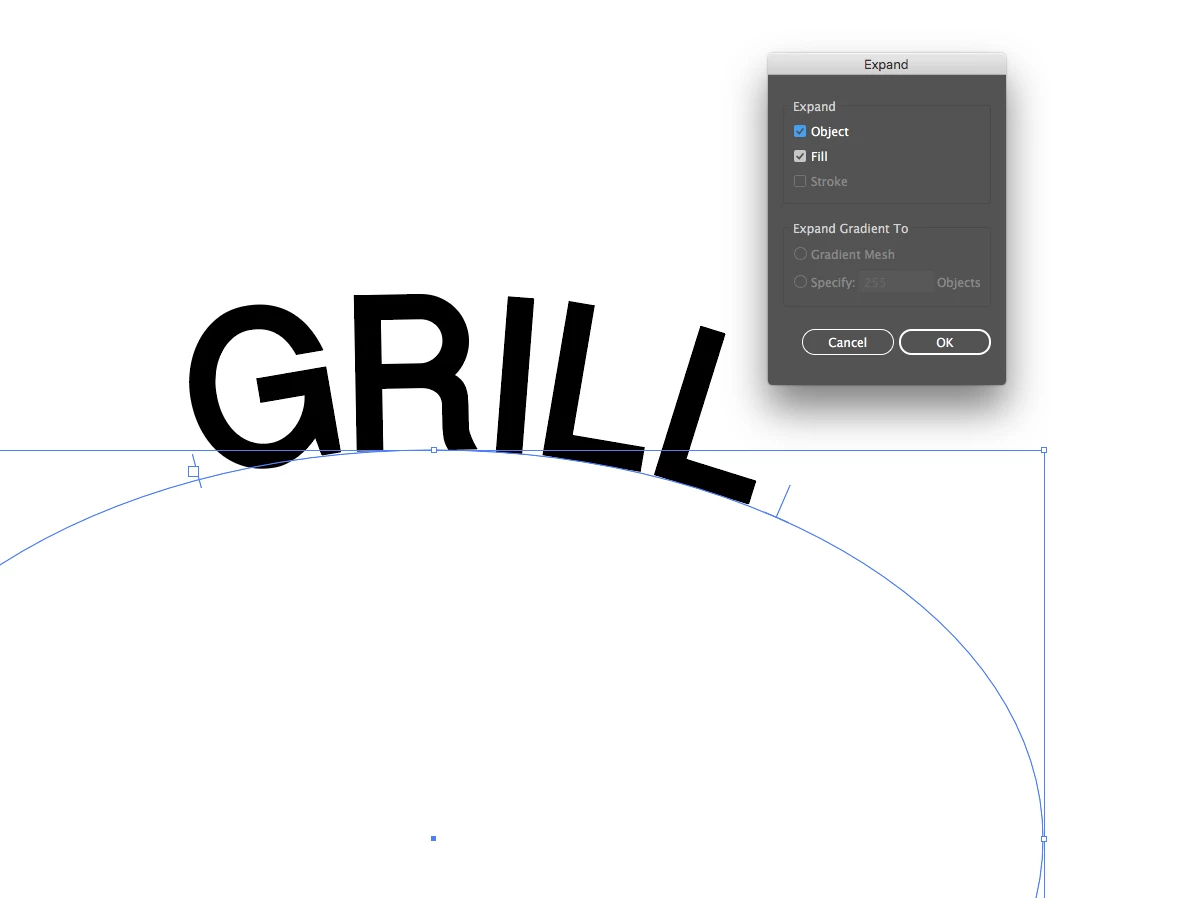
I have the word GRILL which, as you can see, is curved on a path.
I searched Google and tried every tutorial I could find but none of them are helping me.
I have tried adding a gradient from the gradient options and changing the fill in the appearance menu. Add New Fill is greyed out so I could not use that option and everything in the appearance menu is locked, I guess, (the eye symbols next to each item are greyed out).
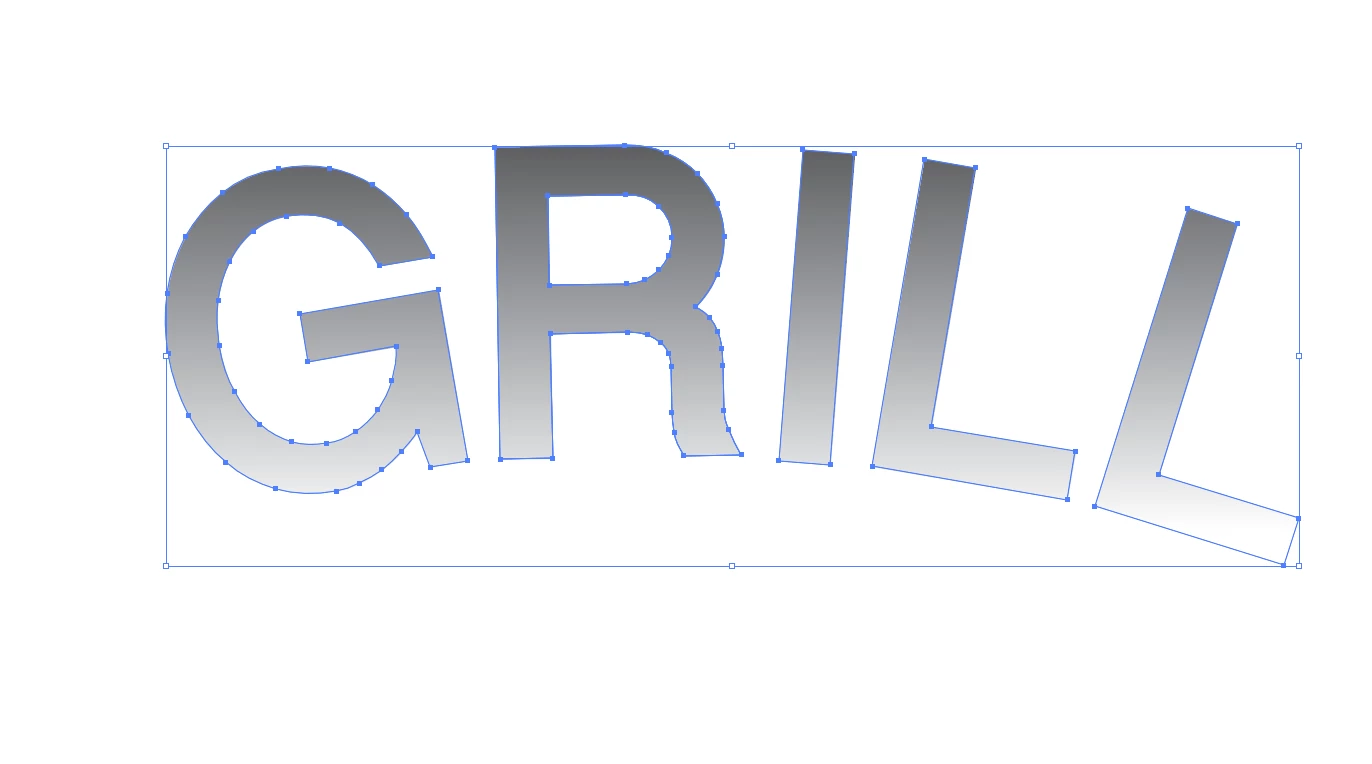
Is there any way to add a gradient to this word, in Illustrator, since it is on a path?




 AdChoices