Participating Frequently
December 29, 2022
Question

Adding a stroke to grouped shapes?

  • December 29, 2022
  • 3 replies
  • 665 views
Newbie question:
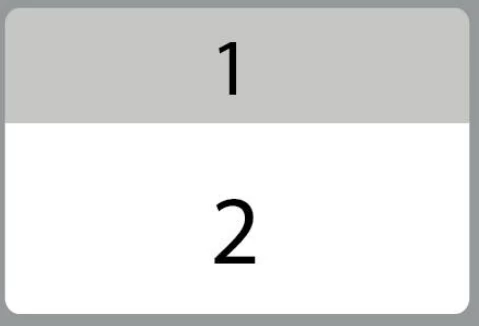
I have two shapes grouped (1,2) on one layer - how can I add a stroke around that group?
Thanks!

 

This topic has been closed for replies.

3 replies

Mike_Gondek10189183
Community Expert
Community Expert
December 30, 2022

Make sure your selection says group in the appearance panel, then add a stroke.


If you want to look like below this drag that  underneath contents


pixxxelschubser
Community Expert
Community Expert
December 29, 2022

Hi @fredrics64563148 

Do you really need both forms?


If not - it also works with a single shape. Create a rounded rectangle and fill it with a "hard gradient". Then a "normal stroke" is sufficient.


Both colour sliders of the colour gradient are in exactly the same position


Here I have only shifted the dark blue colour slider in the colour gradient a little for better understanding.


Monika Gause
Community Expert
Community Expert
December 29, 2022

Target the layer.

Add a new stroke to it in the Appearance panel

Move that stroke below the "Contents" 

https://www.youtube.com/watch?v=jMDpnI5i7M0 

Participating Frequently
December 29, 2022

Thanks so much. Very helpful, however - I did not quite understand the "Move that stroke below the "Contents" part. How do I move a stroke below? And below what? 🙂


Monika Gause
Community Expert
Community Expert
December 29, 2022

In the Appearance panel you can move the stacking order of the attributes.

"Contents" are the elements inside the layer.


You can find a (different) example here: https://www.youtube.com/watch?v=r9CW936V-1M

And an explanation of the Appearance panel here: https://www.youtube.com/watch?v=zXvRbN03MzQ