Participant
March 24, 2018
Answered

Adding color to drawing that I made with paintbrush tool

  • March 24, 2018
  • 2 replies
  • 247 views

beginner status here.

I make the drawing with the paintbrush tool. Then when I go to add color it's just not working the way I want it to. what is happening here? I get all these weird shapes when I try to fill in with color.
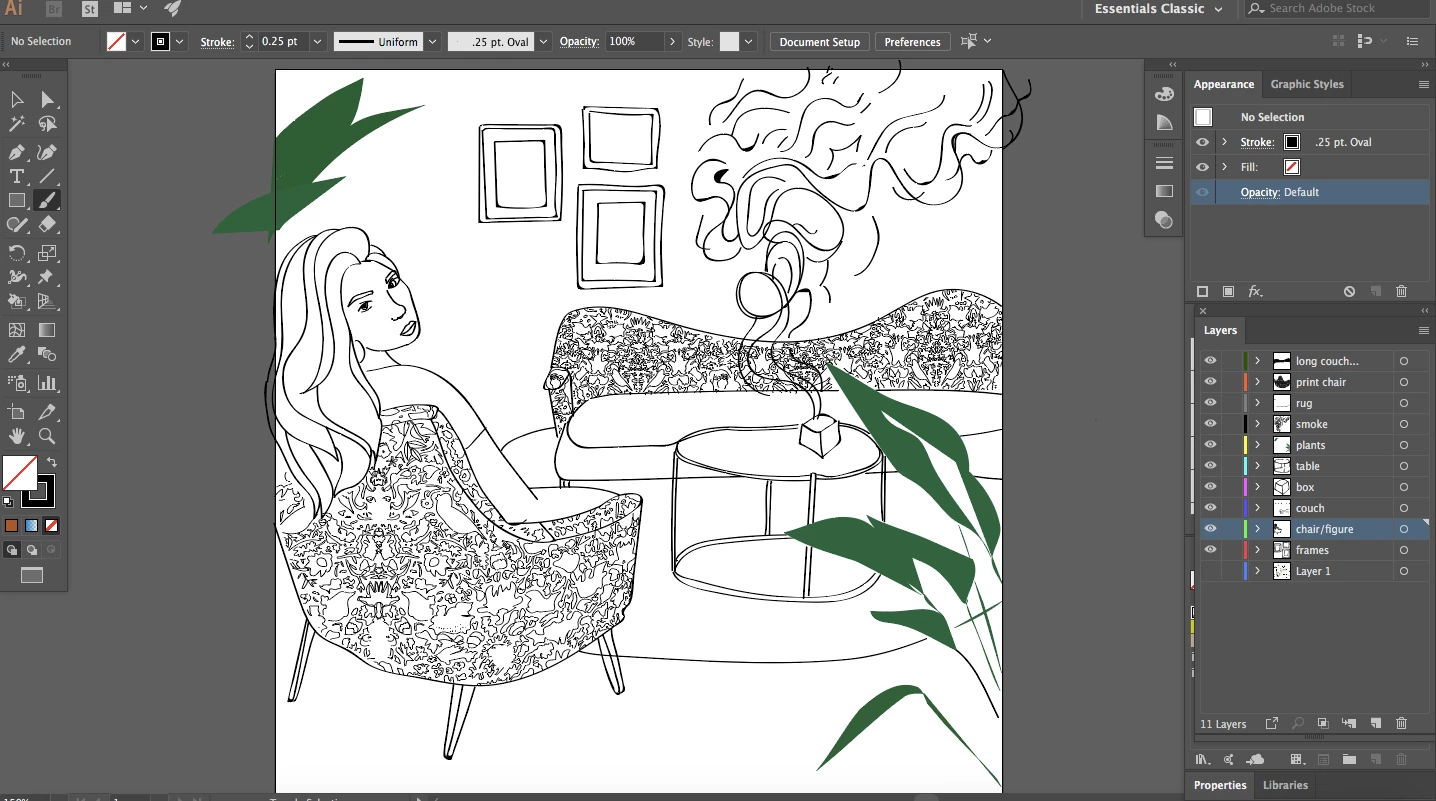
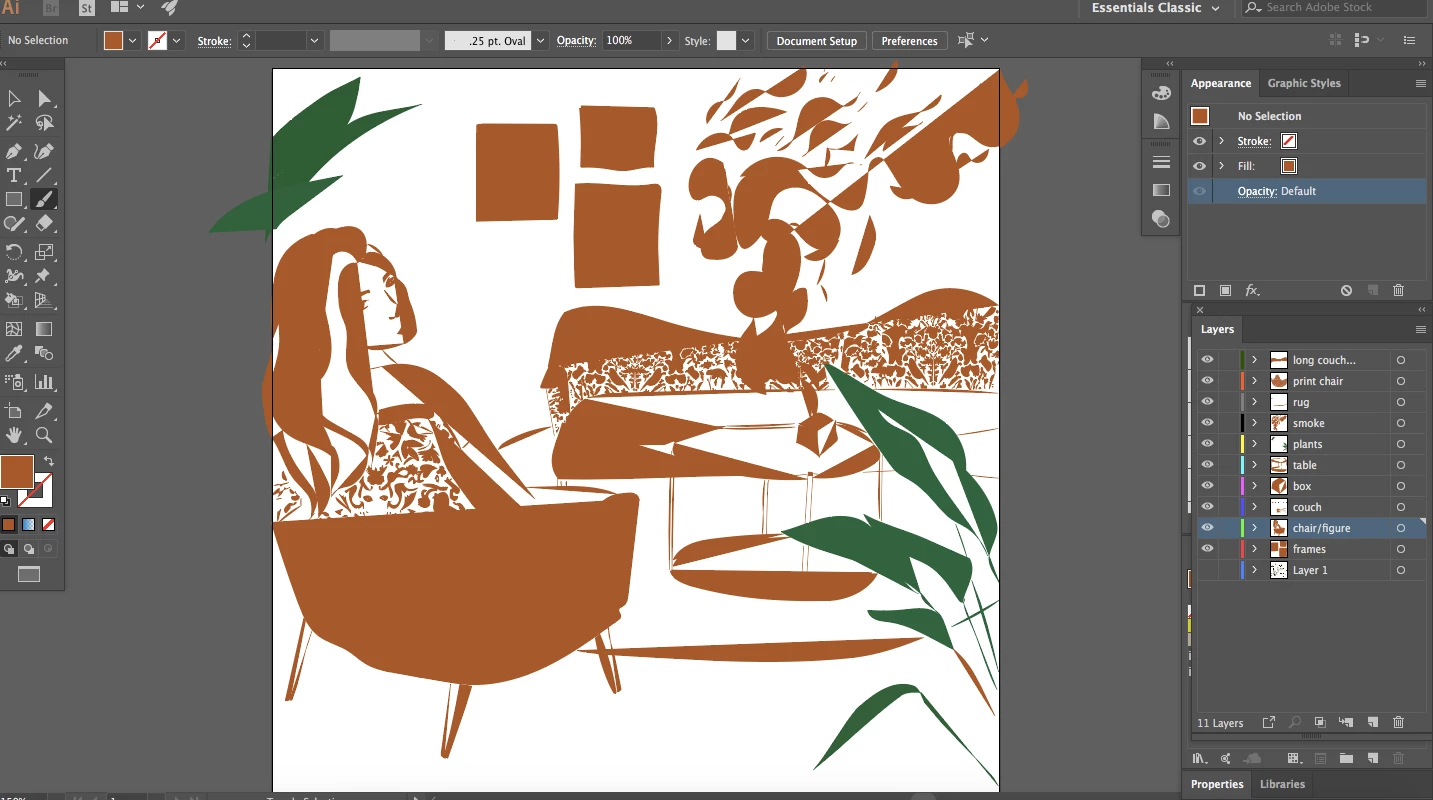
This topic has been closed for replies.
Correct answer Monika Gause

To fill the areas enclosed by lines, use the live paint tool.

How to create and work with Live Paint groups in Illustrator

Here's how fill works (which is what you did)

How to paint with fills and strokes in Illustrator

Illustrator applies fills to the area enclosed by one path. So to fill the areas you would need to draw them each as areas. This can be simplified with Live paint

2 replies

Monika Gause
Community Expert
Monika GauseCommunity ExpertCorrect answer
Community Expert
March 25, 2018

To fill the areas enclosed by lines, use the live paint tool.

How to create and work with Live Paint groups in Illustrator

Here's how fill works (which is what you did)

How to paint with fills and strokes in Illustrator

Illustrator applies fills to the area enclosed by one path. So to fill the areas you would need to draw them each as areas. This can be simplified with Live paint

kglad
Community Expert
Community Expert
March 25, 2018