
Question
Adding effects in the Appearance panel to single words in a sentence
I am trying to add a text box effect to a single word in a sentence while keeping editing capabilities, The way I've made the text box is using two fills in the appearance panel and converted the bottom fill into a rounded rectangle using an effect. This works perfectly for a single word or for an entire sentence, but I would like to apply this editable effect to a single word in the same text box. The only workaround is to use the effect in a separate text box on only that word, but then it becomes a challenge to align them perfectly, and if editing needs to take place then the same issue arises. Any help woudld be much appreciated!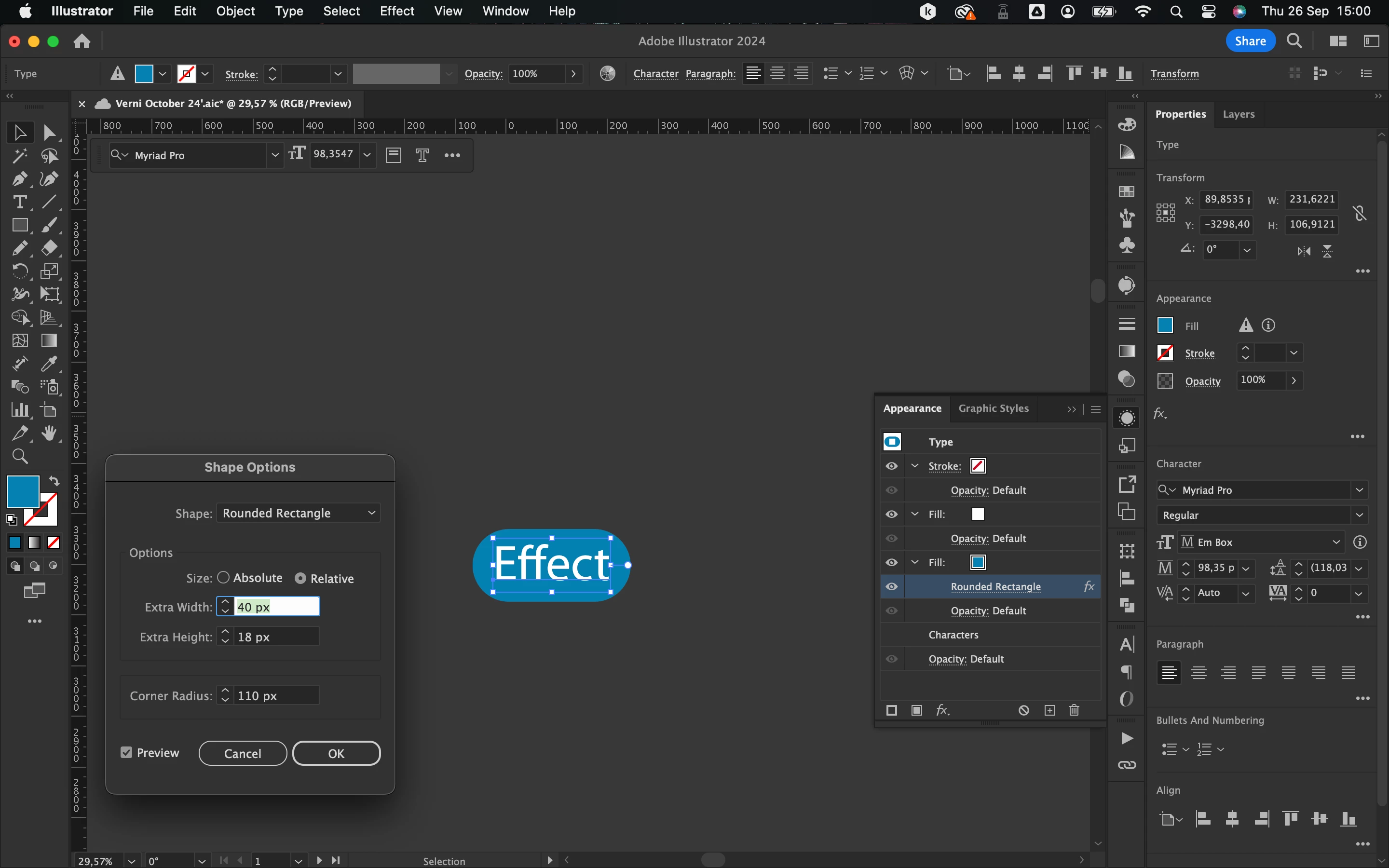


 AdChoices