Answered
Adding PMS 2287 to Illustrator
I have a client that wants me to specify PMS 2287 in a spot-color print file, but I cannot find it anywhere in the color books? Where is this color or how do I add it?
I have a client that wants me to specify PMS 2287 in a spot-color print file, but I cannot find it anywhere in the color books? Where is this color or how do I add it?
I received an email from Pantone Tech Support which solved all my problems on both my devices...
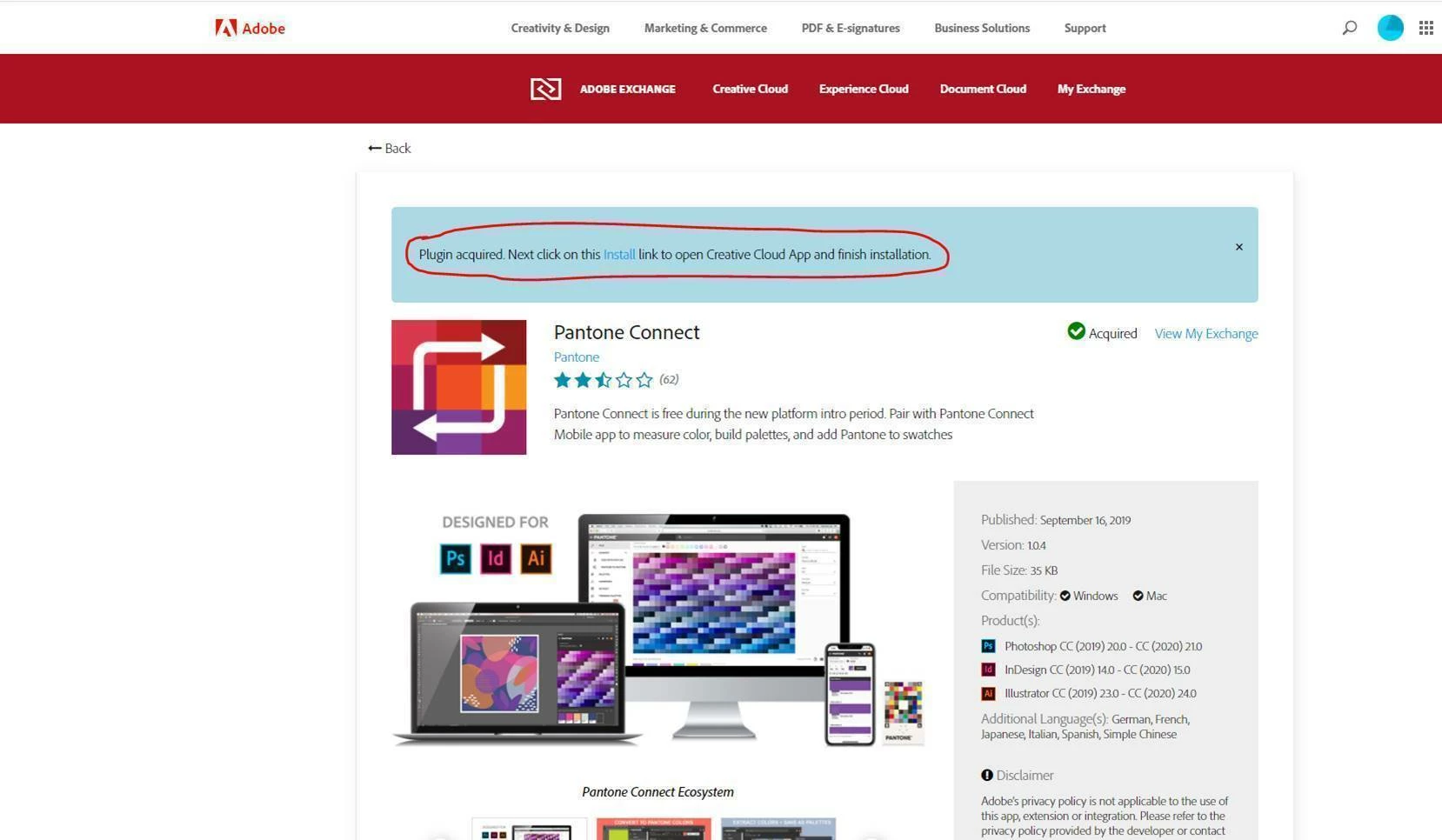
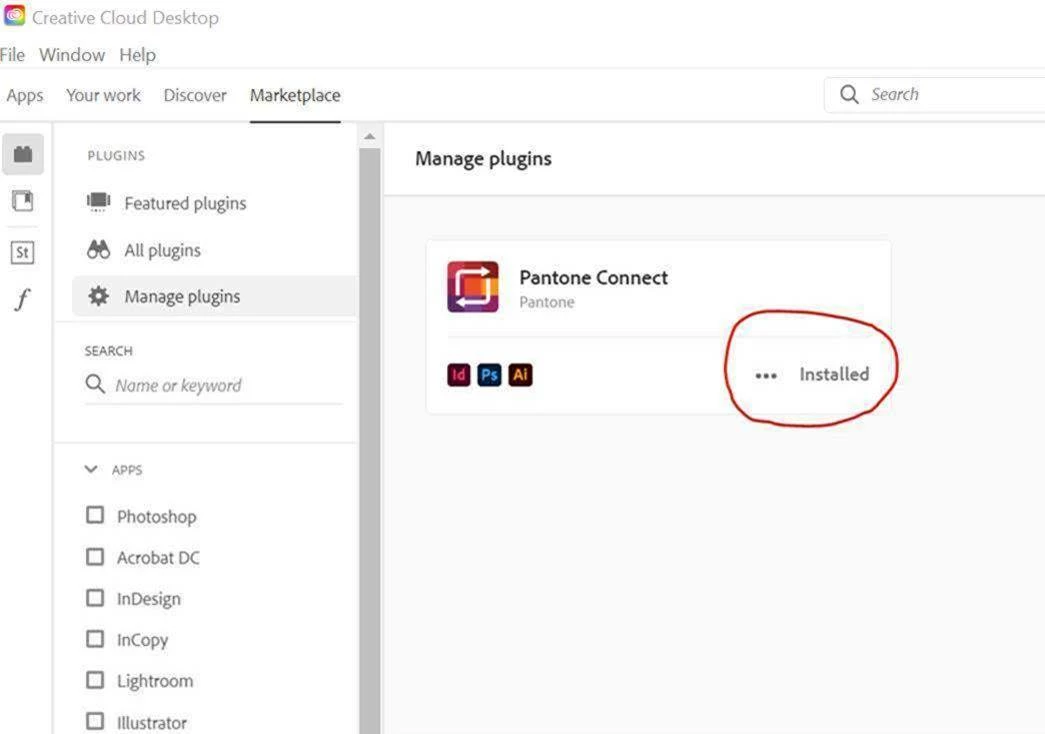
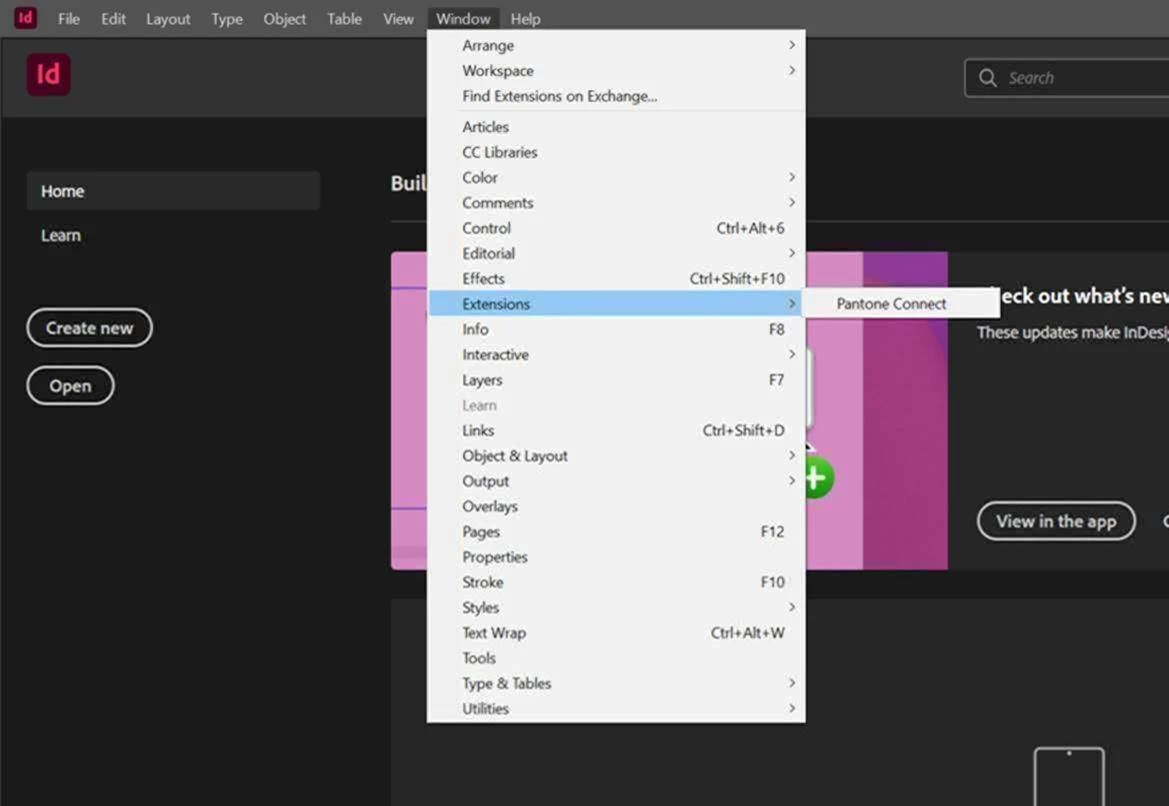
The method that is recommended is installing the app directly from the Adobe Exchange Marketplace which is Adobe CC’s platform for Extensions such as Pantone Connect. Here is a link to our page on the Adobe Exchange Marketplace. https://exchange.adobe.com/creativecloud.details.103029.html. Typically after downloading the Pantone Connect Extension from the Adobe Exchange Marketplace, this should show the extension is acquired and a link to INSTALL using the Creative Cloud Desktop App. You should then be able to launch Adobe CC programs and from the menu select WINDOW/EXTENSION to see Pantone Connect. Are you not seeing this? See screen shots below. Note that in Adobe InDesign, the ‘Extensions’ option is a bit further down the list that in Adobe Illustrator or Photoshop and can be missed at times.
Already have an account? Login
Enter your E-mail address. We'll send you an e-mail with instructions to reset your password.
 AdChoices