Participating Frequently
October 29, 2025
Question

Adobe Illustrator 2026 Not Responding

  • October 29, 2025
  • 3 replies
  • 1058 views

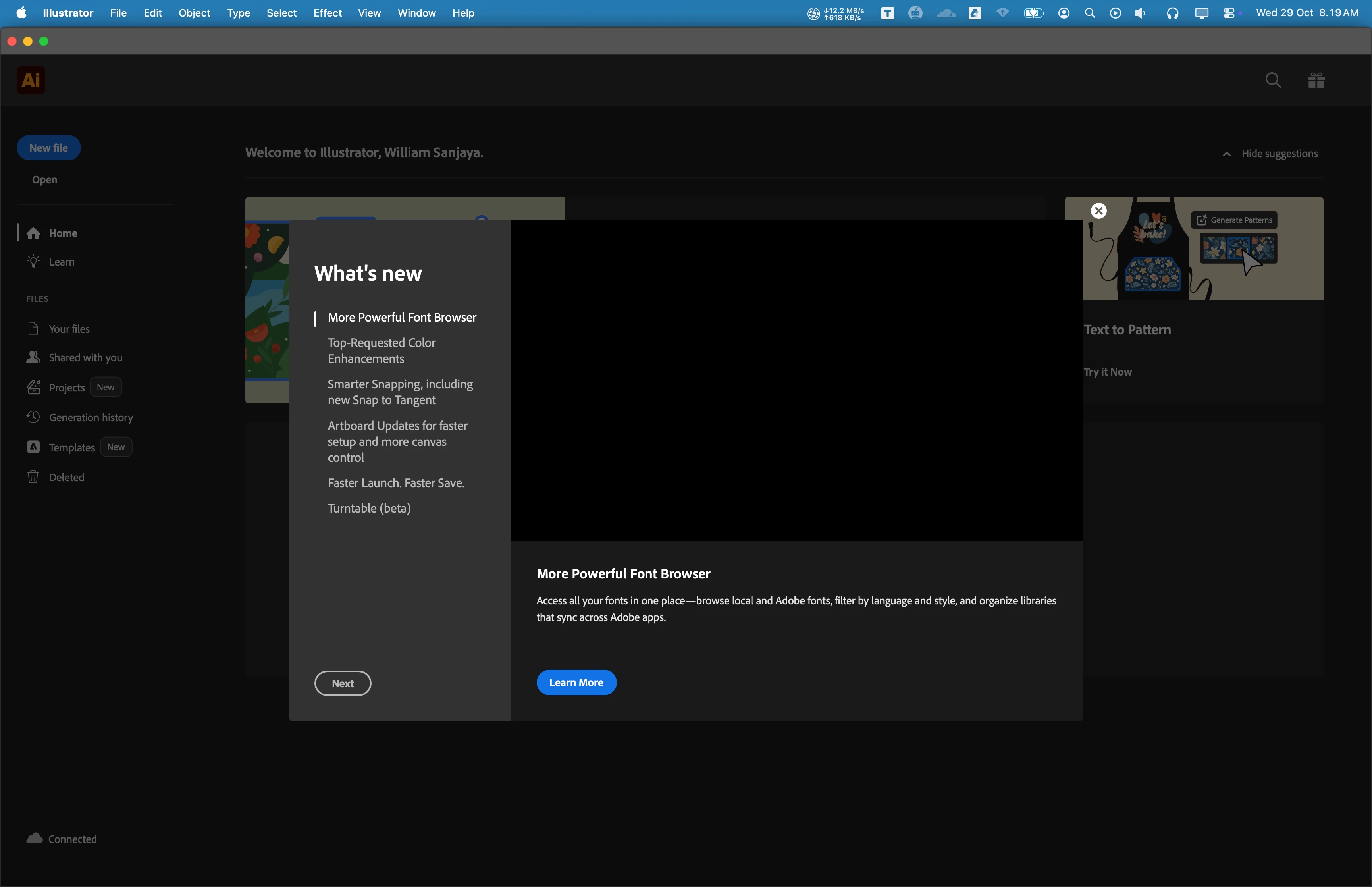
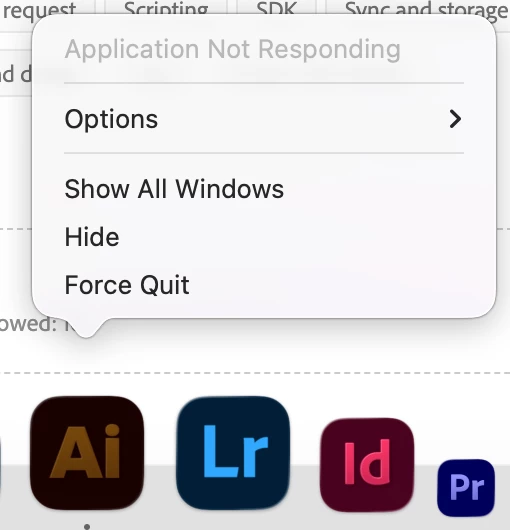
Hi, my name is William, I have issue when I tried to open Adobe Illustrator since 3 months ago. It's always not responding. Sometimes, it takes few times untill it opened. I tried to update to newest version (currently v30.0), but the problem is still exist.


I have updated to newest MacOS Tahoe 26.0.1. I am using Macbook Pro M2 Max with 32 GB RAM. I have tried to reinstall, restart, and do a clean installation, but nothing works. I have no issues with other Adobe Product when opening application, only with Adobe Illustrator.


I attatch screenshot of application below.

Any suggestion would be appreciated. Thankyou so much.


3 replies

Participating Frequently
February 17, 2026

I am having the same issue both in AI and PSD for more than a month or more. They don’t open, or close at once. I sent several reports but still having the same issue. It s pretty annoying to see when you update things to be better, it always goes way down, slow programs, many bugs. 

Anubhav M
Community Manager
Community Manager
February 17, 2026

Hello ​@Saygın Mehmet 


I’m sorry to hear you’re having similar trouble with Illustrator. I tried to locate the crash report but couldn't. Would you mind trying the suggestions shared in this help article (https://helpx.adobe.com/illustrator/kb/fix-crash-on-launch-issues.html) and checking if it helps? Also, kindly submit the crash report using your Adobe email address and share it here for quick tracking. Steps are shared here: (https://helpx.adobe.com/illustrator/kb/crash-next-steps.html).


Looking forward to hearing from you.
Anubhav

vedatyy
Participant
February 3, 2026

Hi

If you are using a Wacom tablet, the problem may be related to it. Could you try uninstalling the Wacom tablet software and then trying again?

Abhishek Rao
Community Manager
Community Manager
October 29, 2025

Hi @William Sanjaya, M.Sn.,


Thanks for sharing the details and screenshots. Could you please try launching Illustrator in Safe Mode to check if any third-party process might be interfering? Ref: https://adobe.ly/3Wv0wZz.

If the issue persists, try resetting Illustrator preferences manually and test again: https://adobe.ly/48UpbOO.

Should the problem continue, please create a new local admin user account and test Illustrator there to rule out any account-specific issues: https://adobe.ly/47vXitI.


Looking forward to your update.

Abhishek

Participating Frequently
October 30, 2025

Hi Abhishek Rao,

I tried to use it in Safe Mode and it works!

What could I do next? please help me.

Thankyou so much.

Anubhav M
Community Manager
Community Manager
November 4, 2025

Hello @1356178 Sanjaya, https://adobe.ly/3LnkhzZ.,

Sorry for the delayed response. If Illustrator works fine in Safe Mode, chances are that another application is interfering with it. To check this, kindly remove all third-party programs from Windows startup, reboot your computer, and re-check to see if the problem persists. If it doesn't, try enabling the apps one at a time to find the conflicting application.


Feel free to reach out if you have more questions or need assistance. We'd be happy to help.

Anubhav