

Adobe Illustrator 24.1.1 (Windows) and 24.1 (macOS) is now live!
We are pleased to announce the latest update of Adobe Illustrator.
Note- 24.1.1 for Windows and 24.1 for macOS
Highlights:
Real-time Drawing & Editing
Now, you can see a live preview of your artwork while drawing, editing, and transforming the objects. Enable the Real-Time Drawing and editing feature to see all your object movements in real-time.
To do this,
- [Windows] Choose Edit > Preferences > Performance > Real-Time Drawing and Editing.
- [macOS] Choose Illustrator > Preferences > Performance > Real-Time Drawing and Editing.
Note – The real-time experience is available only when the GPU preview mode is enabled.
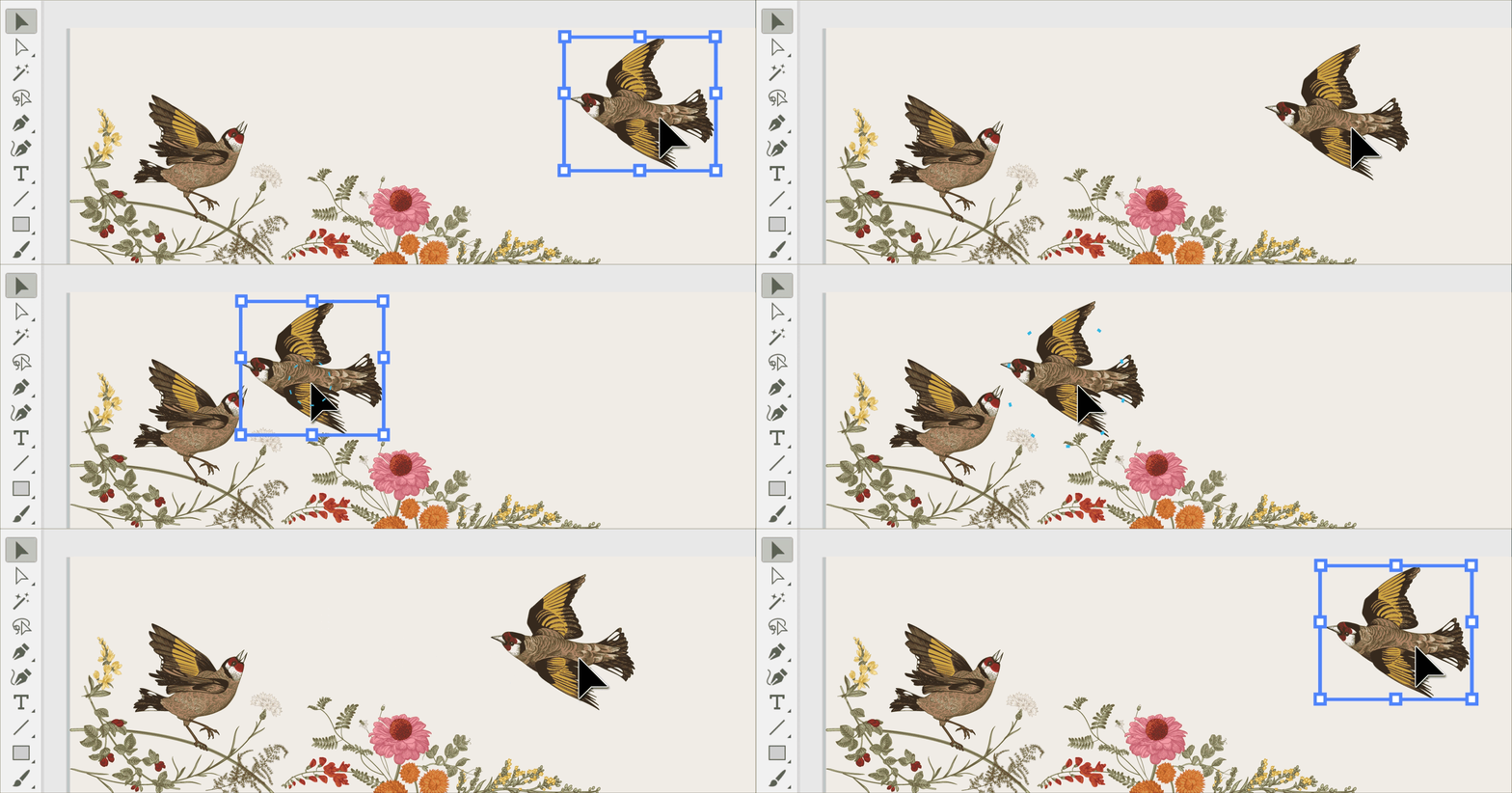
Check the Real-time drawing and editing article for more details about this feature.
Cut and Copy Artboards across documents using menu commands and keyboard shortcuts
Making copies of Artboard is made simple with the new Copy and move Artboards feature. You can copy and paste Artboards within the same or even a different document.
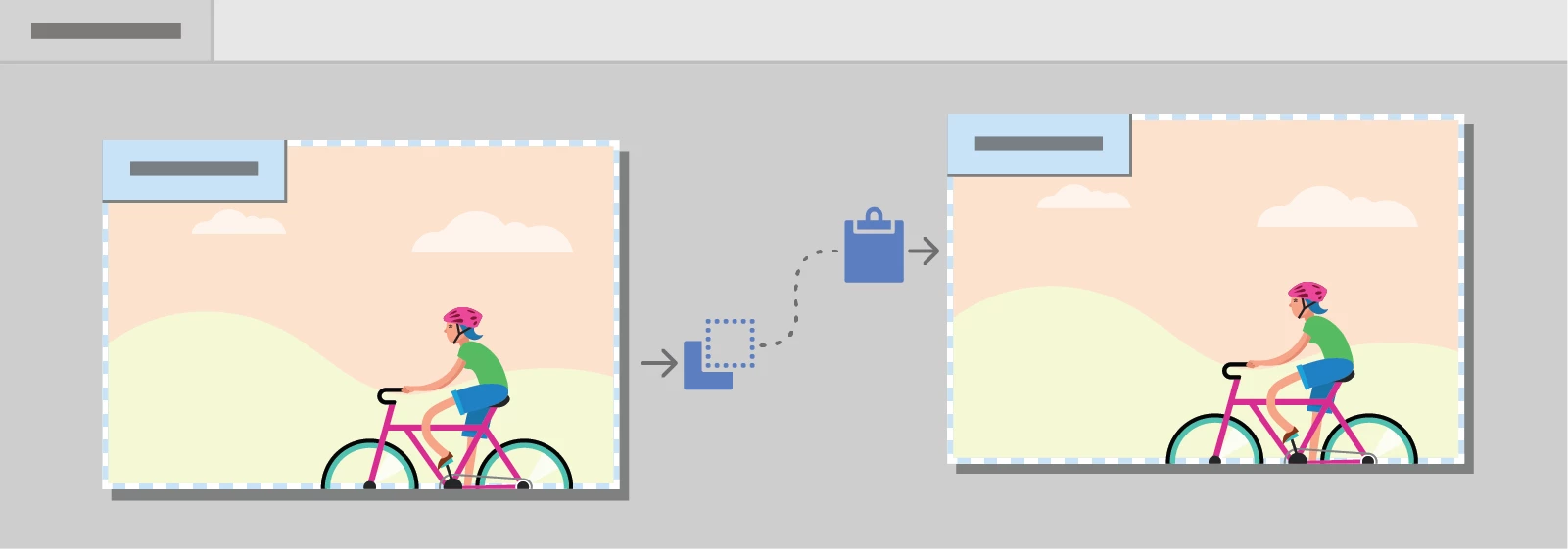
You can use the usual keyboard shortcuts and commands for both Windows and macOS while performing the copy and paste actions.
Check this help article for complete details about this feature.
Improved Free Distort tool
We’ve made some improvements in the way the Free Distort tool works. It now lets you seamlessly edit the object without resetting the bounding box.
To learn more about the Free Distort tool, please check this article.

Use this improved tool to create amazing artworks. and feel free to share your work with us to inspire others!
Improved performance and stability
We’re committed to provide you a stable and better product with every new release. This release brings to you an improved application performance, better stability, and smoother workflows.
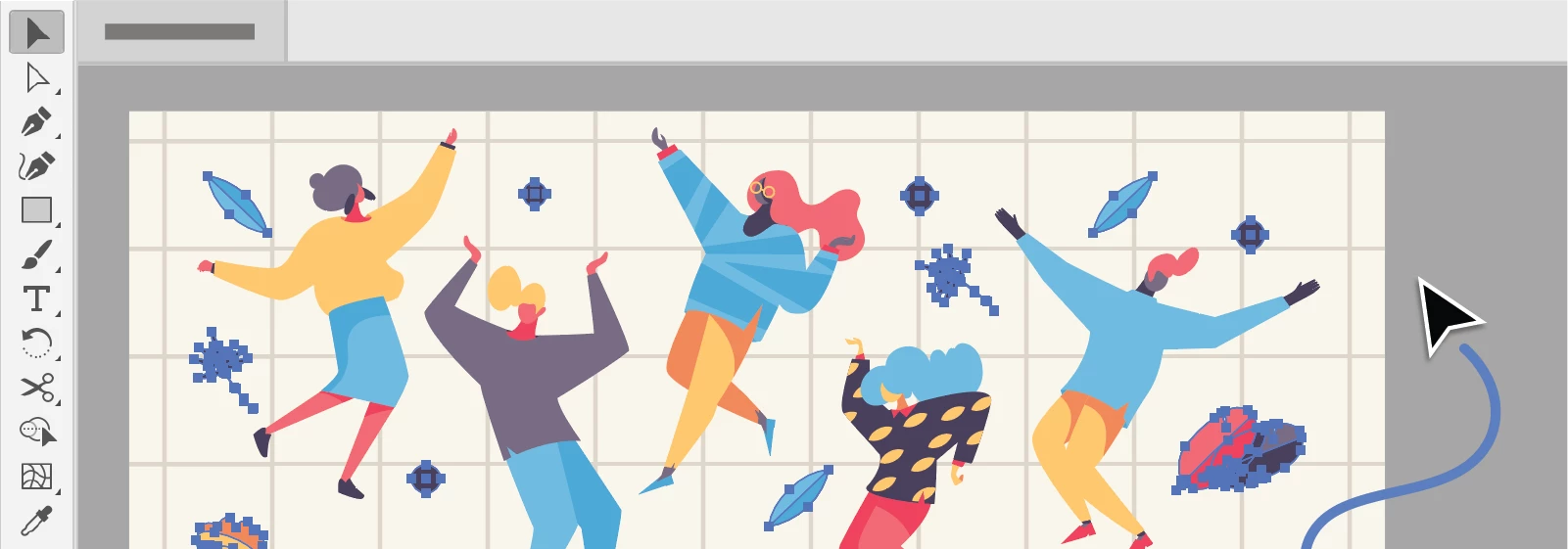
To view the list of fixed issues, check the Fixed issues article.
Regards,
Om
 AdChoices