melindam17476142
Participant
March 5, 2017
Question

Adobe Illustrator and Indesign cc2017 Crash on mac

  • March 5, 2017
  • 2 replies
  • 631 views

Hi Guys,

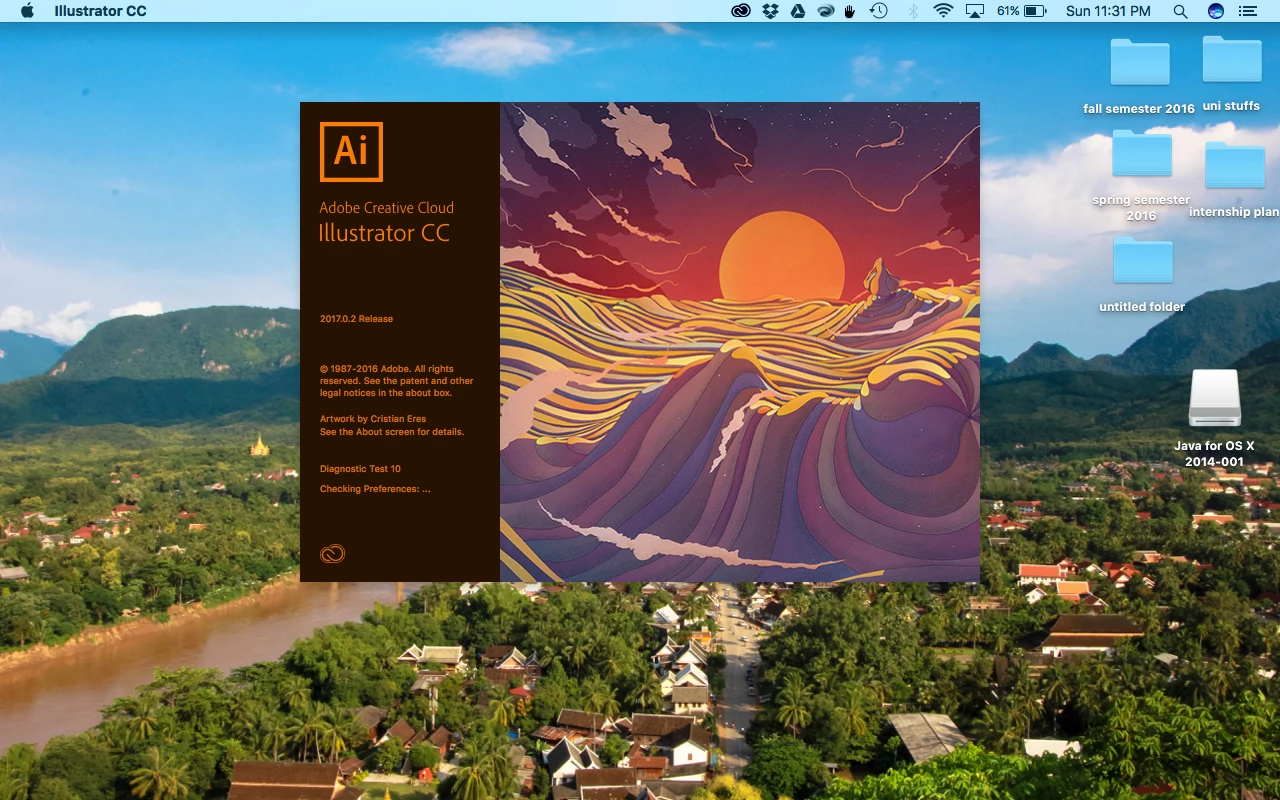
I really need your help to solve the problem opening illustrator and indesign cc 2017. Those don't want to launch on my mac sierra 10.12.3. The apps freezes like this everytime I try to open.
This topic has been closed for replies.

2 replies

Om Nath Jha
Legend
April 4, 2017

Hi Melinda,

As Sebastian mentioned above, please reset/delete the Illustrator preferences and then try to relaunch. In order to do that:

1. Close AI.

2. Navigate to Mac HD > Library > Application Support > Adobe > Delete "Adobe Illustrator 21" folder.

3. Navigate to User Library ( Press and hold Option key to show the user library from the "Go" menu) > Preferences > Delete "Adobe Illustrator 21 settings" folder.

4. Re launch AI and check.

Thanks,

Om

Sebastian Bleak
Community Expert
Community Expert
March 6, 2017

I usually try to uninstall then reinstall the programs. I find it an easy fix with the Creative Cloud app. If the problem continues then I clear my preferences.