


Participant
August 5, 2025
Question

Adobe illustrator can't open the file - can only read it partlially

  • August 5, 2025
  • 2 replies
  • 89 views

I remember having difficulties saving it when I was working on it, saying it "tried to save it but failed" I ended up saving it without getting an error message (by unticking the "create a PDF friendly verion" in the save option) but didn't check on the file, thinking everything was OK.


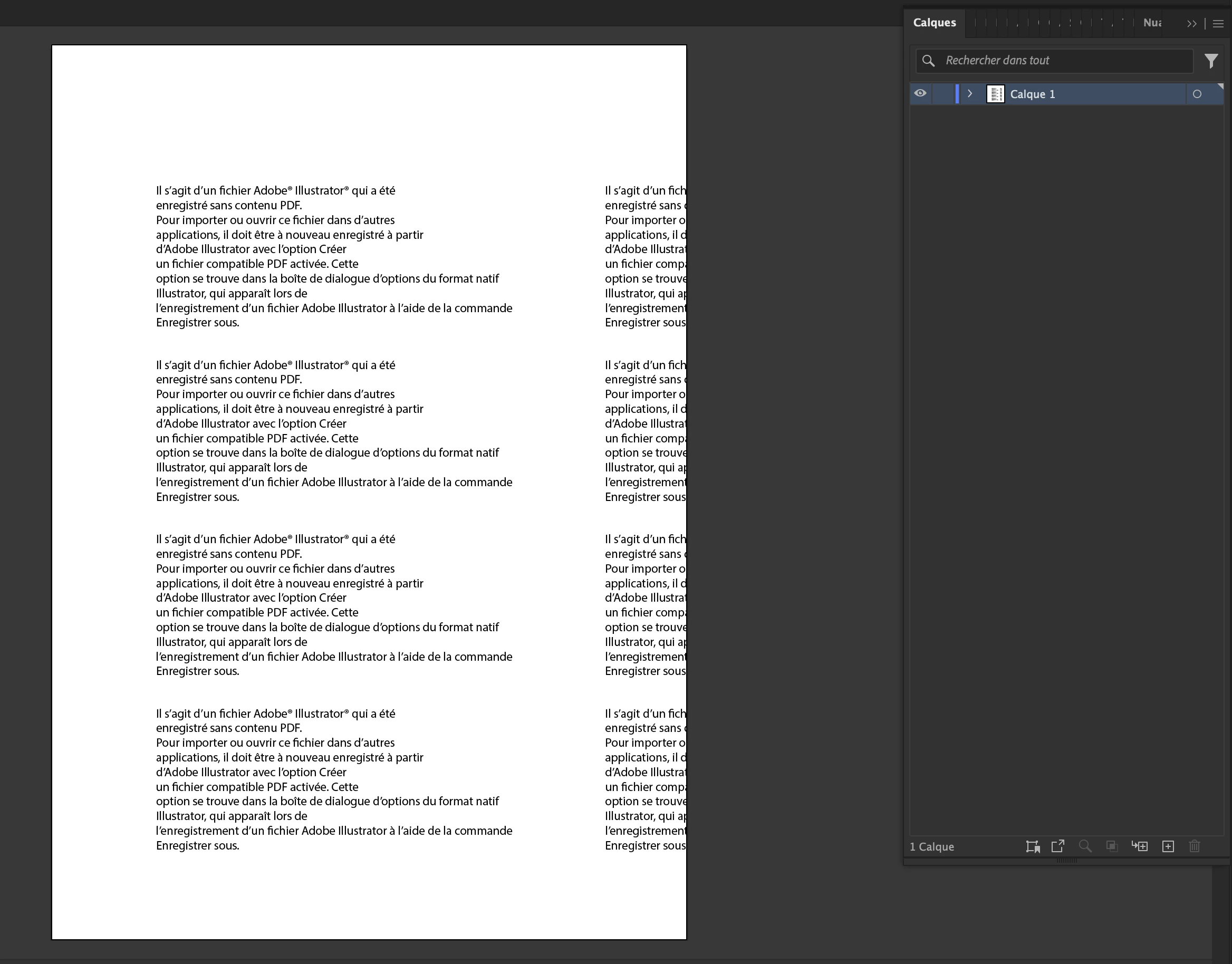
Now, I just can't open it. Upon opening the file, adobe illustrator says it can't open the file correctly, can only read it partially and will try to retrieve elements in it. then, it opens and I only get a text box with text saying the file was not saved using a PDF option and all...


If anyone can help. Thanks so much for helping me retrieving my work!


here's the file if anyone is curious

https://www.swisstransfer.com/d/55a79bb5-5d75-4d27-bc1d-c4ba2d5f4b73


2 replies

Anubhav M
Community Manager
Community Manager
August 5, 2025

Hello @perrin28825779gwwe,

Thanks for your patience and for sharing the file with us. Despite attempting to recover from the file, regrettably, there was nothing left to salvage. We understand this may not be the ideal outcome, and we apologize for any inconvenience.


Could you confirm if the file was saved on a network, removable drive, or a cloud-synced folder like Google Drive or Dropbox? Storing files in such locations can sometimes lead to corruption issues.

To avoid similar situations in the future, we advise saving multiple copies of your active work locally or saving them as cloud documents.

Please don't hesitate to reach out if you have any further questions or need assistance. We're here to help.


Anubhav

Anubhav M
Community Manager
Community Manager
August 5, 2025

Hello @perrin28825779gwwe,

Thank you for sharing the file with us. Kindly allow me some time to check this with the team.


Anubhav