
Question
Adobe Illustrator CC 2017 designer interface not responding as expected
Hey everyone,
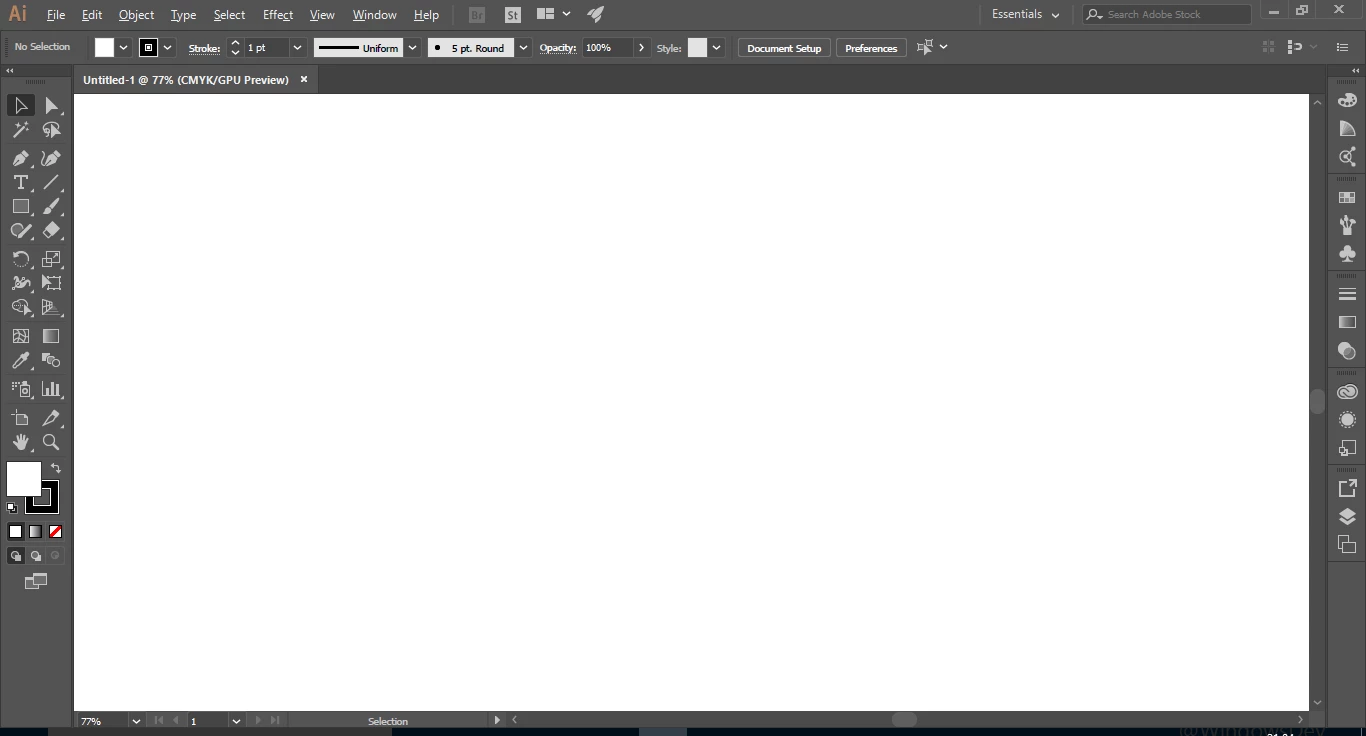
I'm using Adobe Illustrator CC 2017 (downloaded and installed from Adobe Creative Cloud). After installation, when I try to create new file or open any file, the designer interface goes white / blank. Tried reinstalling but still same issue. Tried resetting Windows and reinstalling the software, still facing same issue.
When I try to draw something, the mouse shows it is drawing, but it draws/shows nothing.
Here is the screenshot. How to fix this??


 AdChoices