
Participant
November 15, 2023
Question

adobe illustrator copy and paste problem

  • November 15, 2023
  • 1 reply
  • 571 views

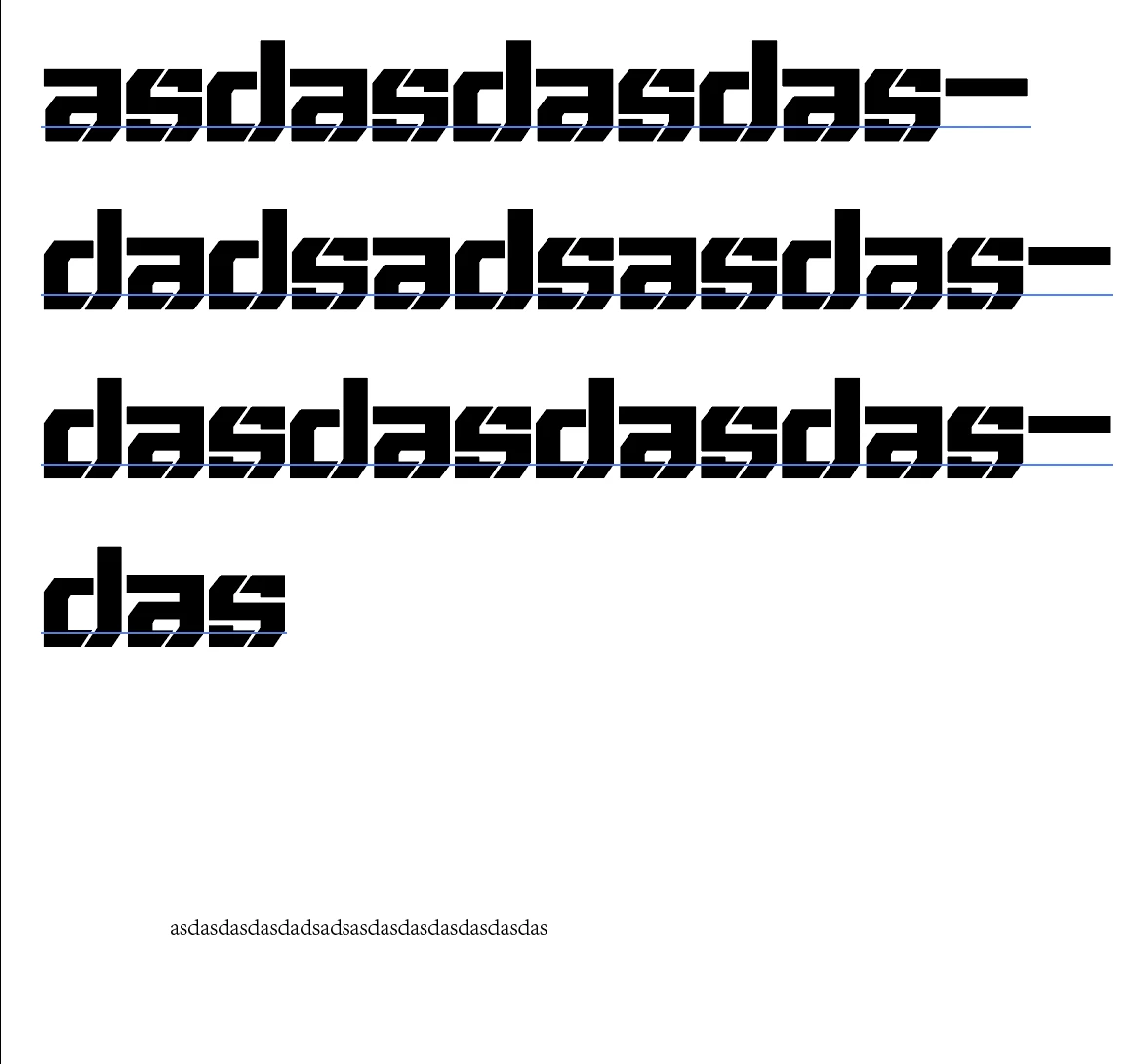
Why does my Adobe Illustration always lose the font style when copying and pasting text, and then when copying and pasting files containing text in complex graphics, only the text appears? How to restore settings
This topic has been closed for replies.

1 reply

Monika Gause
Community Expert
Community Expert
November 15, 2023

you have to search for that third party app in your system that interferes with the clipboard.

Maybe of of these: 

  • Parallels Toolbox running with the Clipboard History
  • TeamVewer Clipboard > Use Shared Clipboard
  • Apple iOS device simulator from Xcode
  • Windows Multi-clipboard
  • Windows Clipboard History
  • Chrome Remote Desktop
  • Mouse Pointer Highlighter
  • AnyViewer
  • Pastebot app
  • Overzealous antivirus (Digital Guardian) as well as viruses that empty the clipboard
Participant
November 16, 2023

The problem described has not been solved yet. The problem I encountered is exactly the same as the one in this post.

https://community.adobe.com/t5/illustrator-discussions/copying-artwork-results-in-pasting-only-text/m-p/14235964#M387750

Monika Gause
Community Expert
Community Expert
November 16, 2023

Did you read that complete thread and tried everything?

Did you also try and reset your preferences (this will erase all your settings)?


Did you go through my list and checked all those items?