


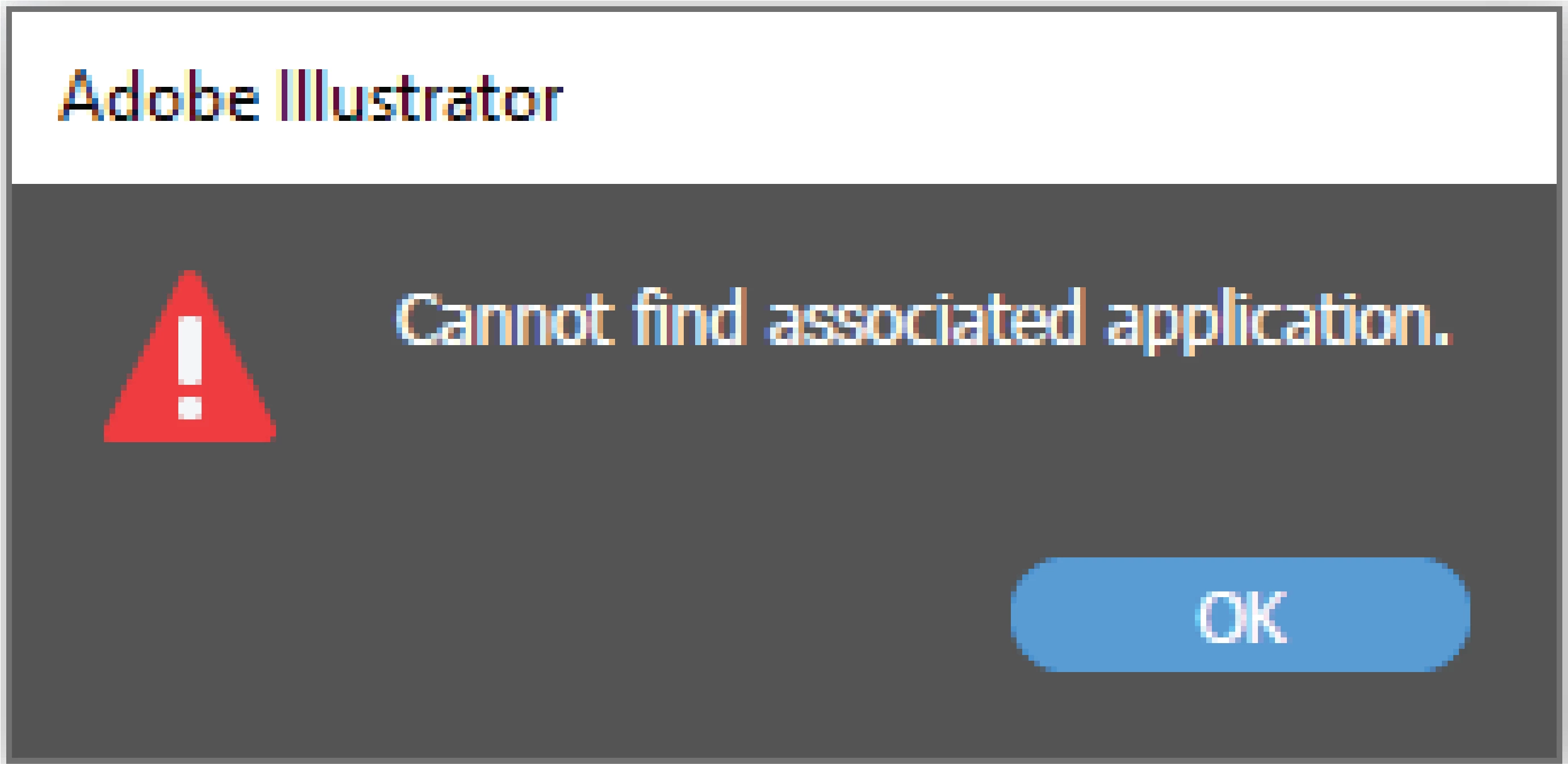
Adobe Illustrator "Edit In Photoshop" Command "Cannot Find Associated Application" Error
Hello, I'm working as a designer in an institution that produces personalized products. I constantly use photoshop and illustrator. Sometimes we need to put photos of our customers into the designs we create in illustrator, and these photos need to be edited in photoshop. After I put the photo into Illustrator, the "Edit In Photoshop" button, which I always use, gives an error saying "Cannot find associated application".
I searched the forums for the solution many times but I can't find.
I tried other people's solutions, I write what I tried below;
Uninstall Photoshop and reinstall (Older versions and newer versions include Betas)
Uninstall Illustrator and reinstall (same as Photoshop)
Reset preferences in Illustrator and Photoshop
Search error message in Google (No one has shared anything about this)
Search error message box in Google Photos (No one has shared anything about this)
Search YouTube solutions (no solution)
By the way, it works fine on the company computer, but I can never solve it on my home computer, sometimes I work at home
Versions of the programs I use and tried to solve
Photoshop 25.1-25.0-Beta
Illustrator 28.0-27.9-Beta
 AdChoices