

Known Participant
April 9, 2021
Answered

Adobe Illustrator Graphic Styles Panel Error

  • April 9, 2021
  • 3 replies
  • 1434 views

Hi.


I am new to iMac this week and have had an issue with my Adobe Illustrator, I believe it's a self inflicted issue but need help!

I am running Big Sur 11.2.3

27" 5k iMac 2020

1TB SSD

3.3 GHz 6-Core Intel Core i5

16 GB 2667 MHz DDR4

AMD Radeon Pro 5300 4 GB

I have collated all of the Graphic Styles stored in the Illustrator files upon installation and put them into an AI file so I can use them to import onto other devices to keep all my styles the same.

However I believe one of the styles seems to be somehow corrupt as I keep getting the following error.
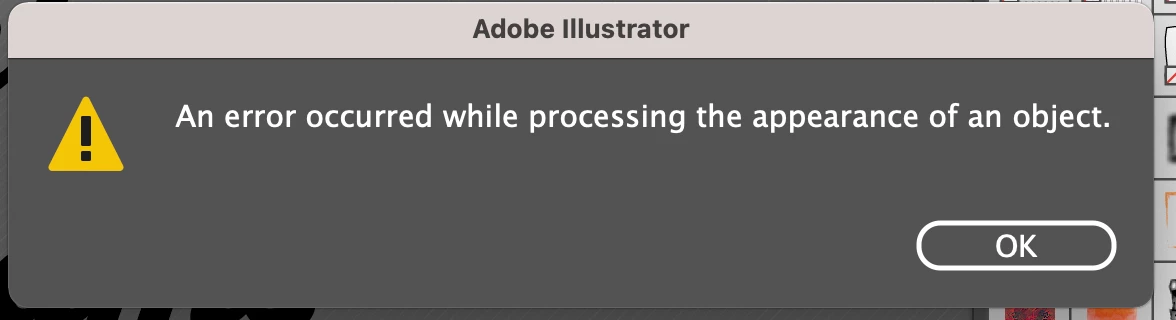
I cannot seem to fathom what this is or possibly what specific Graphic Style it is if that is the issue. 
When I press 'Ok' and go back to the panel it comes up again not allowing me to use the panel at all.

However once I relaunched Illustrator the other day it worked fine for a bit then came up again but since then it's not letting me do anything through this panel. And when trying to save or close illustrator after acknowledging the message it also comes up again and stops me from saving or quitting.

Sorry for this being so long I just want to put all the info over as best as I can.


I have attached the AI file via a Dropbox link below (as I can't upload it here for some reason) incase someone wants to try it in their graphic styles or see if they can find the issue.

https://www.dropbox.com/s/pmcznvtwn5ya50p/ALL%20GRAPHIC%20STYLES.ai?dl=0

I have also done this with other panels such as swatches however they seem to work perfectly fine.

Thanks,
Stephen Underwood
Student Graphic Designer

This topic has been closed for replies.
Correct answer Ton Frederiks

@stephen.create wrote:

Because I personally found that it was very tedious opening like 5 different panels just to find a certain graphic style. I just wanted the ability to be able to see them all in one panel at a glance.


You can try this:

In a new document, open one of the styles panels.

Select Make Persistant from the Panel menu.

Drag it to your panels and create a new Window > Workspace.

The panel will be visible in all documents and has 2 arrows to go back and forth between all Graphic Styles panels.

3 replies

Known Participant
April 9, 2021

Also everytime I close the graphic styles menu the error won't show again unless I open the menu and try to use a style or the menu.

Kurt Gold
Community Expert
Community Expert
April 9, 2021

Sometimes I get the same warning message for any reason.


Usually it will disappear (and not reappear again) if one decreases the ppi settings in the Document Raster Effect settings dialog (see Effect menu).


Known Participant
April 9, 2021

My message keeps coming up and my ppi is set to 300. Is this ok? 

Ton Frederiks
Community Expert
Community Expert
April 9, 2021

I wonder why you created such a heavy 10,3 mb file when all these styles are already available from the graphic styles panel?

Known Participant
April 9, 2021

Because I personally found that it was very tedious opening like 5 different panels just to find a certain graphic style. I just wanted the ability to be able to see them all in one panel at a glance.

Ton Frederiks
Community Expert
Ton FrederiksCommunity ExpertCorrect answer
Community Expert
April 9, 2021

@stephen.create wrote:

Because I personally found that it was very tedious opening like 5 different panels just to find a certain graphic style. I just wanted the ability to be able to see them all in one panel at a glance.


You can try this:

In a new document, open one of the styles panels.

Select Make Persistant from the Panel menu.

Drag it to your panels and create a new Window > Workspace.

The panel will be visible in all documents and has 2 arrows to go back and forth between all Graphic Styles panels.