Participating Frequently
Oct 16, 2024 2:00 PM UTC
Question

Adobe Illustrator Lagging

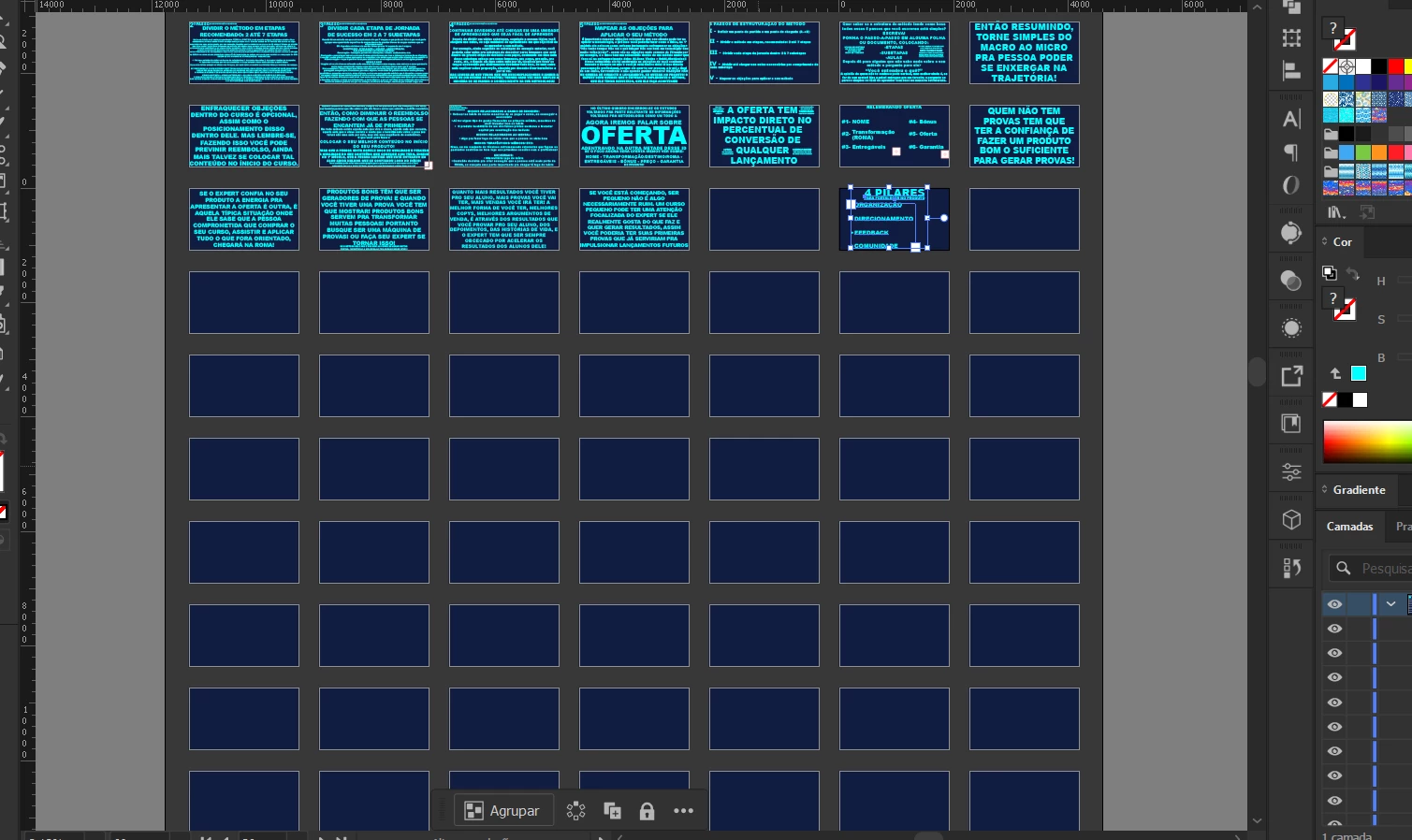
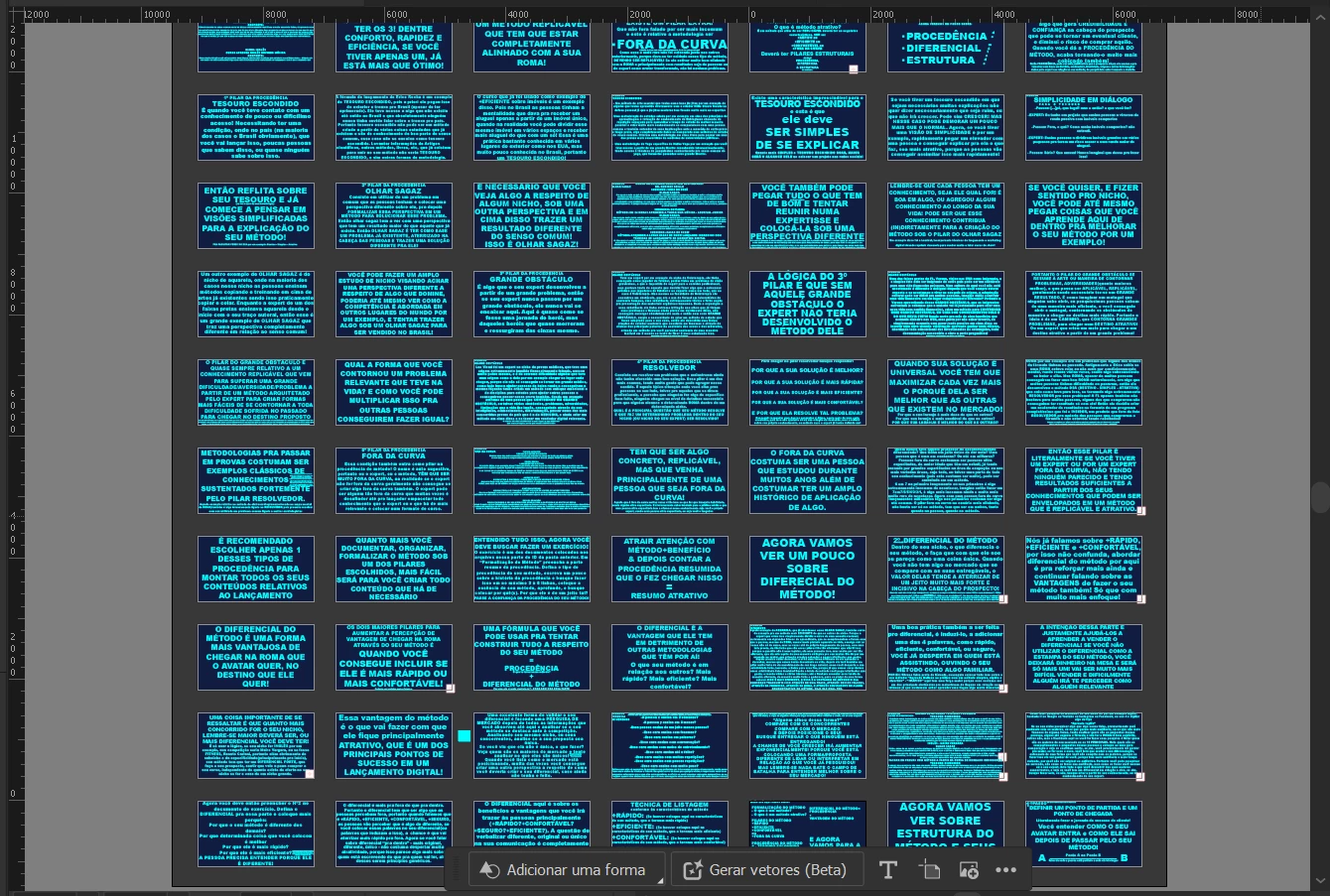
Hi, I use adobe illustrator for studies ends, and it is lagging, Before I thought that was because the number of study slides that I was with, but then when I restart my notebook, it started to be normal for some time when I open the application, but after a certain ammount of time it started to lag again, specifically more when I delete letters. 
Is there something I can do to remove this lag completely?


This topic is closed to new replies. Start a new post to keep the conversation going.

8 replies

Community Expert
Oct 19, 2024 11:12 PM UTC

Honestly, for a document around 90 pages long, containing only text-based objects, I wouldn't use Illustrator for that purpose. I would opt for InDesign. That application is better for handling long documents.

Translate
Anshul_Saini
Community Manager
Community Manager
Oct 16, 2024 2:18 PM UTC

Hi @Marcelo35554170cyfq,


I understand how frustrating lagging can be, especially when you’re working on important studies. Could you please share your system specifications and the version of Illustrator you’re using? Also, does this issue happen with a specific file or with all files? Finally, where is the file saved—locally on your notebook or on a network drive? This information will help us troubleshoot the lag you’re experiencing. Thank you!


Best,

Anshul Saini

Translate
Participating Frequently
Oct 19, 2024 2:03 PM UTC

I'm sorry, I've just updated, I don't remember exactly what version was, but it was the last one before the new one.  I got a notebook, with 110gb disk space free, and rtx 2060 and intel core i7 9th gen

Translate
Monika Gause
Community Expert
Community Expert
Oct 19, 2024 2:41 PM UTC

THose are a lot of artboards with a lot of text and how much RAM do you have? ANd where is the file located?


How many fonts are active?

Translate