Answered
adobe illustrator pen not callibrating and filling outside the selection
I'm creating shapes in Adobe Illustrator and the pixels/fill is filling outside of the selection. I already ensured all the shapes are closed. I reset the app as well.
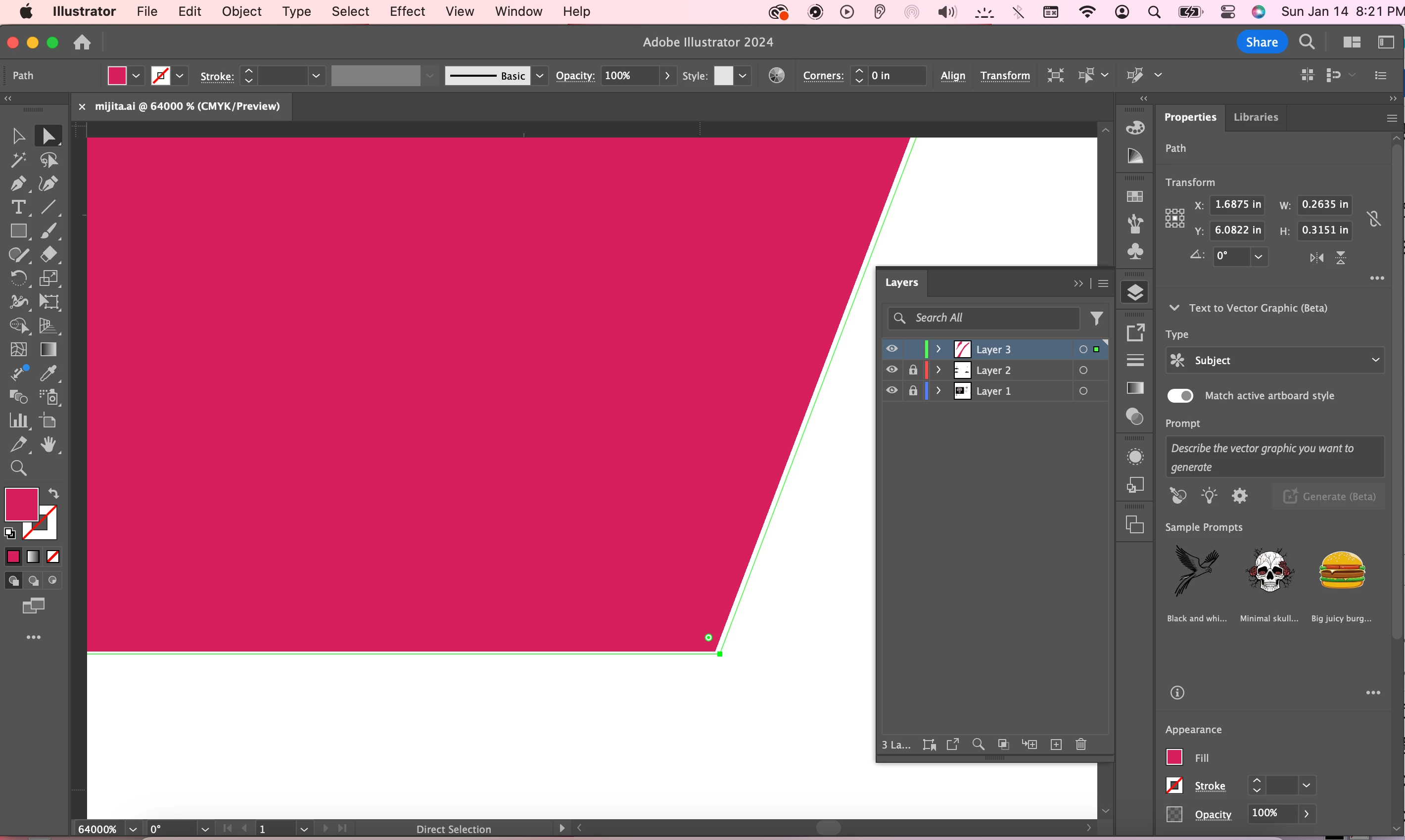

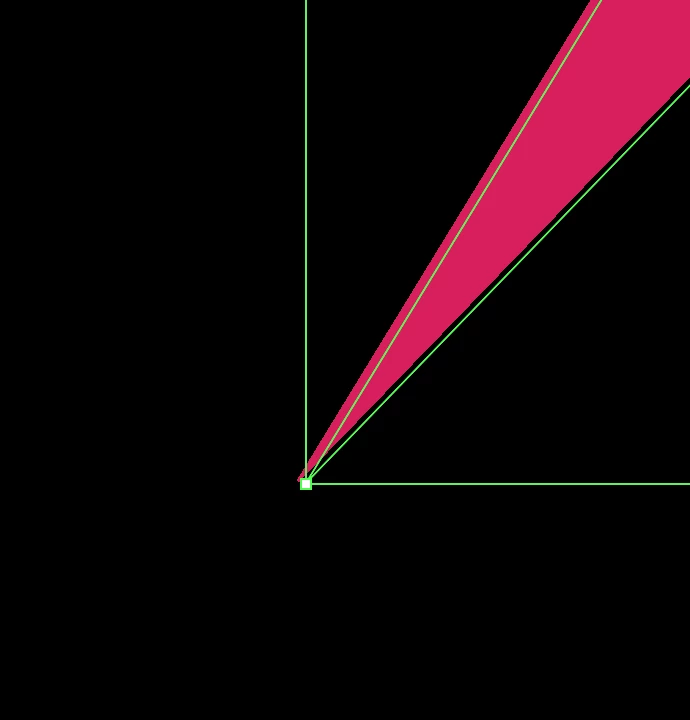

I'm creating shapes in Adobe Illustrator and the pixels/fill is filling outside of the selection. I already ensured all the shapes are closed. I reset the app as well.
Looks like a Preview problem. Try if switching between GPU/CPU Preview (CMD -E) changes it.
Already have an account? Login
Enter your E-mail address. We'll send you an e-mail with instructions to reset your password.
 AdChoices