


Participant
July 23, 2025
Question

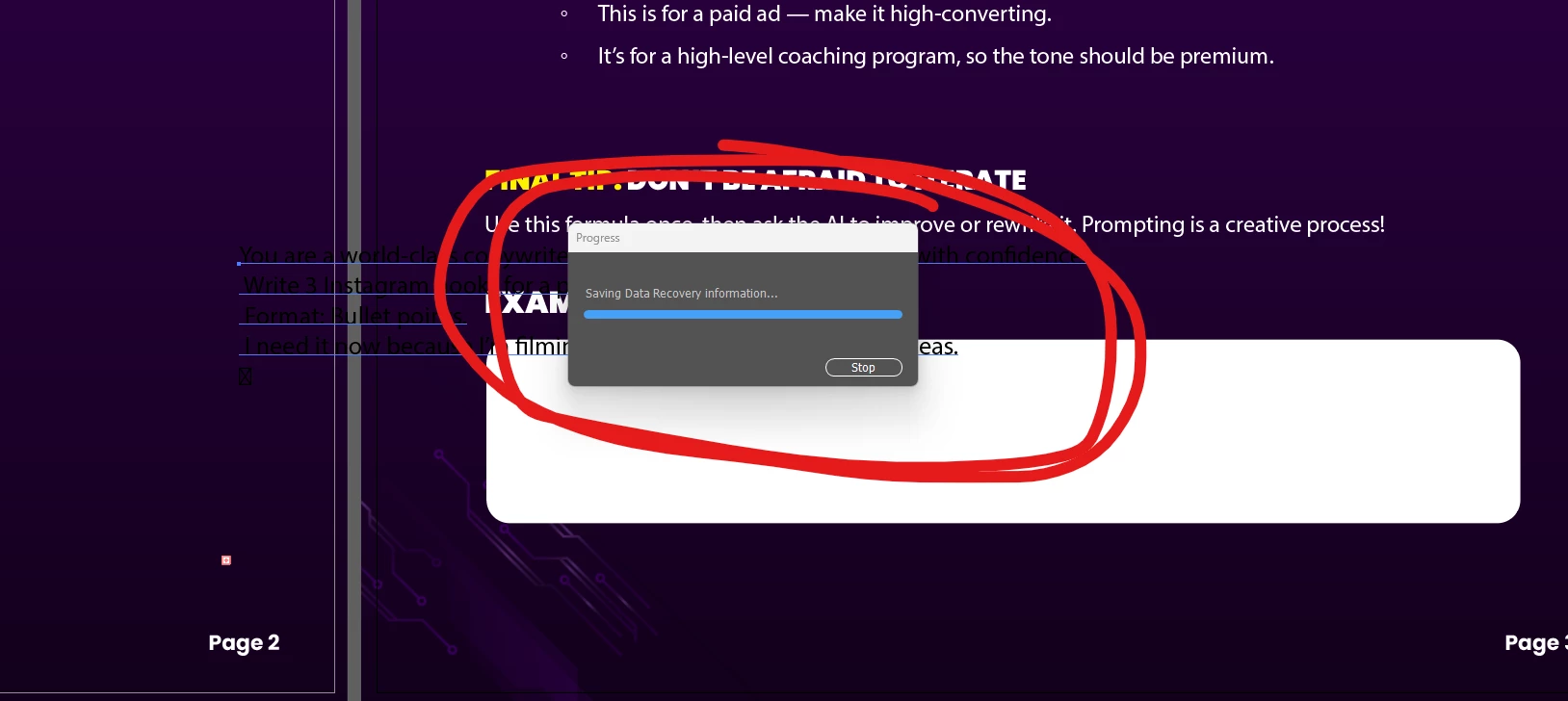
Adobe Illustrator stuck on "Saving Data Recovery Information"

  • July 23, 2025
  • 2 replies
  • 152 views

Hi I need help with this Issue. I get stuck with this Saving Data Recovery Information. If I click stop, illustrator would go into outline view and I will not be able to save, save a copy or even export the document. I already lost a lot of progress with this issue. And the data recovery doesn't work at all, it will go back to the black document I started with.


    2 replies

    katherinepaterson
    Participant
    March 18, 2026

    I am having the same issue! I’ve had to remake my freelance project twice from scratch bc of this issue.
    The file base is a duplicate of a client presentation template I use for every projects. So maybe I need to copy over elements to a fresh doc instead of using the duplicate.
     

    Using the v29.7.0 version of illustrator, currently upgrading to v30.2.1. 

    Abhishek Rao
    Community Manager
    Community Manager
    March 18, 2026

    Hi ​@katherinepaterson,


    I’m really sorry to hear that you’ve had to recreate your project multiple times. I can understand how frustrating that must be.

    Since you’re already upgrading, could you please confirm if the issue still occurs on version 30.2.1 once the update is complete. Also, it would help if you could share your OS details so we can check this more precisely from our end.

    In addition, please try turning off the background saving option by going to Preferences and then File Handling and unchecking “Save in Background”. 

    Once you’ve had a chance to test this, let me know how it goes and if you’re still facing the issue.


    I’ll be happy to take it further with the team if needed.

    Abhishek

    kglad
    Community Expert
    Community Expert
    July 23, 2025

    in the future, to find the best place to post your message, use the list here, https://community.adobe.com/

    p.s. i don't think the adobe website, and forums in particular, are easy to navigate, so don't spend a lot of time searching that forum list. do your best and we'll move the post (like this one has already been moved) if it helps you get responses.


    <"moved from using the community">
    Anubhav M
    Community Manager
    Community Manager
    July 24, 2025

    Hello @Mark David C.,

    I'm sorry to hear about your experience. Could you share more details, like the version of the OS/Illustrator installed, and if Illustrator behaves this way with specific files or files from a particular folder location (internal/external/network drive or a cloud-synced folder like iCloud Drive/Dropbox/etc.) so I can better assist you?

    Looking forward to hearing from you.

    Anubhav