


Participant
April 6, 2020
Answered

Adobe Illustrator Swatch Management

  • April 6, 2020
  • 3 replies
  • 6168 views

Hi..Mac Users, please help. I have a simple question regarding organizing my Illustration Swatches. 


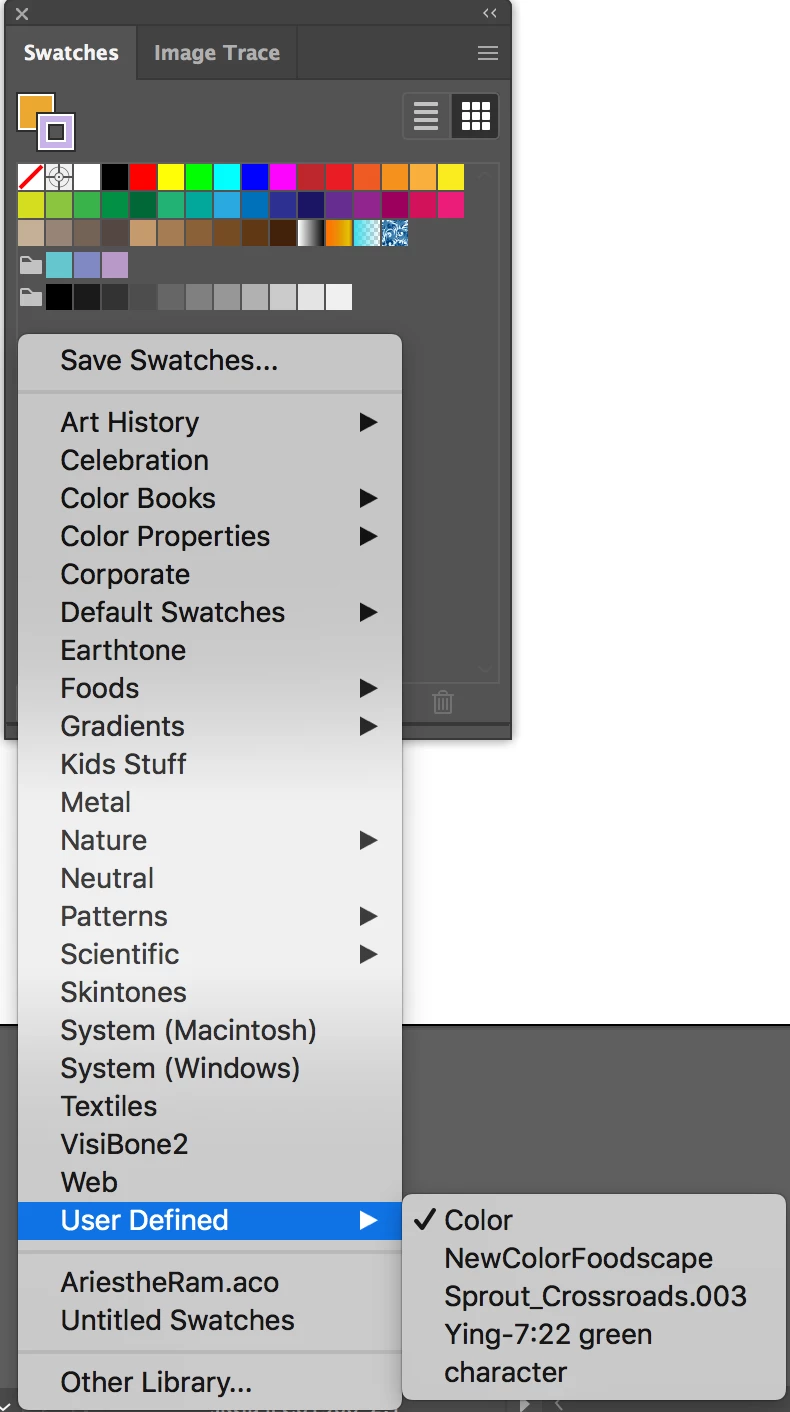
Where can I delete the swatches I imported a long time ago? There's a section called: User-Defined from my swatch drop-down selections, but I couldn't find anywhere to remove them. (I went to Application/Presets/Swatches, but still couldn't find them...) Please see the screenshot 1. 
 

Another question is..I didn't know how to import .aco swatch to Illustrator so I use Photoshop export swatch to .ase so I can import it to Illustrator...(is this is the correct way to do it?)

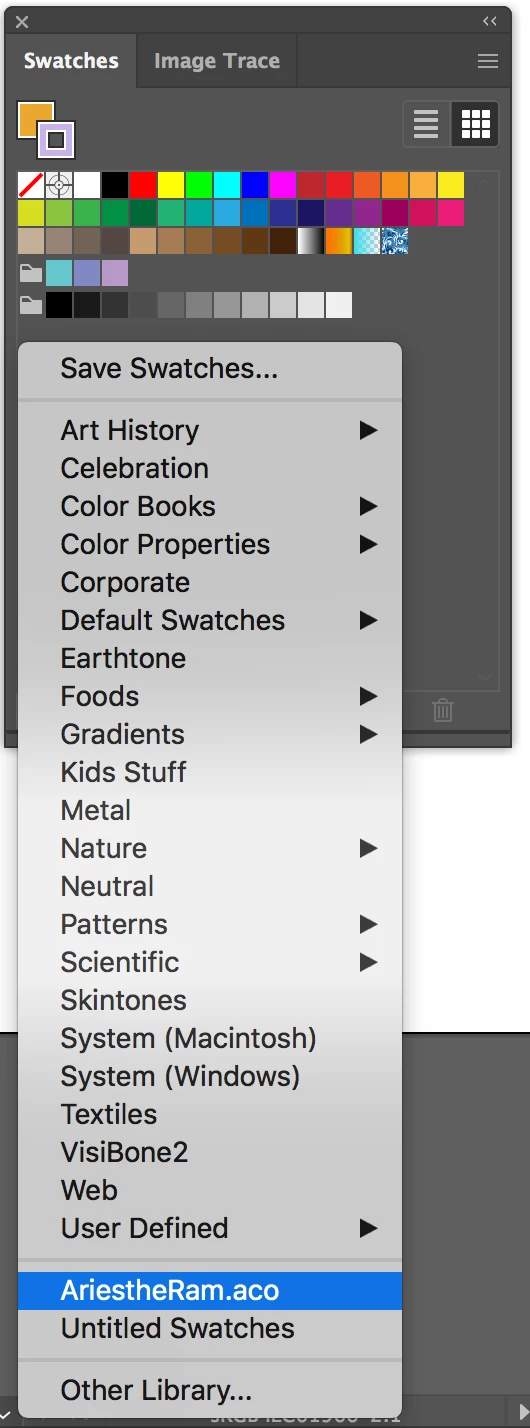
But, I don't know how to remove them from the drop-down swatch selections. Please see screenshot 2. 
Correct answer Kathryn339753535137

thank you @Mike_Gondek10189183. was saw lots of other posts addressing this issue and still couldn't find the library folder until you mentioned holding down option key.

3 replies

Kathryn339753535137Correct answer
Participant
July 10, 2024

thank you @Mike_Gondek10189183. was saw lots of other posts addressing this issue and still couldn't find the library folder until you mentioned holding down option key.

logozuu
Participating Frequently
August 8, 2020

You are a star, Mike. I've been looking for a solution on this for ages. Can't understand why Adobe hides the illustrator application support folder but reveals folders for all the other adobe apps. Can finally update the user defined swatch files.

Monika Gause
Community Expert
Community Expert
August 8, 2020

It's Mac OS that hides this folder from you.

It's also Mac OS that prevents you from writing into these folders directly out of the application.

tromboniator
Community Expert
Community Expert
April 6, 2020

In the Finder, go to Library > Application Support > Adobe > Adobe Illustrator [version number] > en_US (or other language designation) > Swatches. User-defined swatches live there.


Peter

yingNYCAuthor
Participant
April 7, 2020

Yes, that was where I went to but still cannot find them....thanks tho! 

Mike_Gondek10189183
Community Expert
Community Expert
April 7, 2020

When you use the swatches flyout menu >> Save swatch library as ASE, user defined swatches are created here:

 Macintosh HD >> Users >> (YOURUSERNAME) >> Library >> Application Support >> Adobe >> Adobe Illustrator [version number] >> en_US (or other language designation) > Swatches


That library folder is actually hidden, but you can get there by finder >> go >> (Hold down Option to reveal) Library


To share swatches between Photoshop & Illustrator use the .ase format. Photohsop's swatch panel flyout >> export swatches for Exchange, is the command to use.