Participant
August 1, 2020
Answered

Adobe Illustrator tools missing

  • August 1, 2020
  • 1 reply
  • 385 views

Hello,

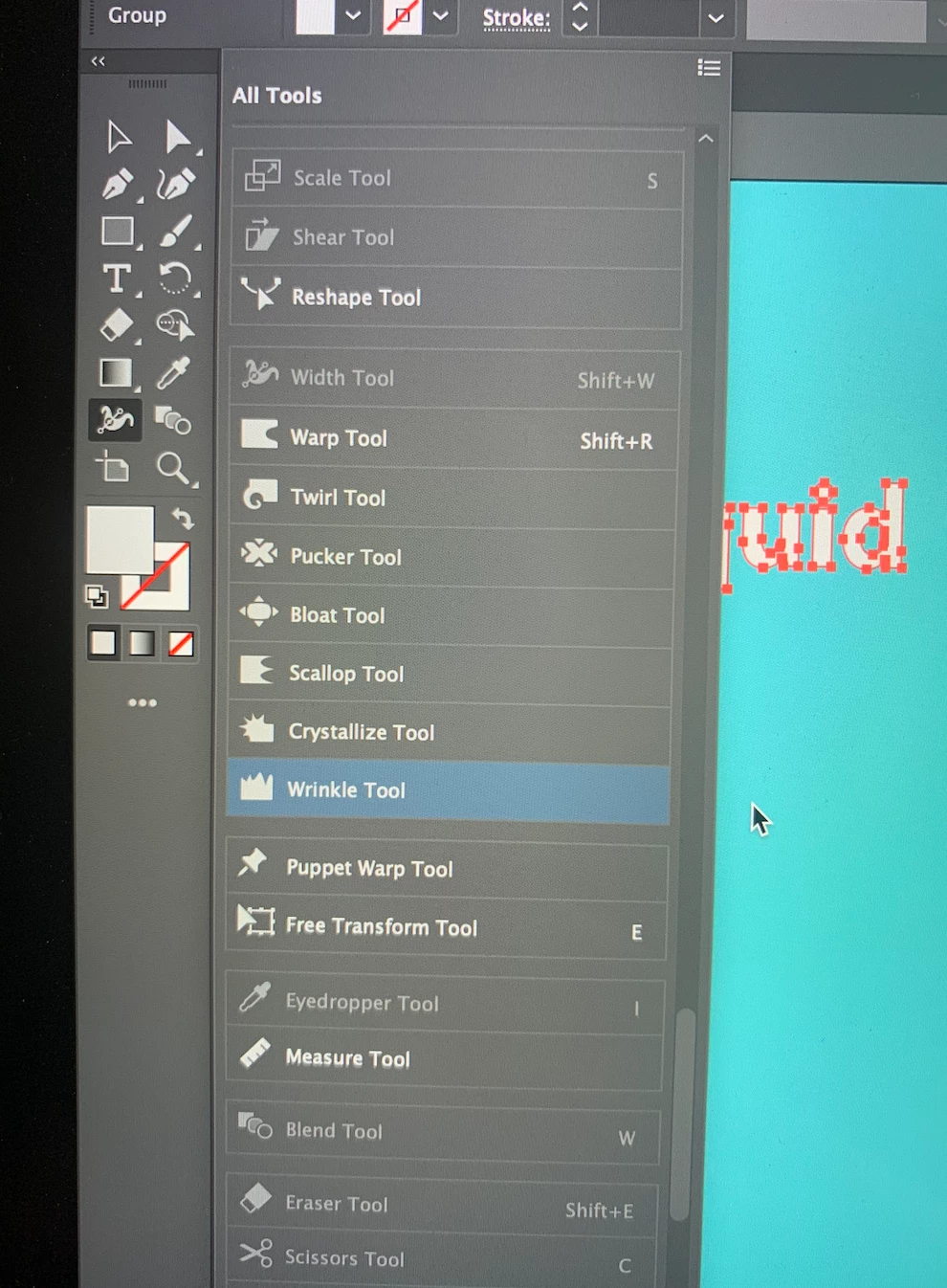
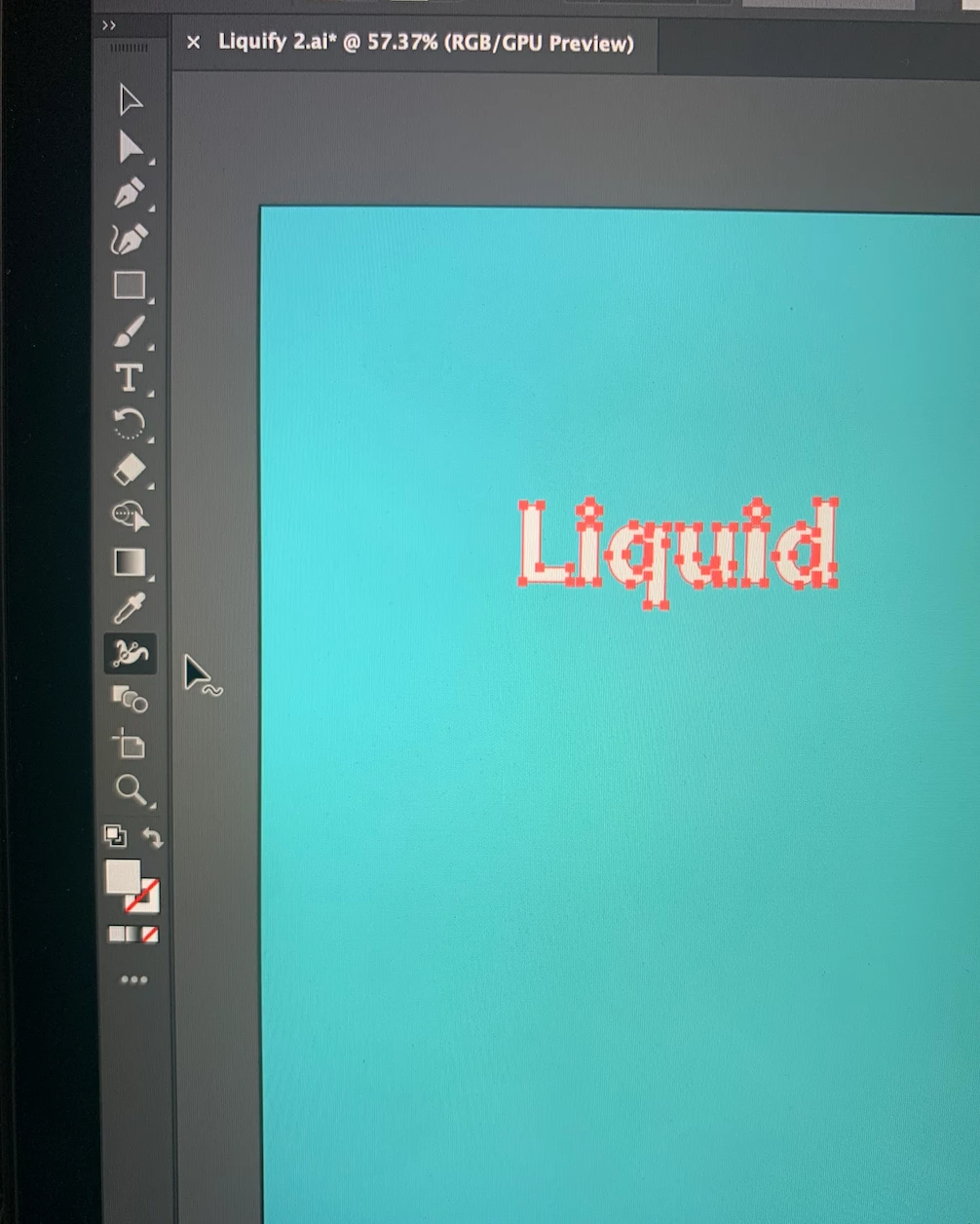
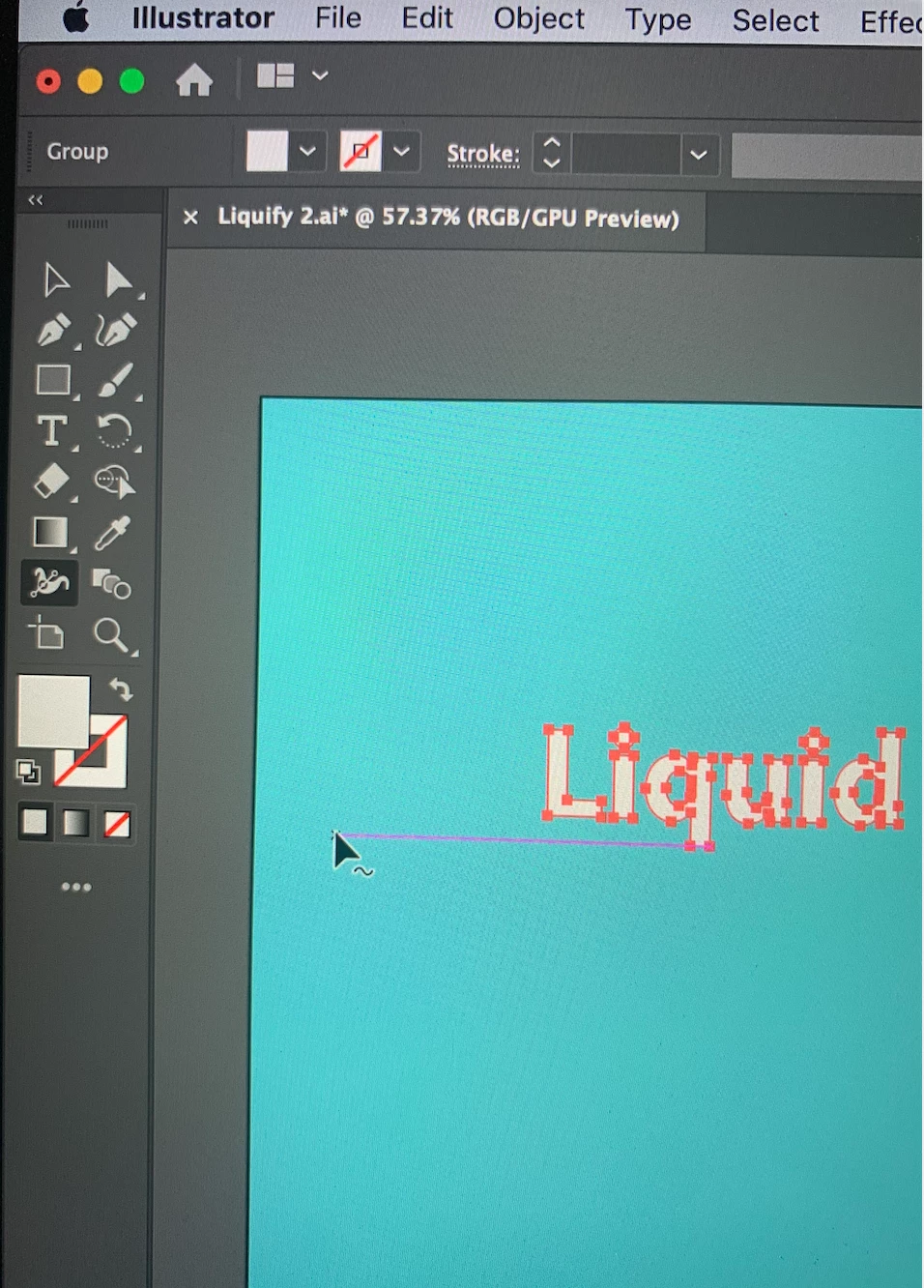
Has anything changed with the new Adobe Illustrator updates? Most of my tools have dissapeared. I have to click on the ... 3 dots to find them on a list but I cannot use some of them at all, I click on them and nothing happens. For example, the Width Tool has other 7 tools to switch between, but they are not there anymore. Am I doing something wrong? Before the updates it worked just fine. Any suggestions please? Thank you


This topic has been closed for replies.
Correct answer Monika Gause

Please select Window > Tools > Advanced to see the complete tools panel.

Please do also read this: https://helpx.adobe.com/illustrator/using/tools.html

1 reply

Monika Gause
Community Expert
Monika GauseCommunity ExpertCorrect answer
Community Expert
August 1, 2020

Please select Window > Tools > Advanced to see the complete tools panel.

Please do also read this: https://helpx.adobe.com/illustrator/using/tools.html

Sara MAuthor
Participant
August 2, 2020
Thank you so much, it worked!