Participant
September 18, 2020
Answered

Adobe Illustrator Trace Expertise needed [Help]

  • September 18, 2020
  • 1 reply
  • 369 views

Hello everyone,


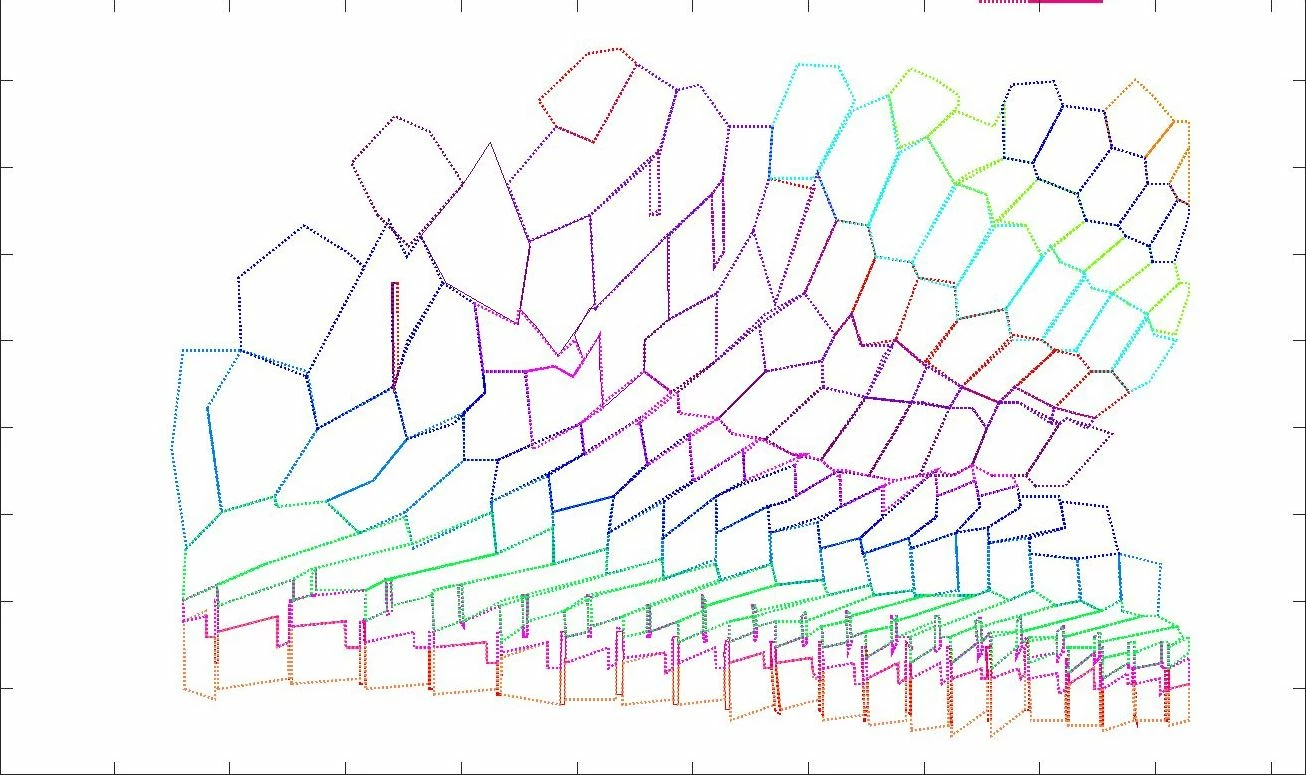
I was hoping that someone can help me with an Image Tracing issue, as I do not have much experience in using this feature. Namely, in the image bellow, I would just lake to trace everything in the bottom of the template that is outlined in green and fill it with green (one and the same color for outlines and inside). The rest of the image I would just like to be white.

The result could look the image bellow the source one (I did it by hand for now 😞  )

I have tried everything but I do not manage to resolve this. Would there be among you maybe an expert in Image Tracing that could help me?

Thank you in advance,

Aleksandra


This topic has been closed for replies.
Correct answer Grant H

Hi, you will not get an acceptable result with what you are hoping to achieve using image trace. Somethings will always depend on manual work and this is one of them. If you up the "paths" scale you will get the dots plus "artifacts". Even if you could do this resulting in a clean trace you would need to clean up/straighten/correct lines etc and then fill. It would be MUCH less work to simply use the pen tool.


1 reply

Grant H
Community Expert
Grant HCommunity ExpertCorrect answer
Community Expert
September 18, 2020

Hi, you will not get an acceptable result with what you are hoping to achieve using image trace. Somethings will always depend on manual work and this is one of them. If you up the "paths" scale you will get the dots plus "artifacts". Even if you could do this resulting in a clean trace you would need to clean up/straighten/correct lines etc and then fill. It would be MUCH less work to simply use the pen tool.


Participant
October 7, 2020

Grant, thanks so much for your answer.