

Answered
Adobe Illustrator Transform positioning bug
Hi,
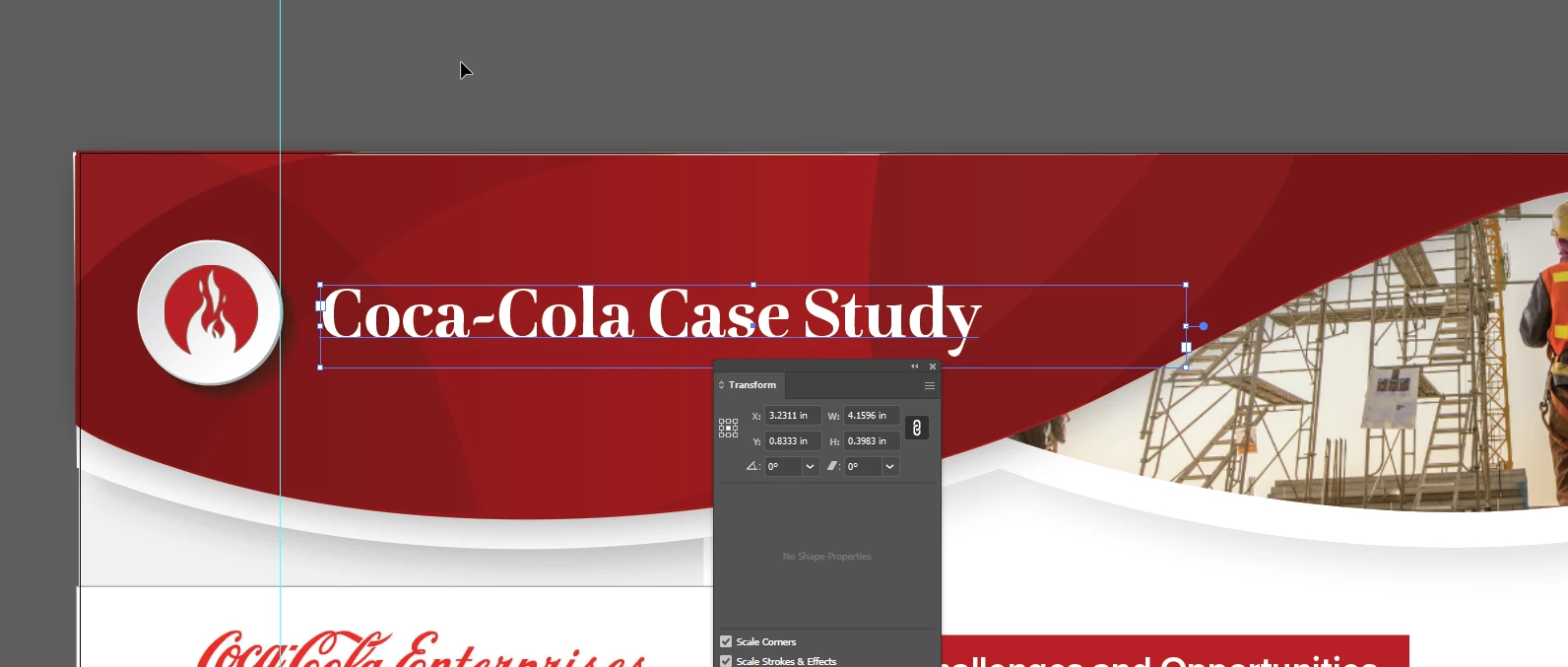
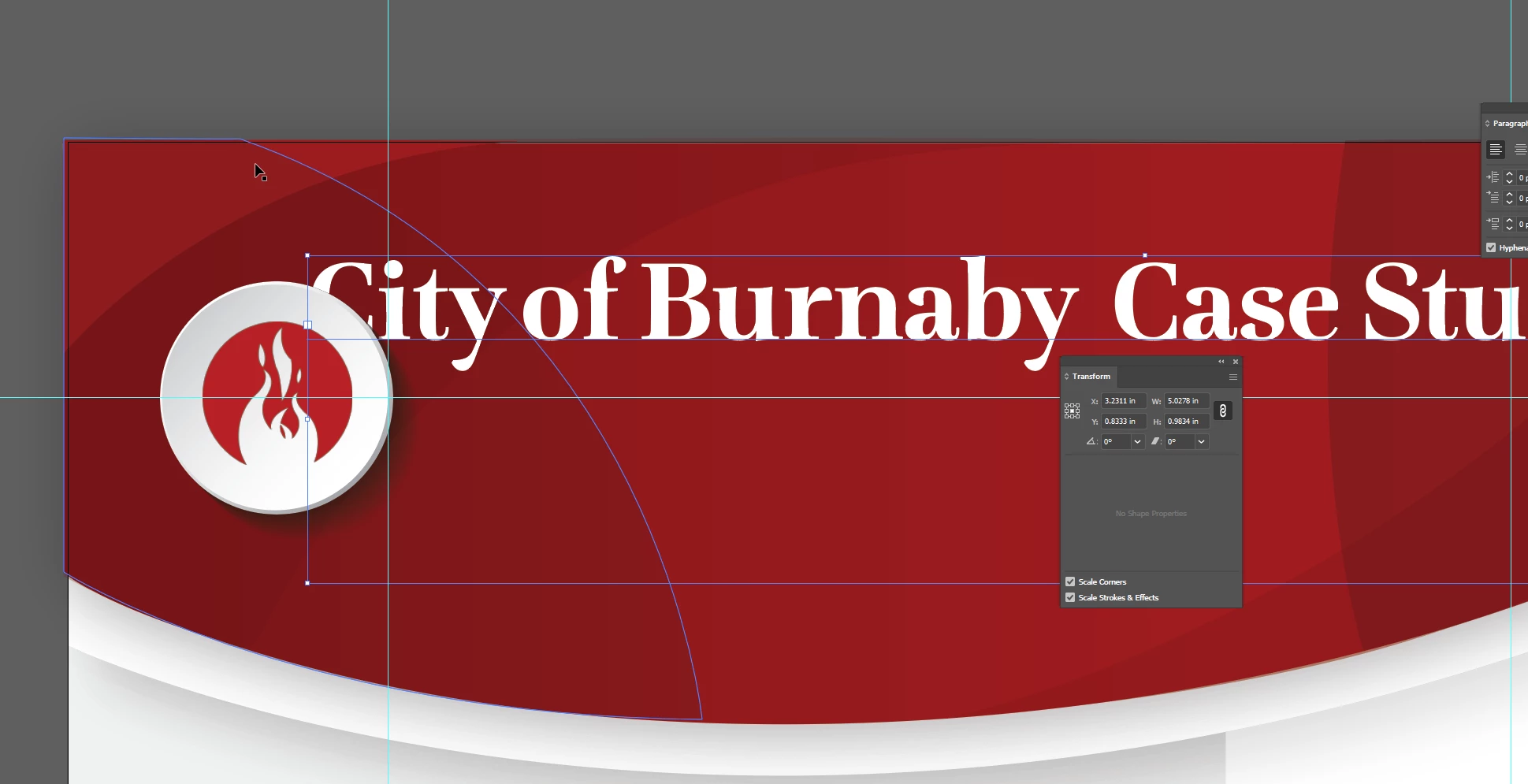
I am working on my current project and Illustrator is giving me inconsistent positoning with the x and y. Attached are two images showing a text box being given the same x and y values but is being positioned differently on the artboard. I know I can make it consistent across all artboard by copy and pasting it but is there a way I can fix the problem and use the Transform menu to make elements consistent across all artboards?


 AdChoices