


Dilly_Dally
Inspiring
August 22, 2026
Answered

Adobe Illustrator V 30 repeatedly crashing

  • August 22, 2026
  • 2 replies
  • 50 views


OS Name    Microsoft Windows 11 Home
Version    10.0.26200 Build 26200
System Manufacturer    Alienware
System Model    Alienware 18 Area-51 AA18250
System Type    x64-based PC


I have rest the preferences several times.  I have uninstalled and reinstalled it and reported the crash.
 

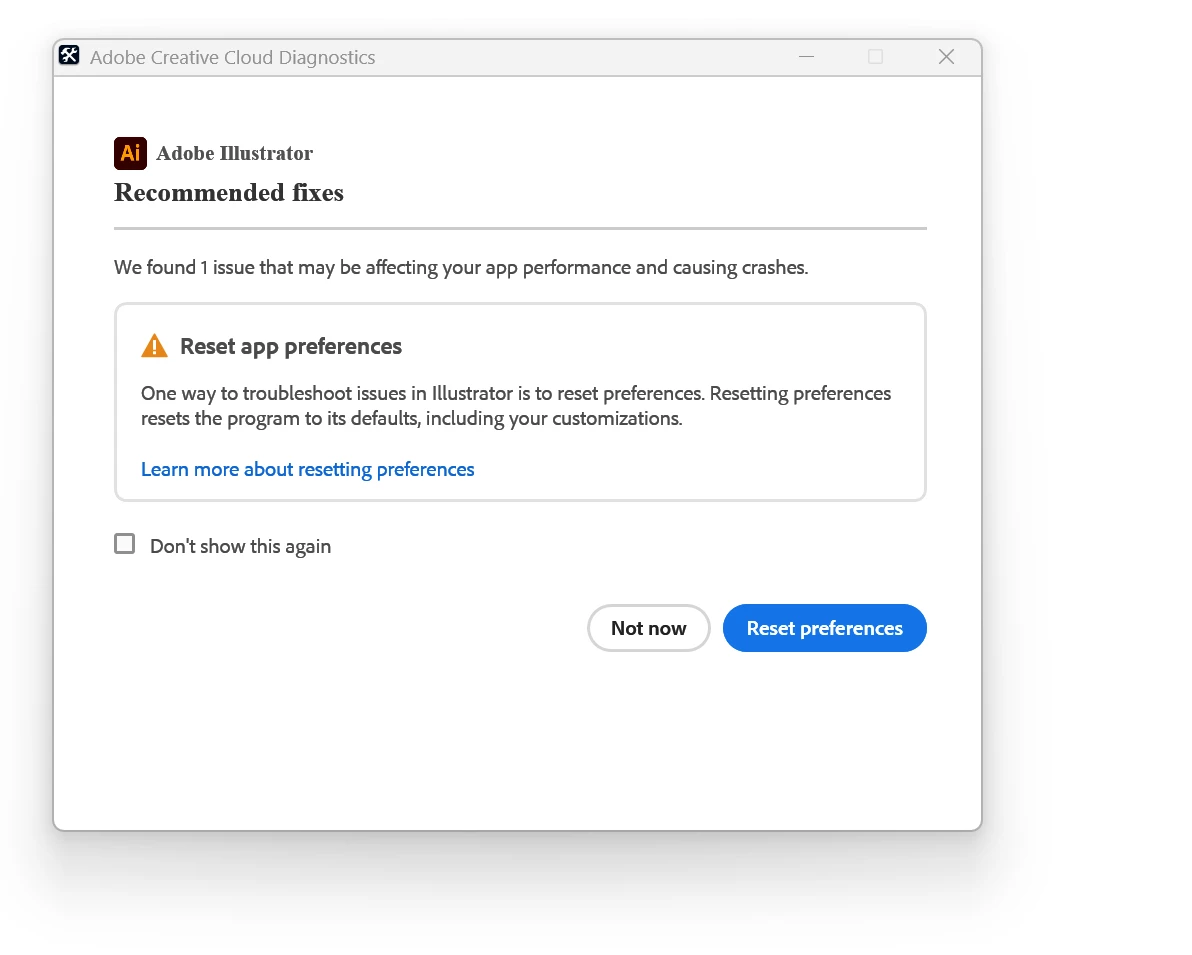
Illustrator keeps crashing.  The ‘error report’ looks like this.
 

    Correct answer creative explorer

    @Dilly_Dally Curious, when you are uninstalling sveral times, are you using Adobe Cleaner Tool as well?The Adobe Cleaner Tool is Adobe’s deep‑clean utility. It removes broken installs, leftover files, and corrupted components so you can reinstall your apps. https://helpx.adobe.com/ca/creative-cloud/apps/troubleshoot/diagnostics-repair-tools/run-creative-cloud-cleaner-tool.html

    I would use this, especially if you keep on getting that message, the tool will clear out bad preferences and caches that cause these crashes

    2 replies

    Dilly_Dally
    Inspiring
    August 22, 2026

    This fixed the problem!  Thanks!

    creative explorer
    Community Expert
    creative explorerCommunity ExpertCorrect answer
    Community Expert
    August 22, 2026

    @Dilly_Dally Curious, when you are uninstalling sveral times, are you using Adobe Cleaner Tool as well?The Adobe Cleaner Tool is Adobe’s deep‑clean utility. It removes broken installs, leftover files, and corrupted components so you can reinstall your apps. https://helpx.adobe.com/ca/creative-cloud/apps/troubleshoot/diagnostics-repair-tools/run-creative-cloud-cleaner-tool.html

    I would use this, especially if you keep on getting that message, the tool will clear out bad preferences and caches that cause these crashes

    m
