
Participant
November 16, 2020
Answered

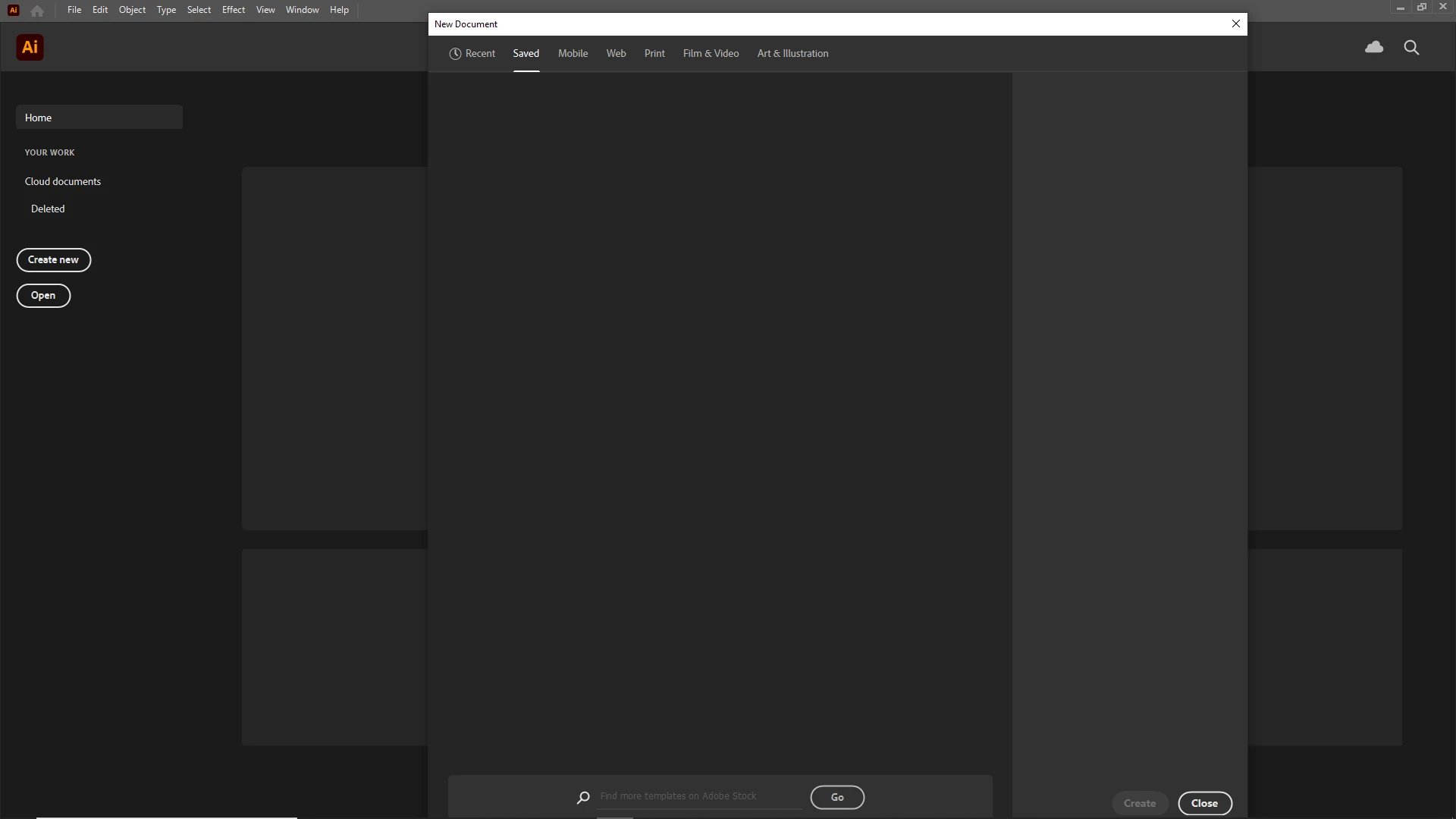
Adobe illustrator won't create/open a new file

  • November 16, 2020
  • 2 replies
  • 573 views

So I just downloaded the most recent version of adobe illustrator (25.0), when I went to create a new file, there were no templates and clicking the ones at the bottom won't do a thing. I tried opening a file, still won't work. I've tried uninstalling and reinstalling as well.
This topic has been closed for replies.
Correct answer Ashutosh_Mishra

Hi there,


Sorry to hear about this. Please update your app to the latest version & let us know if it helps.

You may also try creating a new user account on your machine & see how Illustrator performs there. Hope it helps.


Regards,

Ashutosh

2 replies

Ashutosh_Mishra
Ashutosh_MishraCorrect answer
Inspiring
January 4, 2021

Hi there,


Sorry to hear about this. Please update your app to the latest version & let us know if it helps.

You may also try creating a new user account on your machine & see how Illustrator performs there. Hope it helps.


Regards,

Ashutosh

italosan
Community Expert
Community Expert
November 16, 2020

Hi, we're sorry you're having trouble with Adobe Illustrator. Have you tried uninstalling the software using the Creative Cloud Cleaner tool? This way you will also delete any corrupt files. Once the uninstall is complete, re-install Adobe Illustrator and see if the problem occurs again.

Participant
November 17, 2020

It didn't work unfortunately, I still can't see any templates and can't open any file.