Adobe Illustrator won't start up after upgrading OS to High Sierra

Updated my OS to High Sierra last night and since the update when I try and open Adobe Illustrator it just shows the error message 'The operation cannot complete because of an unknown error [>MIT]', I've tried restarting my MacBook, updating illustrator, uninstalling illustrator via the creative cloud icon on the top toolbar, reinstalling, but nothing seems to work, when I tried to troubleshoot i got this message:
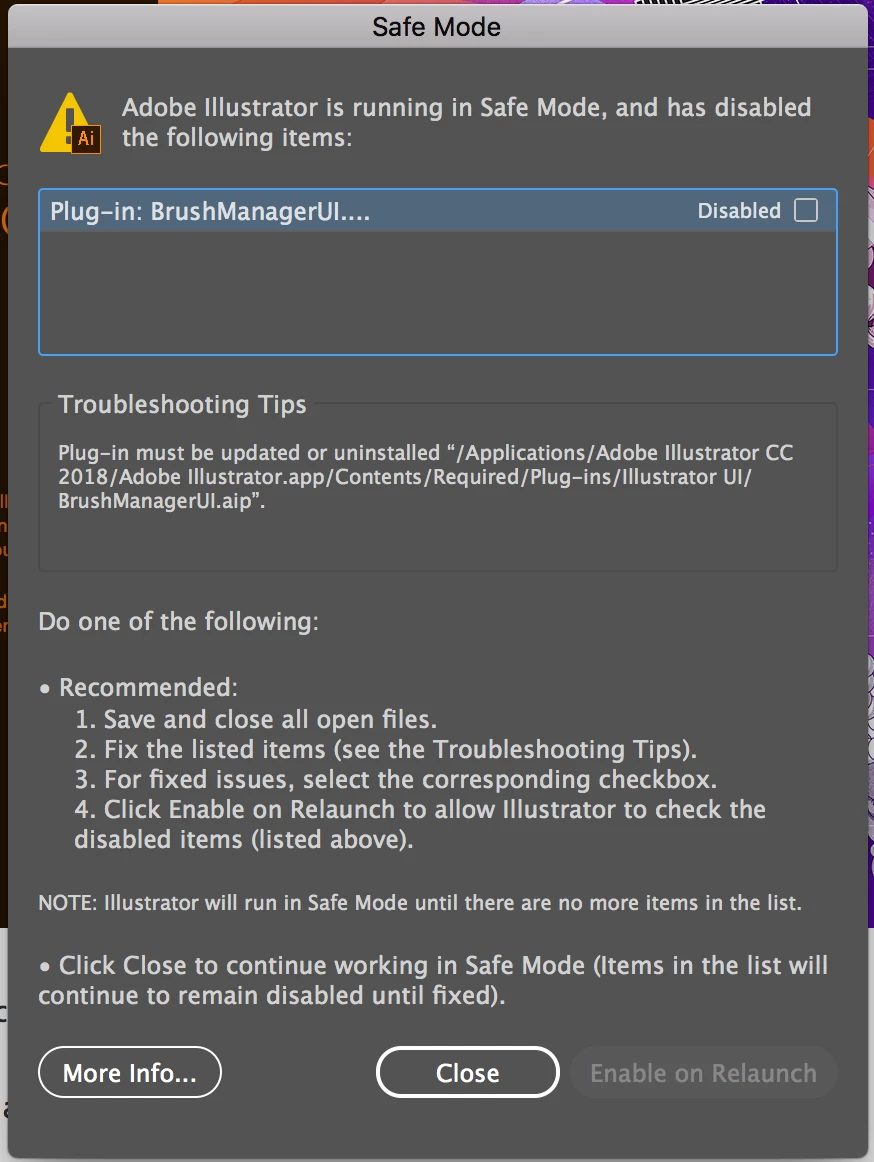
but once I uninstalled again (removing app preferences this time) the troubleshooting doesn't even seem to come up as an option. All it will do, and keeps doing, is I'll start up illustrator, it loads the smaller loading window, and then pops up an error message like the one above, or similar but the end code says CANT, and then immediately quits the app automatically.
Can anyone help? Or at least point me in the right direction?
I've messaged adobe support and am currently waiting to hear back, but i use this program for work and really need it to be up and running again as soon as possible.
Also I'm running adobe illustrator CC 2018
Thanks 
 AdChoices