

Adobe PDF Presets issue in latest release of Illustrator
Mac OS Ventura 13.4 / Illustrator 27.9
On the latest release of Illustrator, I've noticed my custom PDF presets are changing every time I open a file and utilize them.
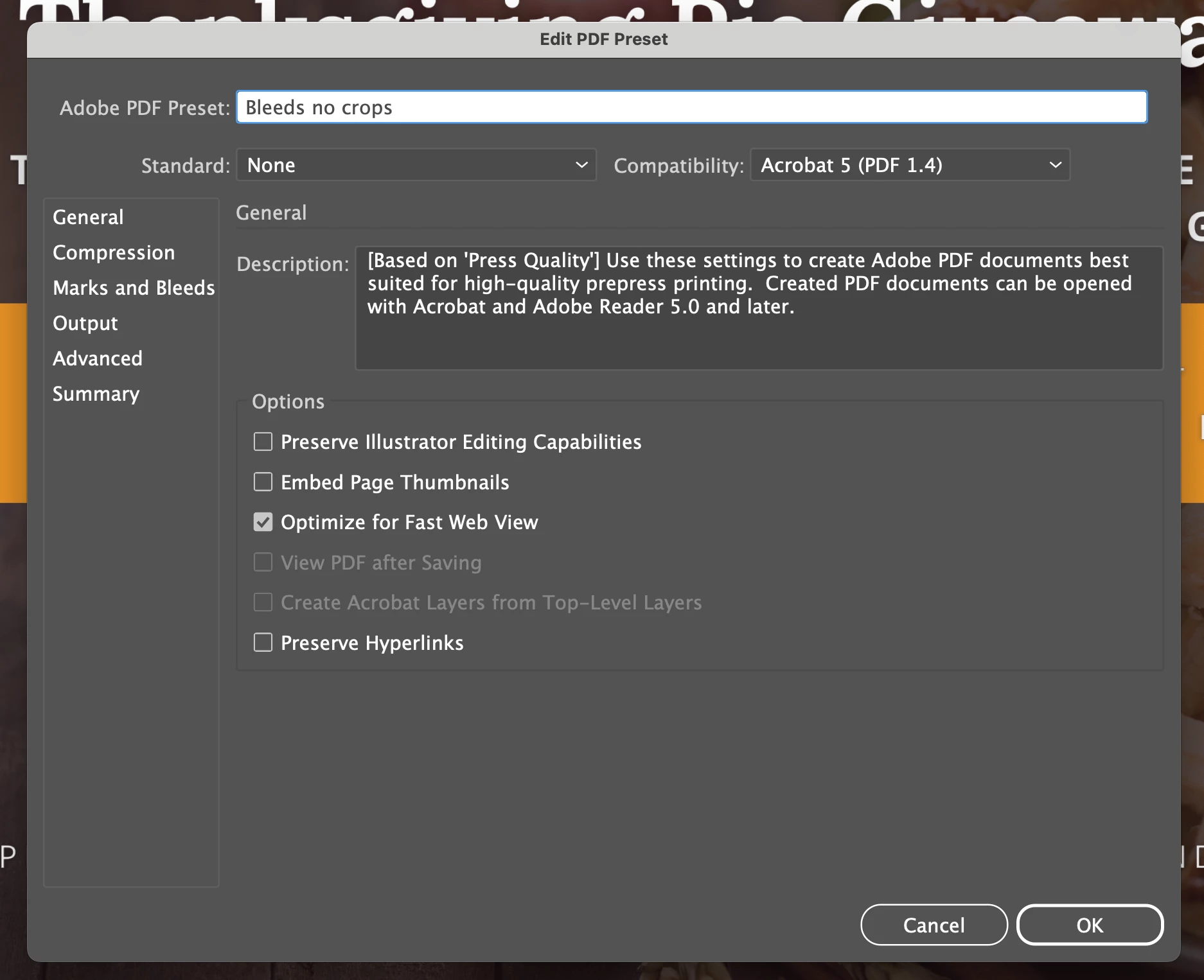
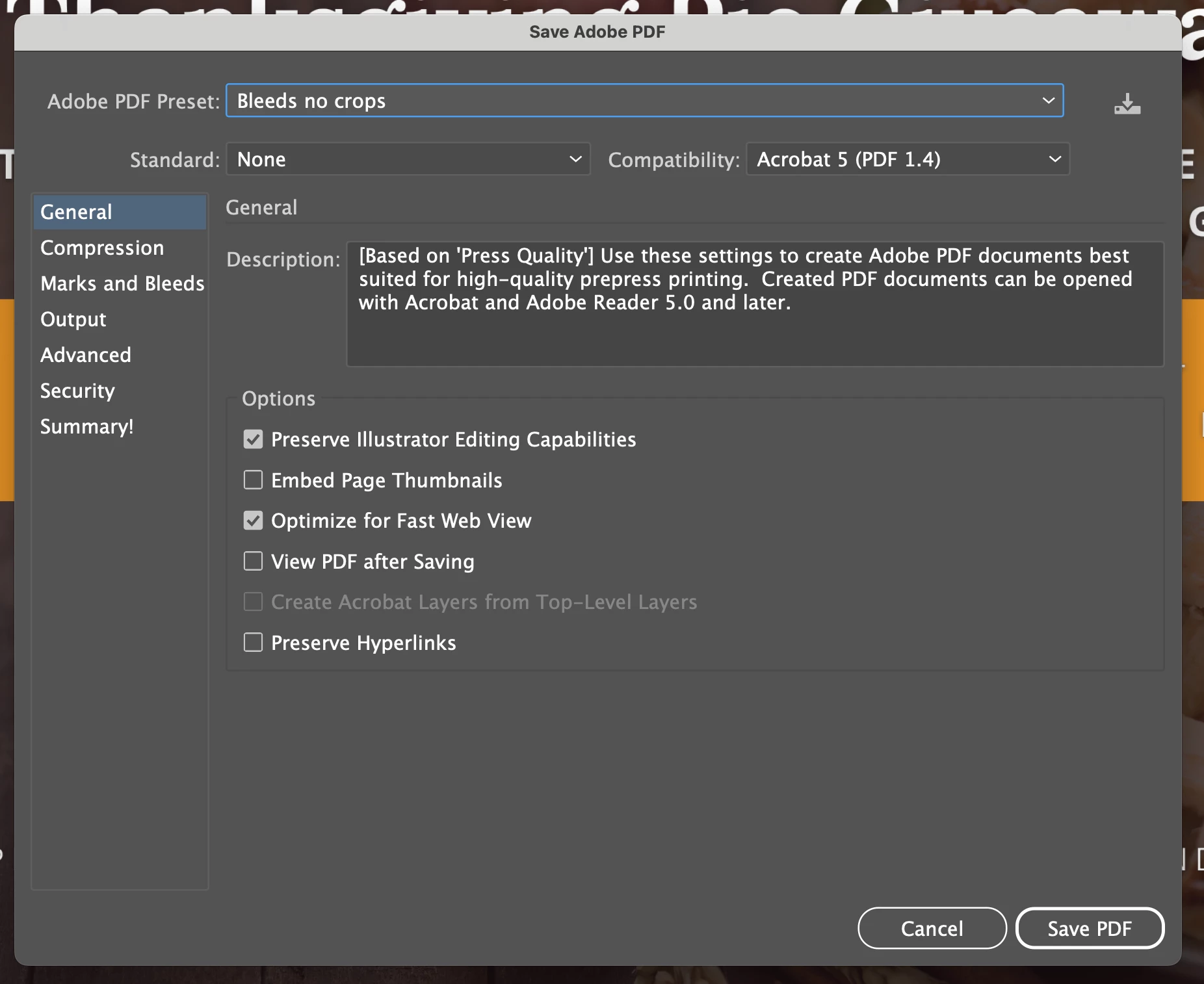
Case in point: I opened a file, selected a PDF preset that I created where "Preserve Illustrator Editing Capabilities" is DEselected. What I'm doing is saving a copy of the file with a bleed, and don't want the editing capabilities since it tends to make the file quite large. When I go in to edit my presets to check it, it is already DEselected, just as I had created it, but when I try to save using the preset, this option is SELECTED when I choose my preset. I've tried changing it again and again, with the same result. Not sure what is happening. See images of preset according to the edit screen and the present when selected to save as PDF.


 AdChoices