
Answered
Adobe Stock Ai typeface
How do I use this typeface from Adobe Stock? (Dear Adobe please make a user tutorial video for using these fonts)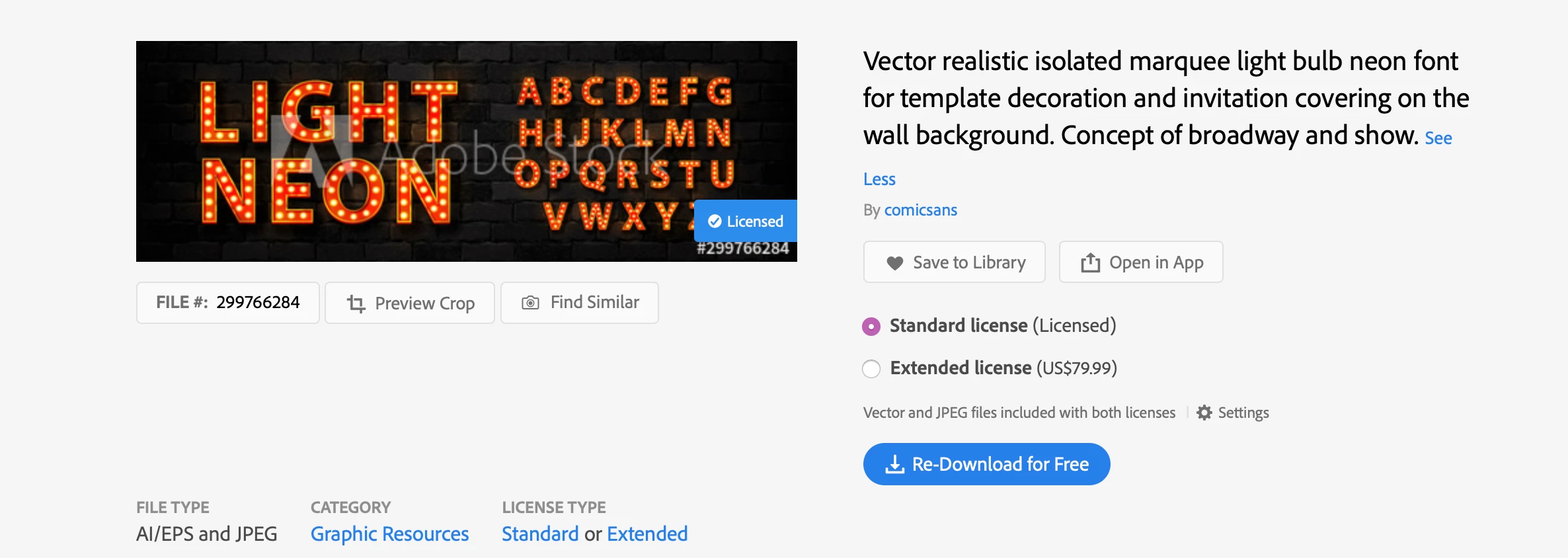
How do I use this typeface from Adobe Stock? (Dear Adobe please make a user tutorial video for using these fonts)
Unfortunately, there is no JPEG or I could slap it into PS and be done with it. It only comes in an Ai format which I am not very familiar with nor have I been able to find any kind of instructions specific to this type of asset.
When you download it from the stock website, it should give you a choice of AI or JPEG. If you don't see the choice, click the little gear icon labelled 'Settings' and tell it what you want to do.
If this is the AI file, in the layers panel you should see layers for the background wall and the letters themselves. The letters are in a single group; if you wish to use them individually you will need to release this group and several others. The alphabet letters themselves are each their own group.
If this isn't what you see, please post a screenshot that includes the layers panel.
Already have an account? Login
Enter your E-mail address. We'll send you an e-mail with instructions to reset your password.
 AdChoices