
Question
Adobe Stock file corrupted
Hi,
I have downloaded a corrupted .ai file from Adobe Stock "AdobeStock_136174951". It´s a name card. Illustrator gives me the attached error message "Illustrator could partially open this file" and then it opens an empty artboard.
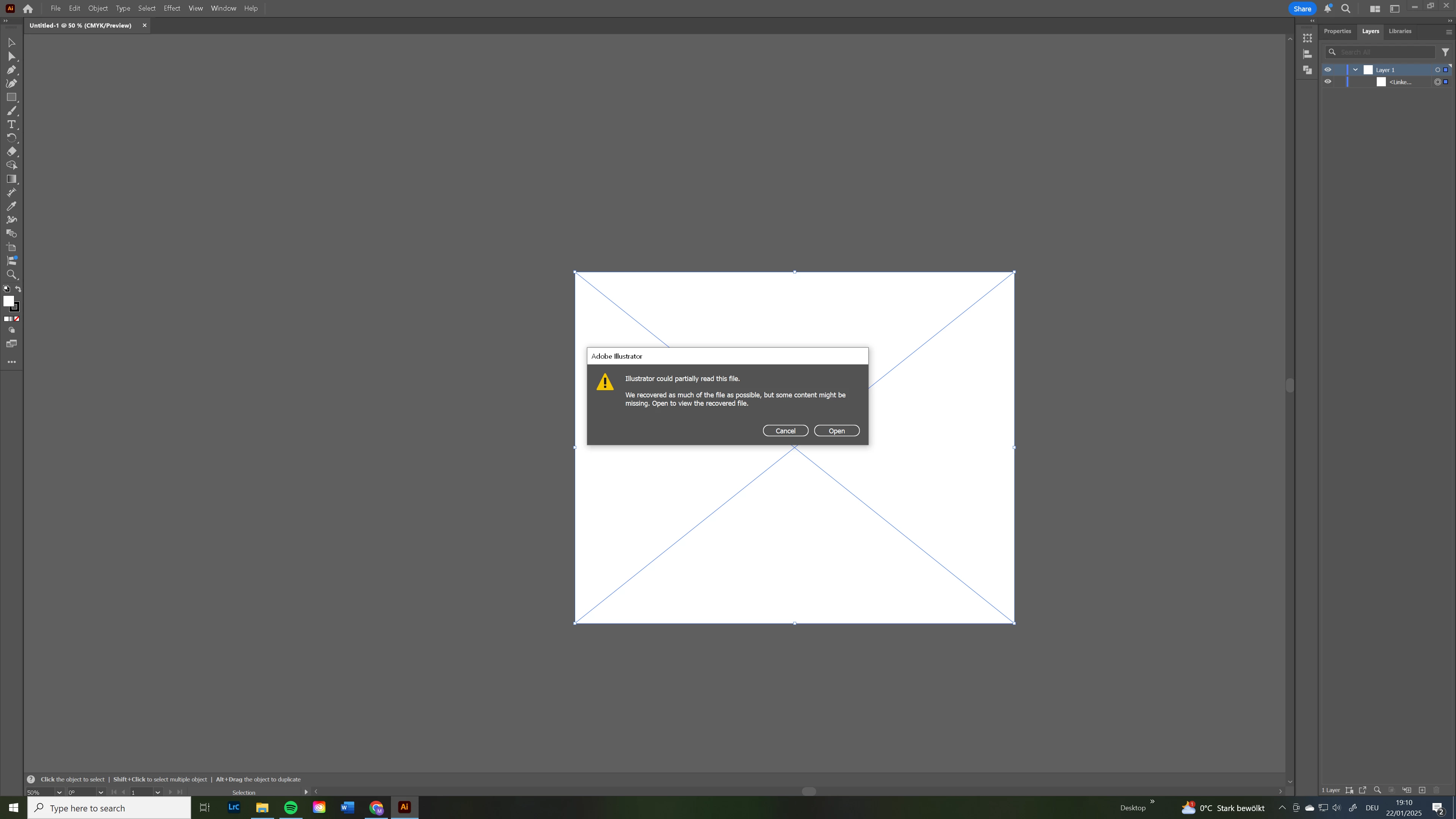
How do I go about getting my credit back?
Why do you not have a way of reporting this?
There are only two options to report a file on Adobe Stock:
"You may report the following issues:
Kind Regards
I have downloaded a corrupted .ai file from Adobe Stock "AdobeStock_136174951". It´s a name card. Illustrator gives me the attached error message "Illustrator could partially open this file" and then it opens an empty artboard.
How do I go about getting my credit back?
Why do you not have a way of reporting this?
There are only two options to report a file on Adobe Stock:
"You may report the following issues:
Content contains the names of people (including artists' names)
Content may infringe on IP rights (such as copyright, design, or trademark rights, model or property rights)"
How useless is this?
Kind Regards
Marton


 AdChoices