Participant
December 11, 2023
Question

Adobe Stock Illustrator Files. What's the point?

  • December 11, 2023
  • 1 reply
  • 309 views

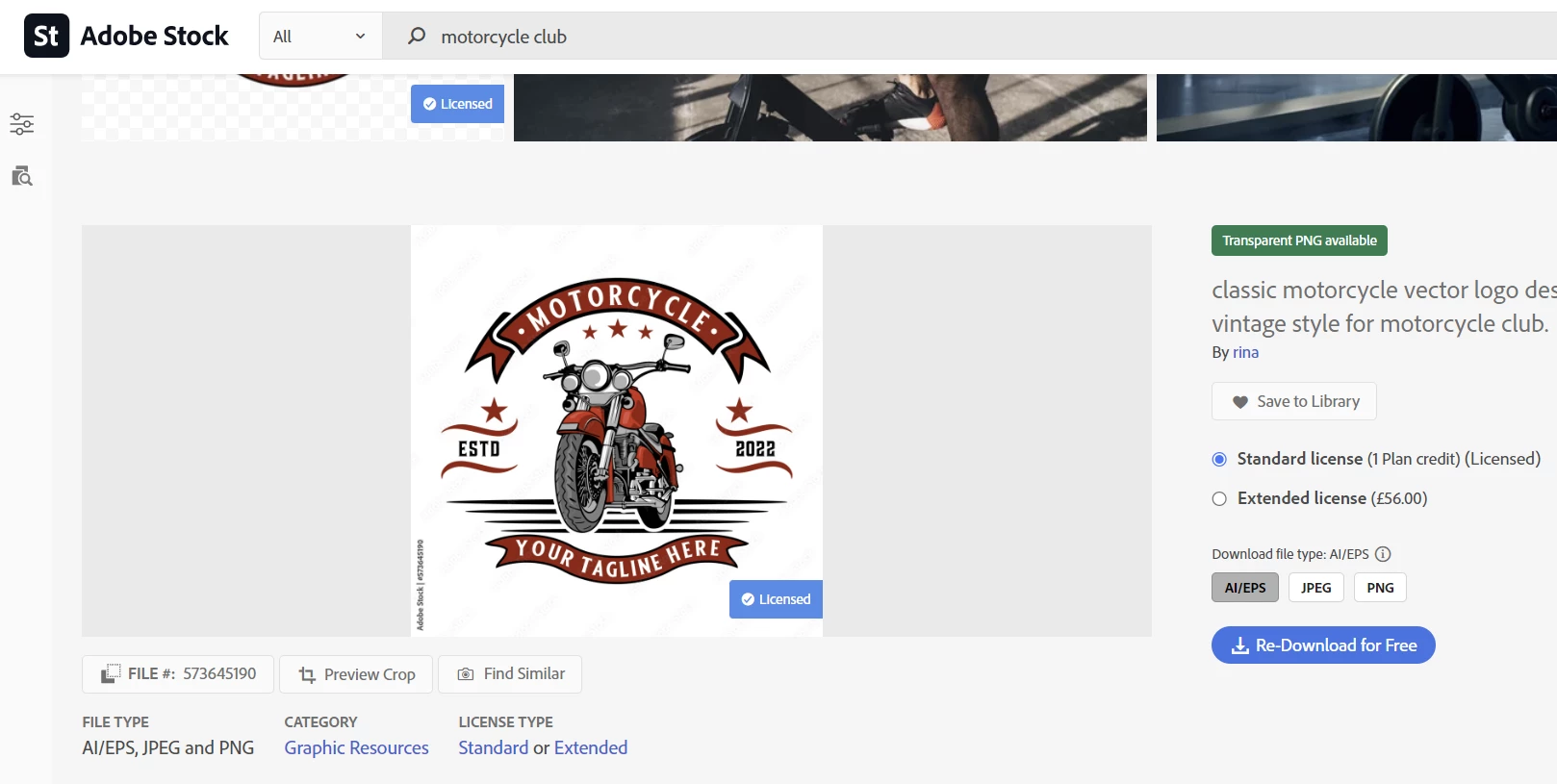
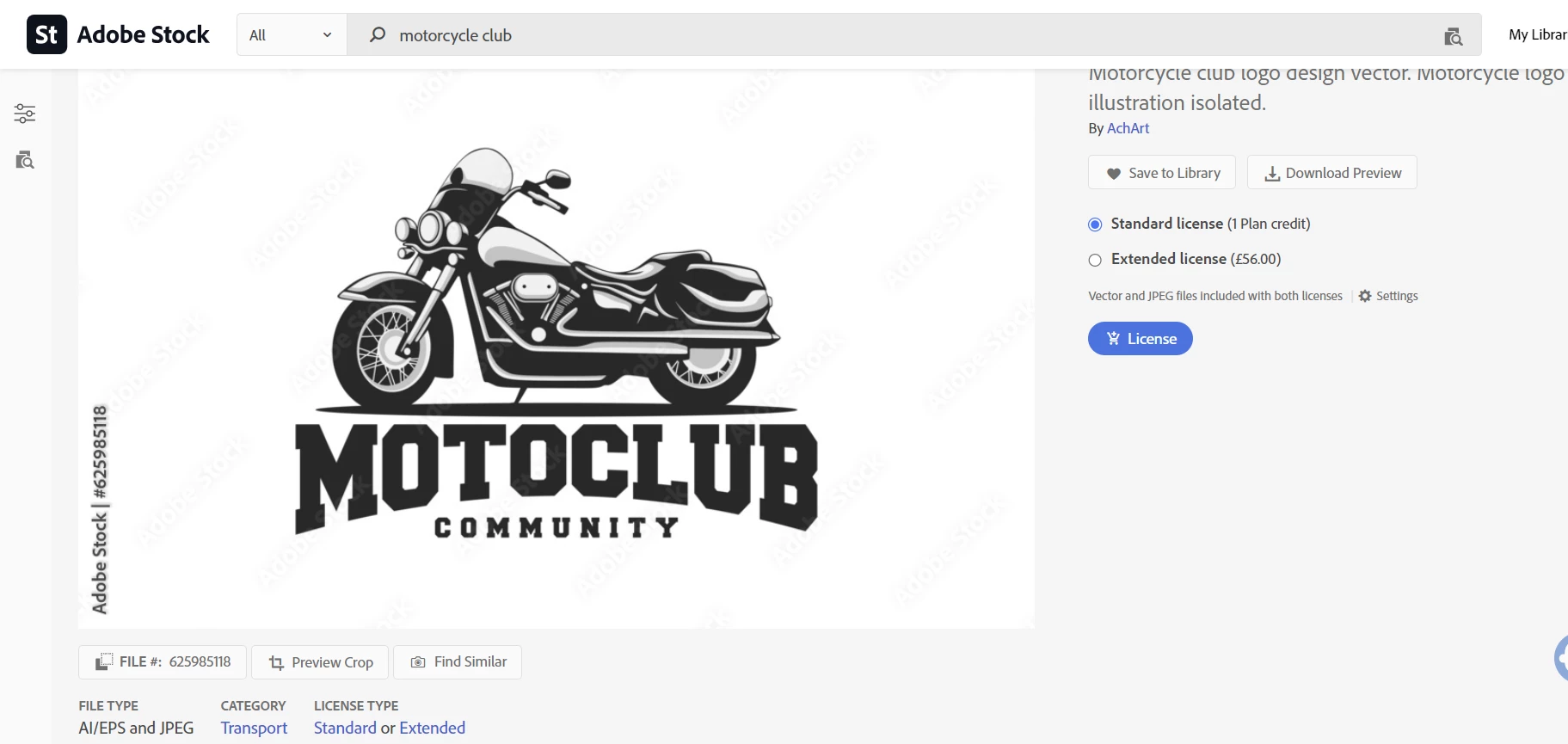
So today I went with a trial of Adobe Stock.  I want to design a sticker/logo for my Motorcycle Club. I found a perfect file in Adobe Stock and thought it woud just be a case of downloading file and editing the text. But as the text is a path that is not a option - as far as I am aware?


So reason I ask whats the point is that it's clear the text is meant to be editable or at least changed to suit the person downloading the file.  I tried a few and they weere all the same.


Now I should caveat this by saying I am by no measn and expert user of Illustrator, or even an intermediate one so really appreciate any advice. If I'm missing something obvious etc.


Thanks in advance. 
 

This topic has been closed for replies.

1 reply

Monika Gause
Community Expert
Community Expert
December 11, 2023

It is often a requirement by the microstock websites that text is outlined. People got used to it and still prepare their files like that. You can create a new text object. The top one has an envelope applied. The other ones are path text objects. You will need to have the font.

Participant
December 11, 2023

Thanks for the reply.


Is there a way to save the design style of the text. Then delete it and create a new text block and then apply that saved style to it?

Monika Gause
Community Expert
Community Expert
December 11, 2023

Those are just paths. You cannot get a style from it.


The envelope can be create with the basic envelopes. https://youtu.be/y3TpbHqpxN8

Only the path for the path text needs to be drawn with the pen tool.