


Answered
Advanced Image Trace Features
When I use Image Trace in Illustrator, the edges don’t come out clean or accurate. How can I fix this? I want to convert the image into a high-quality vector.
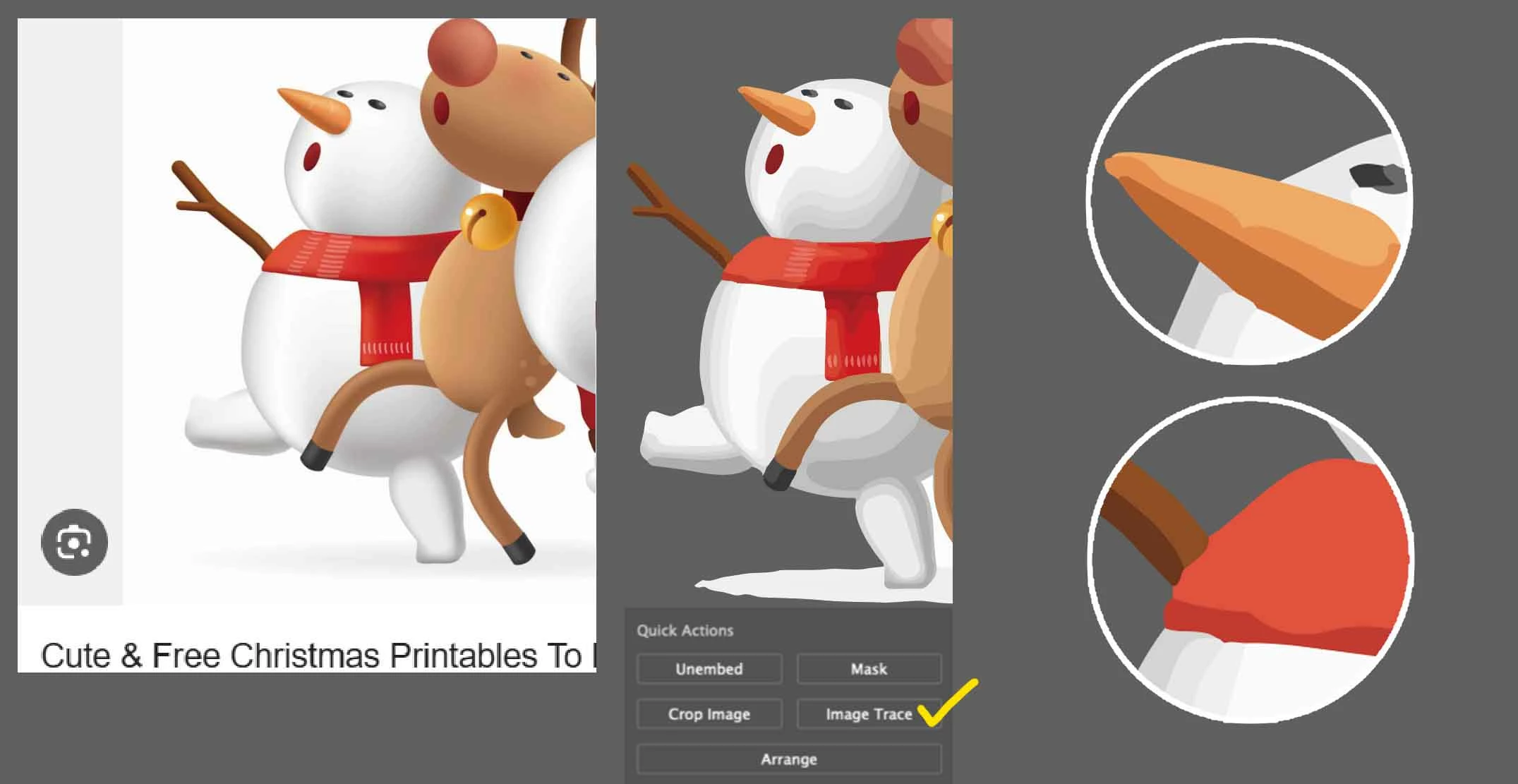
For example, if I show you the issue using a free image, the lines don’t trace cleanly like this. Even when I adjust the sensitivity in the Image Trace panel — like Advanced > Paths or Corners — it still doesn’t come out clean. If there’s another way to get a cleaner result, please let me know.
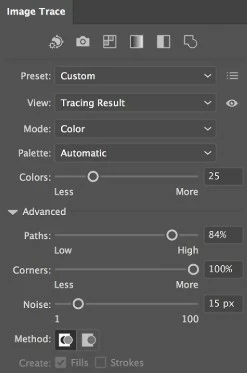
🙂

 AdChoices