

Jim A Gilbert
Participant
May 23, 2024
Answered

Advice needed: Creating an empty point in the centre of an object

  • May 23, 2024
  • 1 reply
  • 558 views

Hi, I wonder if anyone can help. I have a document with a series of (many) circles —kind of like a halftone pattern. I'm planning to pen plot this image but I don't want the pen to draw the circles, but to simply place a single dot in the centre of each circle. In order to do this I think I'll need to put an empty point in the centre of each circle. Is there a way to do this? Maybe using a script? I've attached images here

 

This is a crop of the artwork
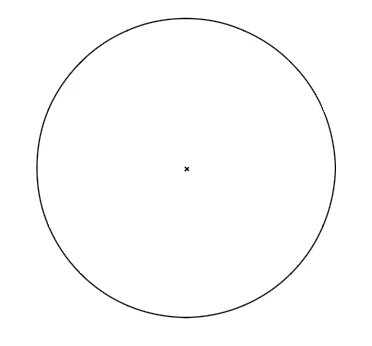
This is what I want to do. Place a point in the centre of each circle and then delete all the circles.

This topic has been closed for replies.
Correct answer Monika Gause

Make a single anchor point. It needs to be at the top in the stacking order.

Select all the circles and the point and run this script: https://kelsocartography.com/scripts/scripts/nvkelso/findAndReplaceGraphic_centered_v2.jsx 

1 reply

Monika Gause
Community Expert
Monika GauseCommunity ExpertCorrect answer
Community Expert
May 23, 2024

Make a single anchor point. It needs to be at the top in the stacking order.

Select all the circles and the point and run this script: https://kelsocartography.com/scripts/scripts/nvkelso/findAndReplaceGraphic_centered_v2.jsx 

Jim A Gilbert
Participant
May 23, 2024

OOoooh. Thanks, I'll try this out!