


Participant
Oct 16, 2024 4:34 PM UTC
Answered

After Update illustrator pen tool not working properlly

Hi everyone, 
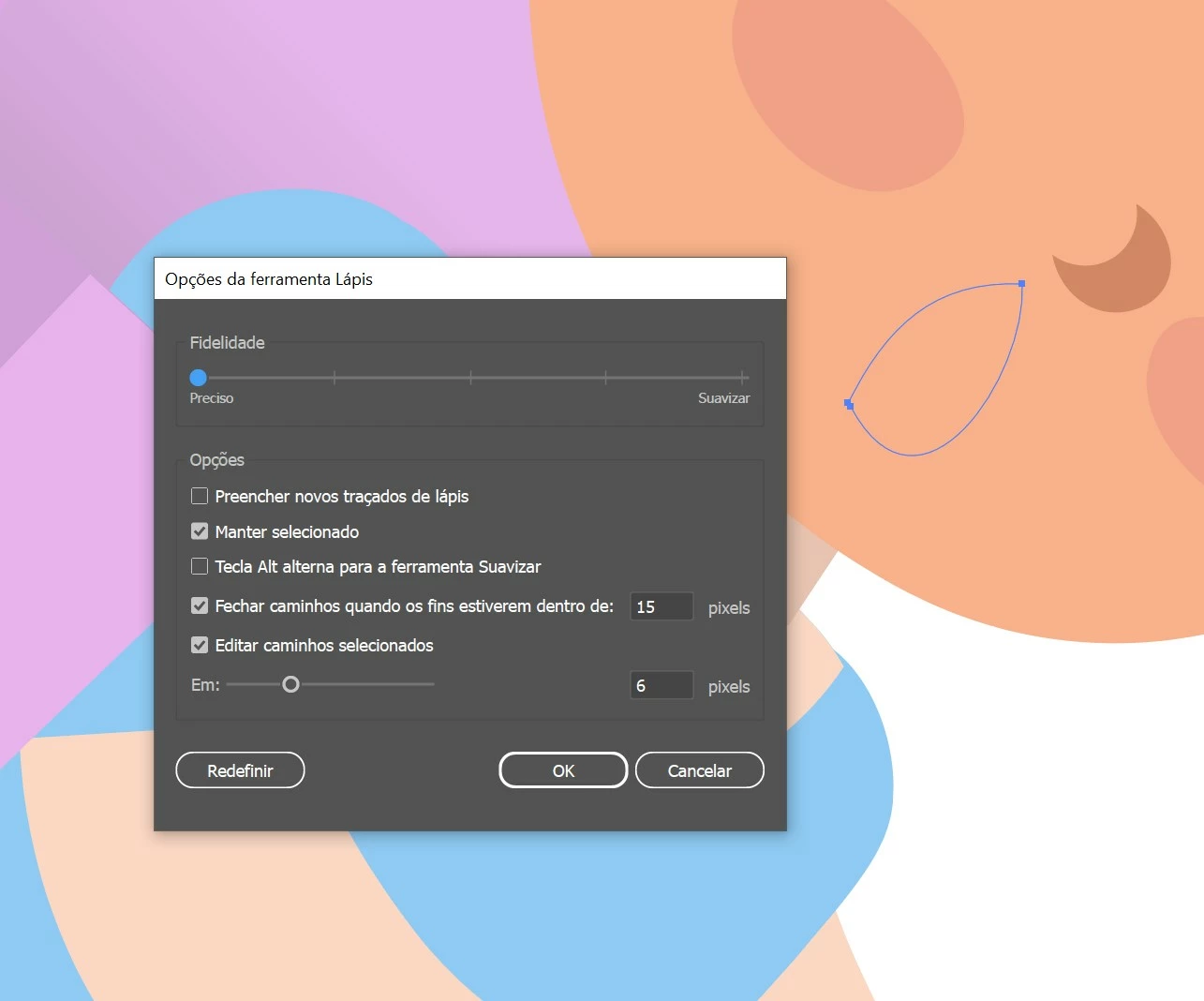
After the latest Illustrator update, ver 29.0 the pen tool simply stopped working properlly. 
The paths are no longer closing even when I go back to the first node, and even on the lowest smoothing seeting it is changing the shape so much is impossible to get the original shapes i am attempting to create, it was NOT doing this two days ago before I updated. 
Is there any new hidden setting that i dont know about? Does anyone have any suggestions on what to do ?
This tool is one of the most important ones for my work and without it working it will impact the results so much. 

(heres how its looking after i reset the tool config. and tried making a shape, but it interfered so much its not the same shape i was attempting to make at all)

Monika Gause
Monika GauseCorrect answer
Community Expert
Oct 23, 2024 1:23 PM UTC

The engineers do not read this forum. If you want to express your urgency, please upvote the bug report in uservoice. https://illustrator.uservoice.com/forums/601447-illustrator-desktop-bugs/suggestions/48973289-ai2025-the-pencil-tool-has-become-unusable-again 

9 replies

Participant
Oct 23, 2024 6:11 AM UTC

same issue here


Translate
Terese Bast
Participant
Oct 23, 2024 12:46 PM UTC

Extremely frustrating - please fix ASAP!

Translate
Monika Gause
Community Expert
Monika GauseCommunity ExpertCorrect answer
Community Expert
Oct 23, 2024 1:23 PM UTC

The engineers do not read this forum. If you want to express your urgency, please upvote the bug report in uservoice. https://illustrator.uservoice.com/forums/601447-illustrator-desktop-bugs/suggestions/48973289-ai2025-the-pencil-tool-has-become-unusable-again 

Translate
Monika Gause
Community Expert
Community Expert
Oct 16, 2024 5:03 PM UTC

That is the pencil tool.

Did you already reboot the computer?

Or reset the preferences (this will delete your settings)

Translate
Participant
Oct 16, 2024 5:20 PM UTC

yes i got the two mixed up, 
and yes i yes, i have both reboot the computer and reset the preferences, yet the problem persists. 

Translate
Anubhav M
Community Manager
Community Manager
Oct 16, 2024 5:54 PM UTC

Hello @Carolina artes,

I am sorry to hear about your experience. I tried replicating this on my end but could not do so. Would you mind sharing a screen recording of your workflow and the problem (https://adobe.ly/3UbqCQE) so we can investigate this further?


Looking forward to hearing from you.


Anubhav

Translate