
Answered
After windows10 update the printmenu Window is empty on adobe illustrator CS2
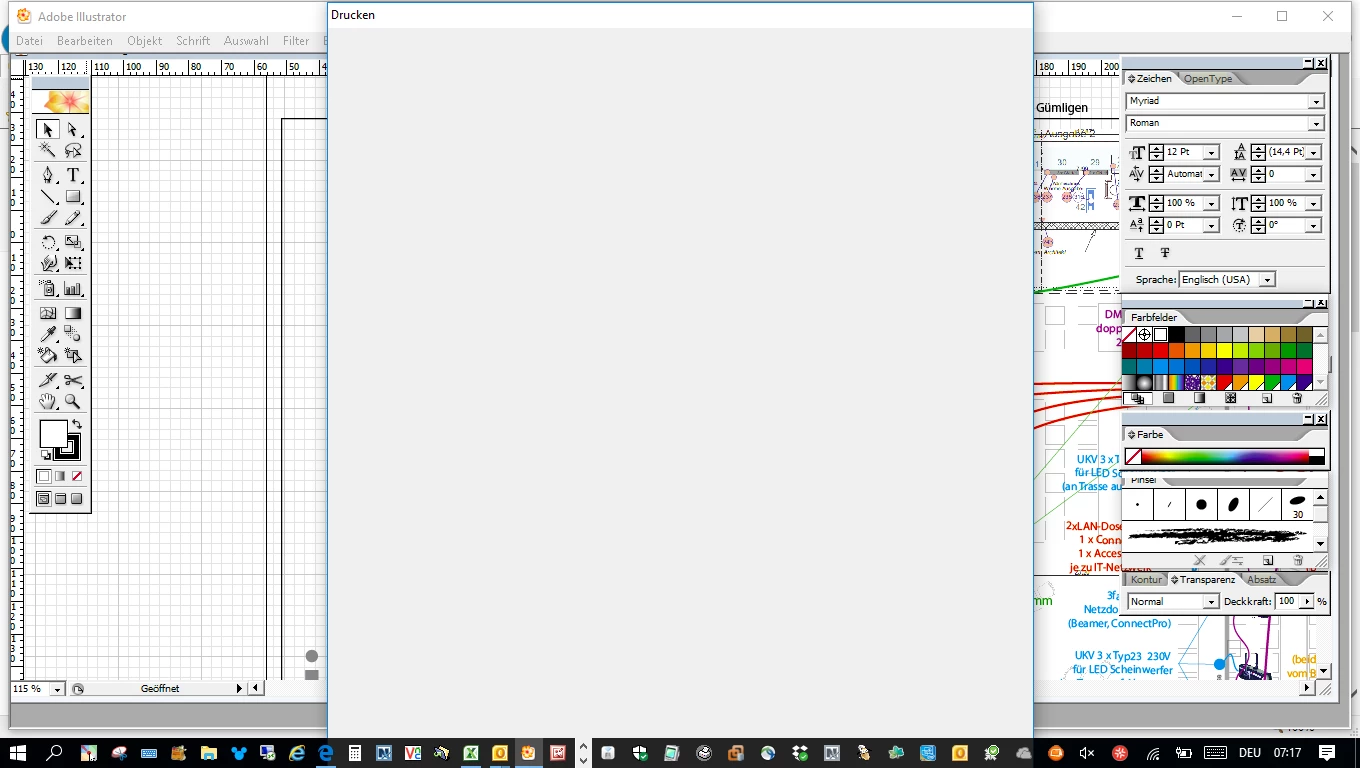
[Moved from the non-technical Lounge Forum to the specific Program forum... Mod]
[Here is the list of all Adobe forums... https://forums.adobe.com/welcome]
[Moved from the non-technical Lounge Forum to the specific Program forum... Mod]
[Here is the list of all Adobe forums... https://forums.adobe.com/welcome]
Owners of old programs simply have problems with Windows 10... none of which is Adobe's fault... Adobe did not change your old program to make it stop working... Microsoft changed their operating system and THAT is why your old program won't work, not because of anything Adobe did... Also... every time Microsoft issues a Win10 update, there is the risk that an old program that HAS been working after the initial Win10 upgrade will STOP working... bottom line, old programs require a matching old operating system
Two ideas that MAY work to install and/or run old programs in Windows 10
-RIGHT click the program icon or EXE and select a compatibility mode in the pop up option window
-or Run as Administrator http://forums.adobe.com/thread/969395 to assign FULL Windows permissions may help... says Encore, but sometimes required for ALL Adobe programs (this is NOT the same as using an Administrator account)
Already have an account? Login
Enter your E-mail address. We'll send you an e-mail with instructions to reset your password.
 AdChoices