

Petr Holusa
Inspiring
August 18, 2023
Question

Ai 2023 super slow saving

  • August 18, 2023
  • 2 replies
  • 2486 views

Hi, another crap day in Illustrator and saving 200 MB file.


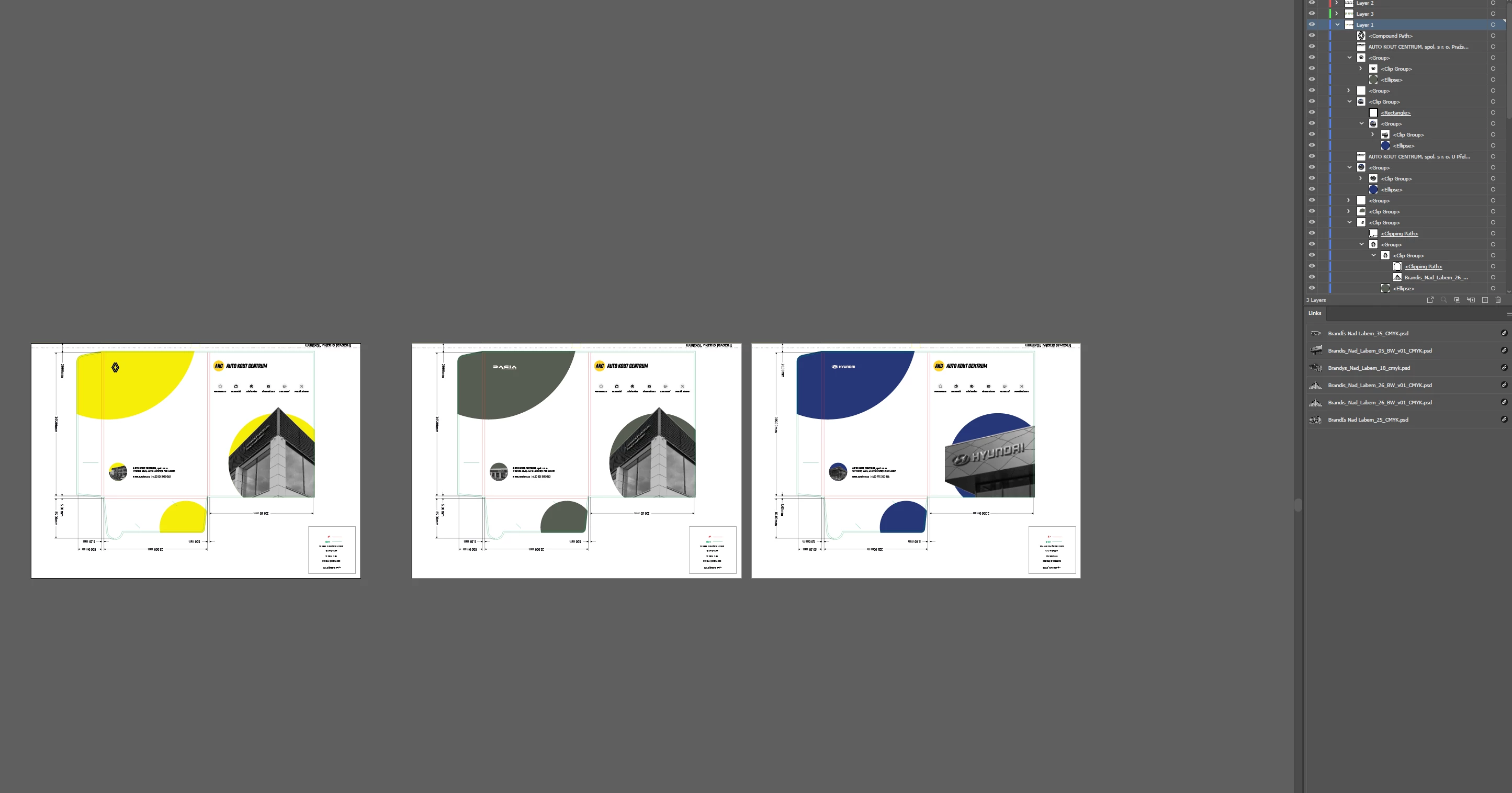
I have simple 3 artboard with folder graphics but saving is taking like 1-2 mins. Come on Adobe! It's year 2023 with super fast SSDs. 3d apps can save massive 1-2 GB scenes in matter of seconds and here with some lines and 6 linked PSD. LINKED not placed.  


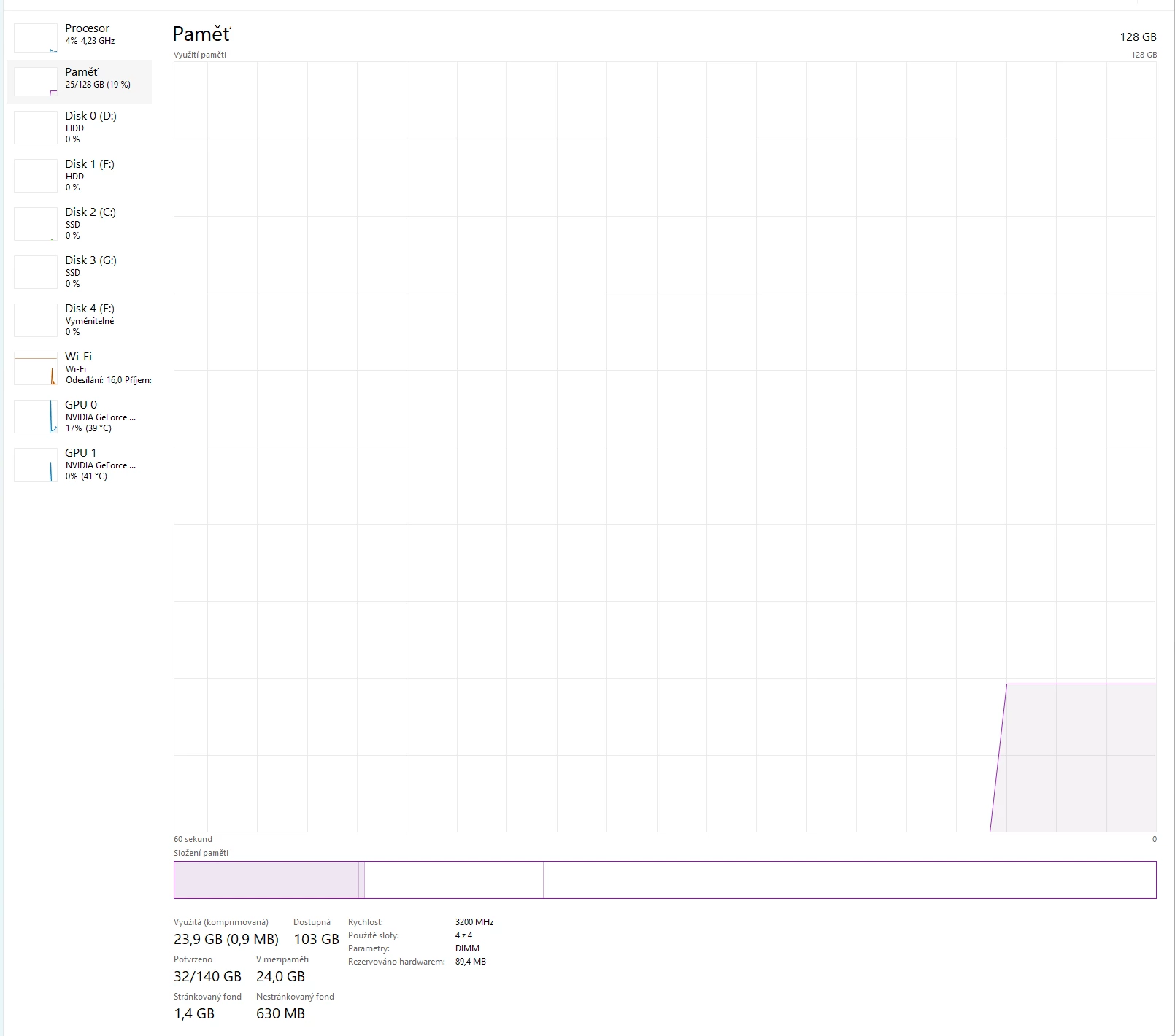
Yes, I have strong PC. 


This topic has been closed for replies.

2 replies

Mike_Gondek10189183
Community Expert
Community Expert
August 28, 2023

Why 200mb for such art


Save as and uncheck PDF compatible

Mike_Gondek10189183
Community Expert
Community Expert
September 2, 2023

Did you try any of the suggestions?

Anshul_Saini
Community Manager
Community Manager
August 28, 2023

Hello @Petr Holusa,


Thank you for sharing your frustration regarding the slow saving speed you're experiencing in Illustrator 2023. I completely understand how vexing it can be to encounter such performance issues, especially when working on projects that should ideally save swiftly.


It's true that the year is 2023, and modern computing technology has indeed advanced significantly. The expectation of faster saving times, particularly on systems equipped with high-speed SSDs, is absolutely reasonable. It's disappointing to find that the saving process in Illustrator isn't meeting these expectations, especially given the nature of your project involving relatively simple graphics and linked PSDs.


While I don't have a direct solution for you, I can offer a few suggestions that might help alleviate this issue:

  • Please ensure the GPU performance is enabled in Ai preferences and try optimizing the GPU performance in your System settings as shown in this YouTube video (https://youtu.be/AlX1vB7ItJc?t=1784).
  • Also, please check this help article for more details & settings to optimise Illustrator (https://adobe.ly/3cRKo0N).


I hope that these suggestions help improve your Illustrator experience. Your feedback is crucial for us to continually enhance the software and provide a more seamless workflow for all users.


Best regards,

Anshul Saini