Inspiring
August 31, 2022
Question

AI 26.5. How to pin more options?

  • August 31, 2022
  • 2 replies
  • 233 views

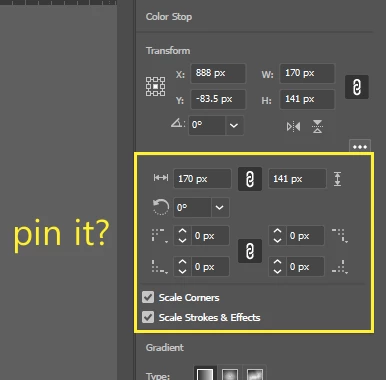
26.5 has simplied many parameters inputs in the Properties by hiding the options. What is the logic behind this change? It's one extra mouse click every time you want to input parameters. Most professionals are working with large monitors instead of ipad.


How do you pin the more options so that it's always there?



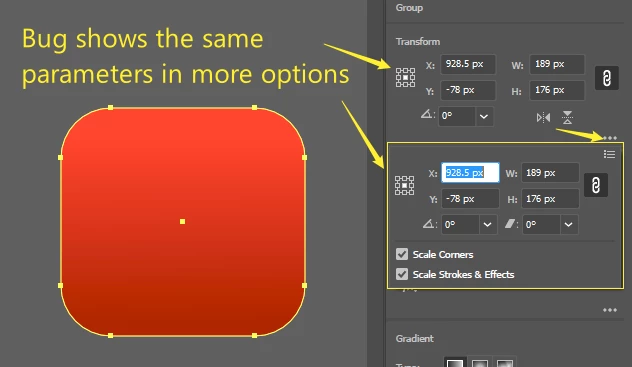
There is also a bug that shows duplicate parameters inputs instead of more optoin.


This topic has been closed for replies.

2 replies

michelew83603738
Community Expert
Community Expert
August 31, 2022

Save your workspace and you won't have these problems.

Monika Gause
Community Expert
Community Expert
August 31, 2022

Open the Transform panel from the Window menu and put it where you like. Same goes for the other panels.

Inspiring
August 31, 2022

Thank you. The update killed my saved workspaces. Please keep it simple, Adobe.

Monika Gause
Community Expert
Community Expert
August 31, 2022

This is a public forum with 95% of people being not even staff, let alone development.


To save your workspaces, you could use Edit > Settings > Export settings.

When updating you often have to reset preferences for technical reasons. But you can then try and import those settings.


Or check out the locations of everything. It's just text files: https://www.vektorgarten.de/illustrator-settings.html