

Nico88
Participating Frequently
January 31, 2024
Question

AI Artboard disposition not optimised when opening a PDF multipage

  • January 31, 2024
  • 2 replies
  • 117 views

Hi all


the use case is the following:

generating , dynamically, PDF documents to be used as templates (for design purposes, artboards + vector paths with editing capabilities for AI, layers, swatches....) and trying to open these files back in AI

pages are not displayed as expected, as Artboards they are  cropped, going outside of the AI pasteboard


opening a pdf file with illustrator we get  to select how many pages we want to manage:

 pls see the import pdf selection popup screenshot below
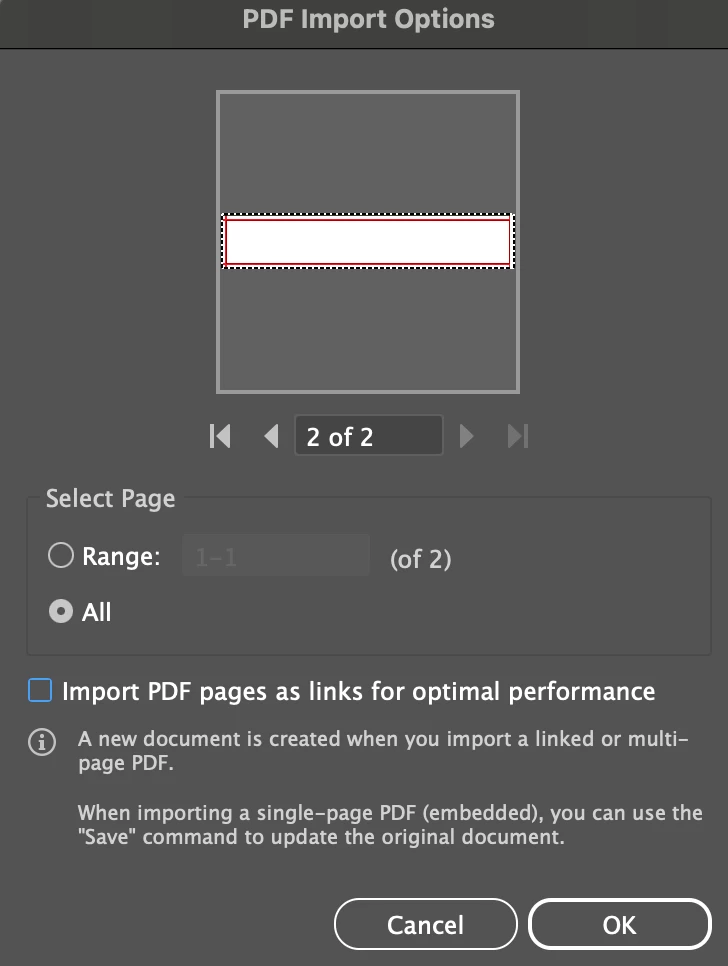


 AI start disposing Artboard from the center of the pasteboard.

if we are going to manage big artboard

The result is that some artboard will not fit into the pasteboard having the canvas reduced  and vector paths going "out of bounds"


Pls see the screenshot example below here:
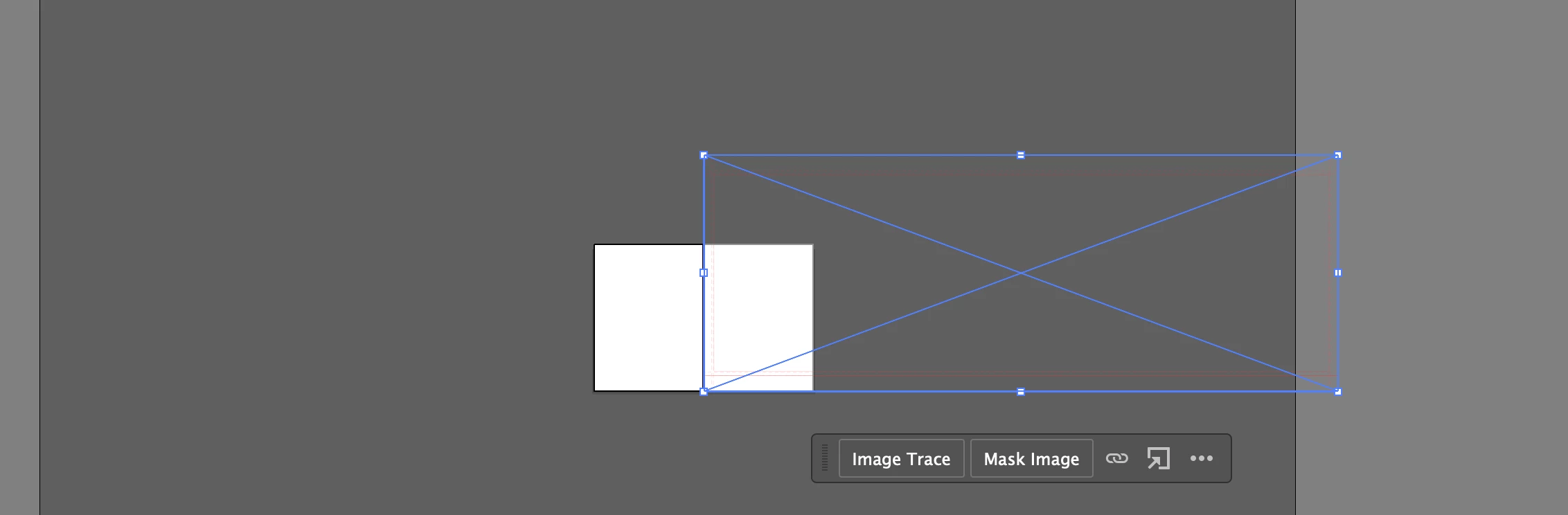
Pls note that the 2nd artboard should be as big as the vector rectangle (if I open the 2nd PDF page alone it will be correctly managed by AI)


e.g. If we select :
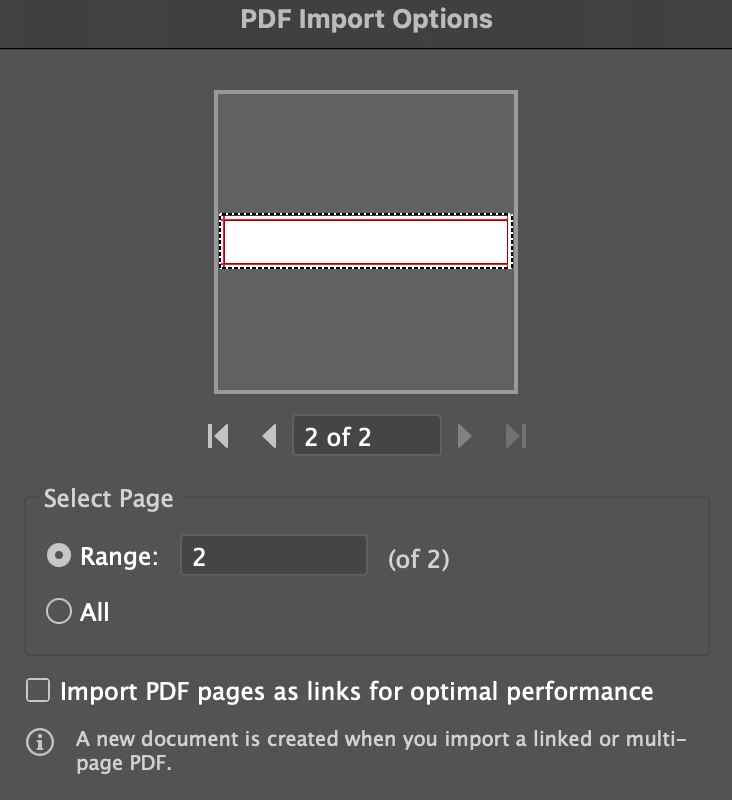
 

AI understands that there is a big artboard and alerts us with
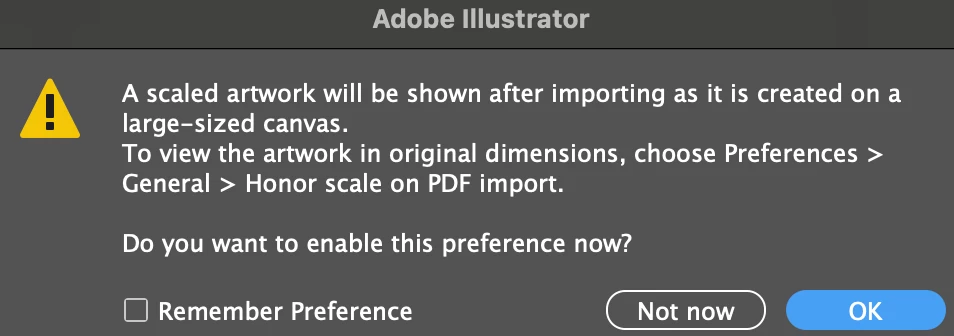
 

and its going to be displayed correctly fully into pasteboard, preserving the arboard dimensions



I see there's a solution of arranging manually Artboard disposition and resize back the 2nd Artboard to contain the rectangle...

Another solution is to open one PDF page at a time in AI.


Wondering if there might be something to be set at PDF creation time to help illustrator to dispose the Artboard on the pasteboard without going out of it.


Any suggestion?

Does this sound as an AI bug? Maybe the artboard disposition algorithm should be optimised?


This topic has been closed for replies.

2 replies

Monika Gause
Community Expert
Community Expert
February 4, 2024

Just don't.

Here is a list of reasons why you shouldn't: https://prepression.blogspot.com/2014/09/the-ten-commandments-of-pdf.html


What is the original task that you are trying to solve?

Anshul_Saini
Community Manager
Community Manager
February 4, 2024

Hello Nico88,


Thank you for reaching out and providing detailed information about the issue you're facing. I understand the frustration, and I'd like to offer some insights.

Illustrator may not always interpret PDFs, especially those not saved with Illustrator editing capabilities, as expected. The artboard disposition might not be optimized, and it can lead to the cropping of artboards or misalignment.


One solution you've mentioned is to arrange the artboards manually or open one PDF page at a time. This is a practical approach to ensure accurate representation within Illustrator.


As for settings at PDF creation time, it's crucial to save PDFs with Illustrator editing capabilities if you intend to maintain the structure and editing capabilities when reopening them in Illustrator.


If you have further feedback or suggestions, consider sharing them on the Illustrator UserVoice. This platform allows users to provide insights, suggestions, and feedback directly to the product and engineering teams.


I hope this information is helpful. If you have any more questions or encounter additional challenges, feel free to let me know, and I'll do my best to assist you.


Best,

Anshul Saini