
Answered
AI CC 2019 multiple problems - MacOS 10.13.3
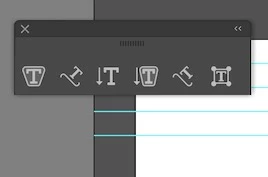
1. Type tool - Where is the Horizontal Type Tool?
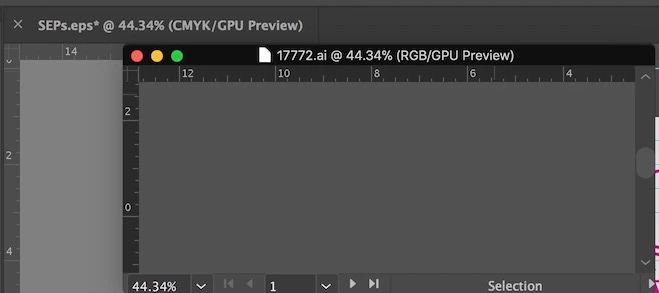
2. Open documents in tabs - When clicking on file tab, it will not become 'active' and I have to drag it out of the window in order to see it.
3. Tool Sidebar - The tools jump around and think that they need to outsmart me. I'd like them to just stay in place, thanks. It makes for a hot key mess. Is there any way to 'lock' the tools in place? I am using my own saved workspace, but it does not apply anymore.
Thanks Vee.

 AdChoices