Participant
July 11, 2018
Answered

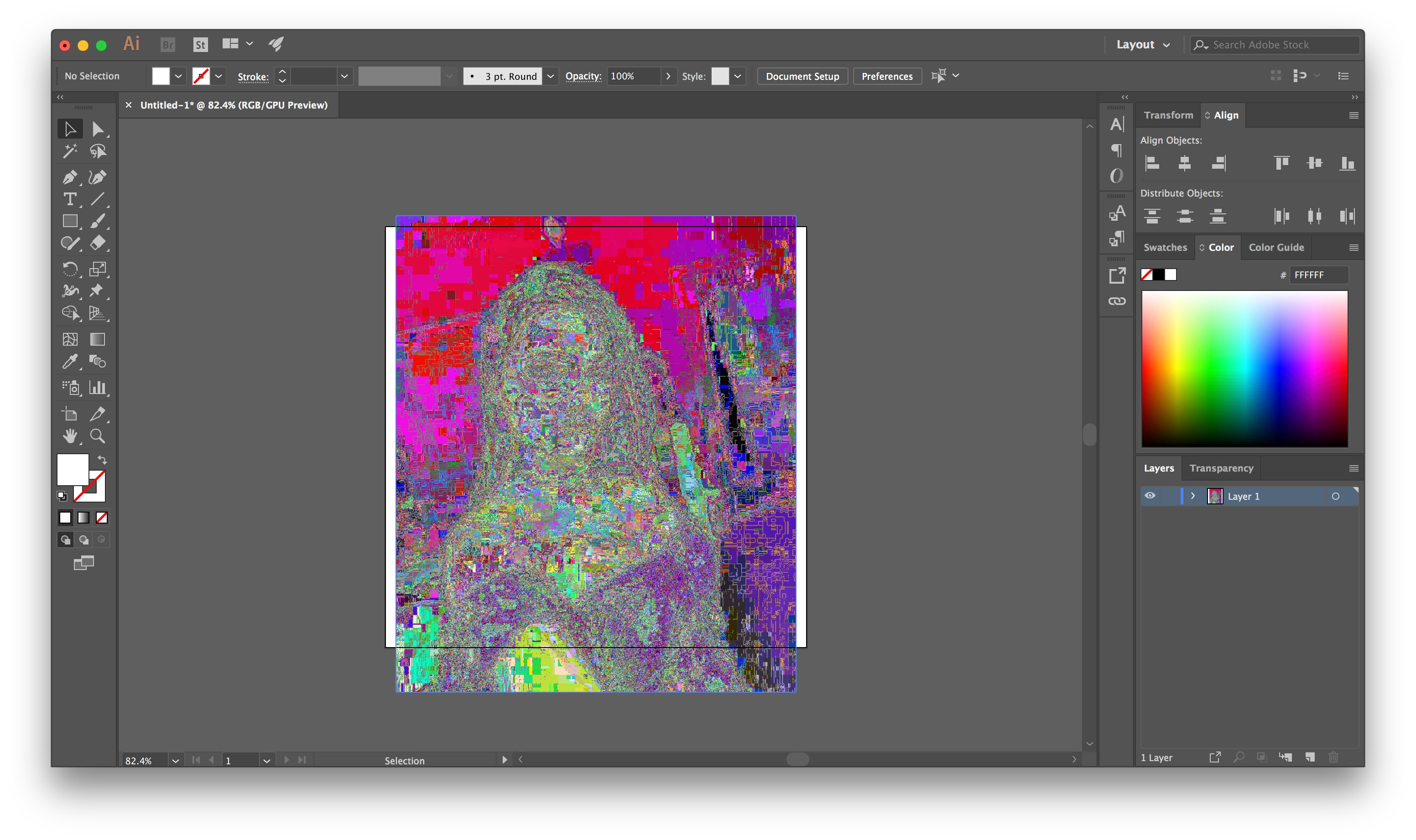
(Ai) Images placed are discolored and have static an

  • July 11, 2018
  • 4 replies
  • 1671 views

After finishing my free trial, I bought a Creative Cloud subscription with my student discount for $19.99. When I opened Illustrator back up, I opened up a new piece and tried placing an image. The image is discolored and is fuzzy. The same thing happens when I open an image in a new window. This didn't happen before and I haven't change any settings. Thanks for your help.
    This topic has been closed for replies.
    Correct answer Monika Gause

    As I said: please open it in Photoshop, convert to 8-bit/channel and then resave as a TIF or PSD.

    4 replies

    Larry G. Schneider
    Community Expert
    Community Expert
    July 11, 2018

    I'm with Monika. Will it open in Photoshop?

    meganchi
    Legend
    July 11, 2018

    Do you have any other apps running at the same time? If so quit them and relaunch Illy.

    It may be an issue with your graphics card.

    Larry G. Schneider
    Community Expert
    Community Expert
    July 11, 2018

    What's the format of the file? Kind of agree with Monika that it is not a format that AI recognizes.

    Participant
    July 11, 2018

    a png file

    Monika Gause
    Community Expert
    Monika GauseCommunity ExpertCorrect answer
    Community Expert
    July 11, 2018

    As I said: please open it in Photoshop, convert to 8-bit/channel and then resave as a TIF or PSD.

    Monika Gause
    Community Expert
    Community Expert
    July 11, 2018

    Could be an issue with the file. Maybe Illustrator doesn't recognize it.

    Try and open the image in Photoshop and check if it is an 8 bit image.

    Then maybe save it from Photoshop as a TIF or PSD file.