Participant
April 6, 2023
Answered

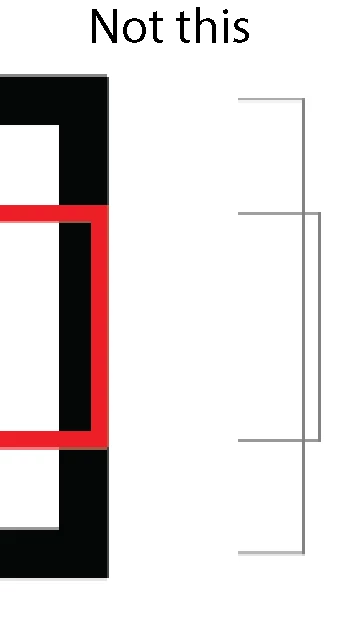
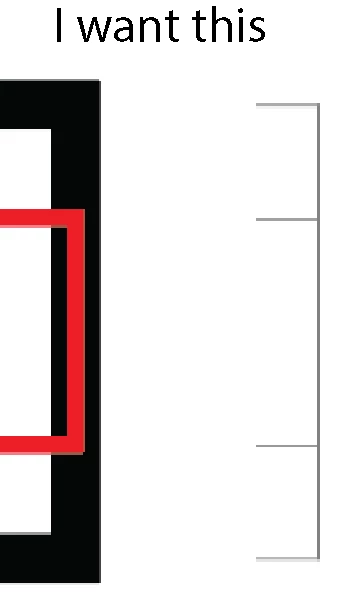
Align or distribute to vector path NOT to the edge of stroke width.

  • April 6, 2023
  • 1 reply
  • 346 views

In the past, I was able to align two objects or distribute them in relation to their vector path and not the stroke width. Now, when I align two objects with different stroke widths to the right, they will align to their visible edge and not the vector path. Also, I would like the dimensions to read in actual vector path size and not the added size that includes the stroke width.


How do I change this back to old school alignment, distribute and dimensions?


Thank you!

This topic has been closed for replies.
Correct answer Kurt Gold

In the Align palette flyout menu there is an option called "Use Preview Bounds".


What happens if you turn that option off?


1 reply

Kurt Gold
Community Expert
Kurt GoldCommunity ExpertCorrect answer
Community Expert
April 6, 2023

In the Align palette flyout menu there is an option called "Use Preview Bounds".


What happens if you turn that option off?


Participant
April 10, 2023

That did it.

Thank you, Kurt.

-Brian