
Participant
August 15, 2021
Answered

Align path layers

  • August 15, 2021
  • 3 replies
  • 572 views

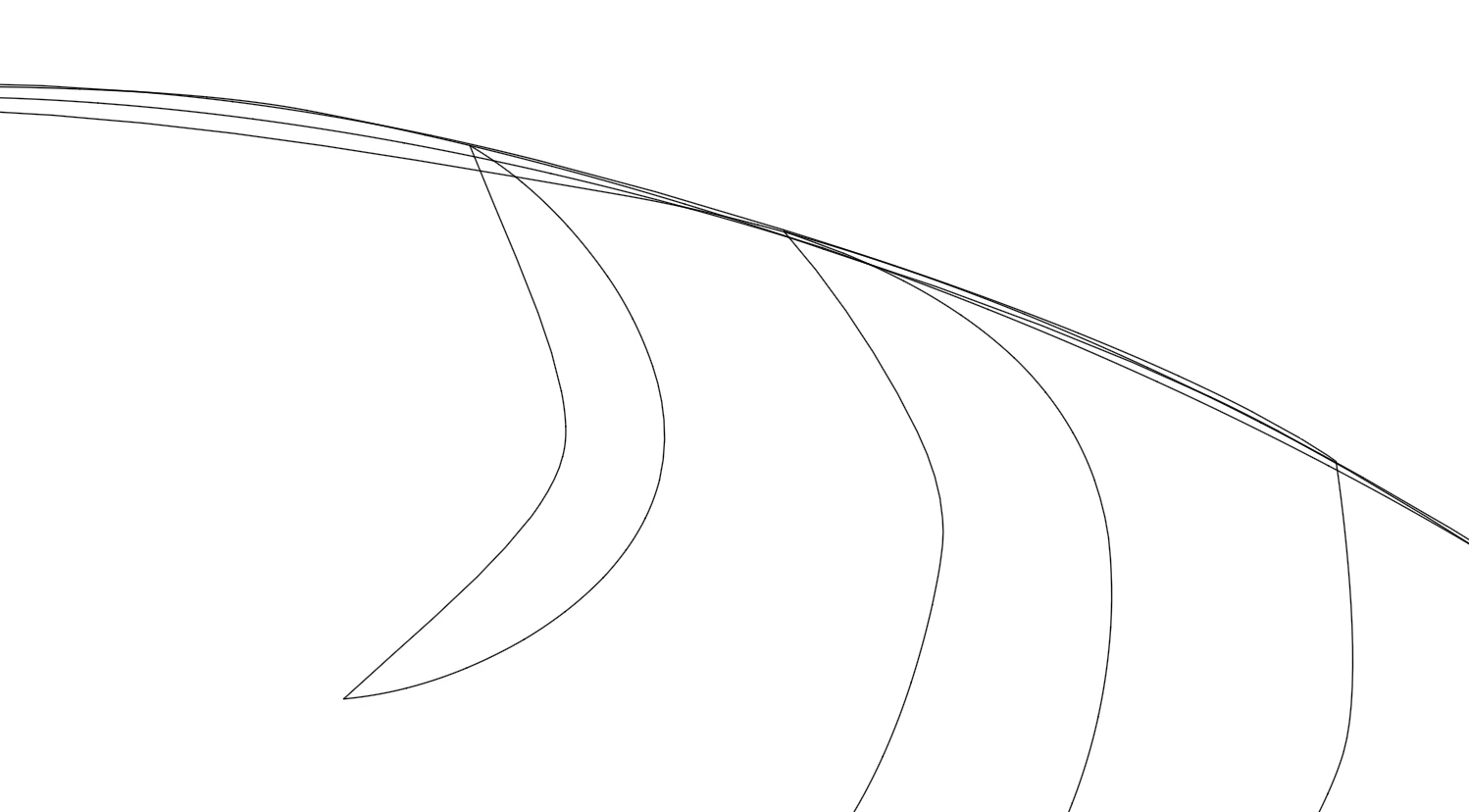
I'm trying to make stickers for vinyl and I'm having trouble with the curved paths that need to align with the bottom layer. 

For an example, I put this in outline mode to show more easier. All these lines needs to be together in the same cuve. I've tried to work around this problem with the pathfinder;  exclude, copy path, delete the excess, merge the paths again (because the bottom path needs to be whole) and then paste the old path above. Well, that way sucks and takes way too much time and there is probably an easier way, I hope. I can't use the align-tool because all the handles goes crazy, or else I'm missing something. I'm grateful for any help and excuse my english as its hard to explain 🙂


This topic has been closed for replies.
Correct answer pixxxelschubser

... or the Shape Builder Tool - it depends on what is easier for you to handle with.

3 replies

pixxxelschubser
Community Expert
pixxxelschubserCommunity ExpertCorrect answer
Community Expert
August 15, 2021

... or the Shape Builder Tool - it depends on what is easier for you to handle with.

Participant
August 15, 2021

Thank you! Shape builder tool worked better. Somehow it created a lot more achor points than necessary, as the result makes the paths uneven when simplifying and uneven layers again. Do you have any tips on how to avoid that? 🙂 

Monika Gause
Community Expert
Community Expert
August 15, 2021

A lot more anchor points?

Like hundreds?


In that case: use Live paint. It doesn't do that.

pixxxelschubser
Community Expert
Community Expert
August 15, 2021

Live paint

pixxxelschubser
Community Expert
Community Expert
August 15, 2021

Please show a bit more of your artwork. At the best with an additional screenshot in normal view, with opened Layers Panel.

Participant
August 15, 2021

Here you go 🙂