

YasminouStudioYK
Participant
February 17, 2022
Answered

Align stroke to the outside not working

  • February 17, 2022
  • 1 reply
  • 2085 views

Hello everyone 🙂

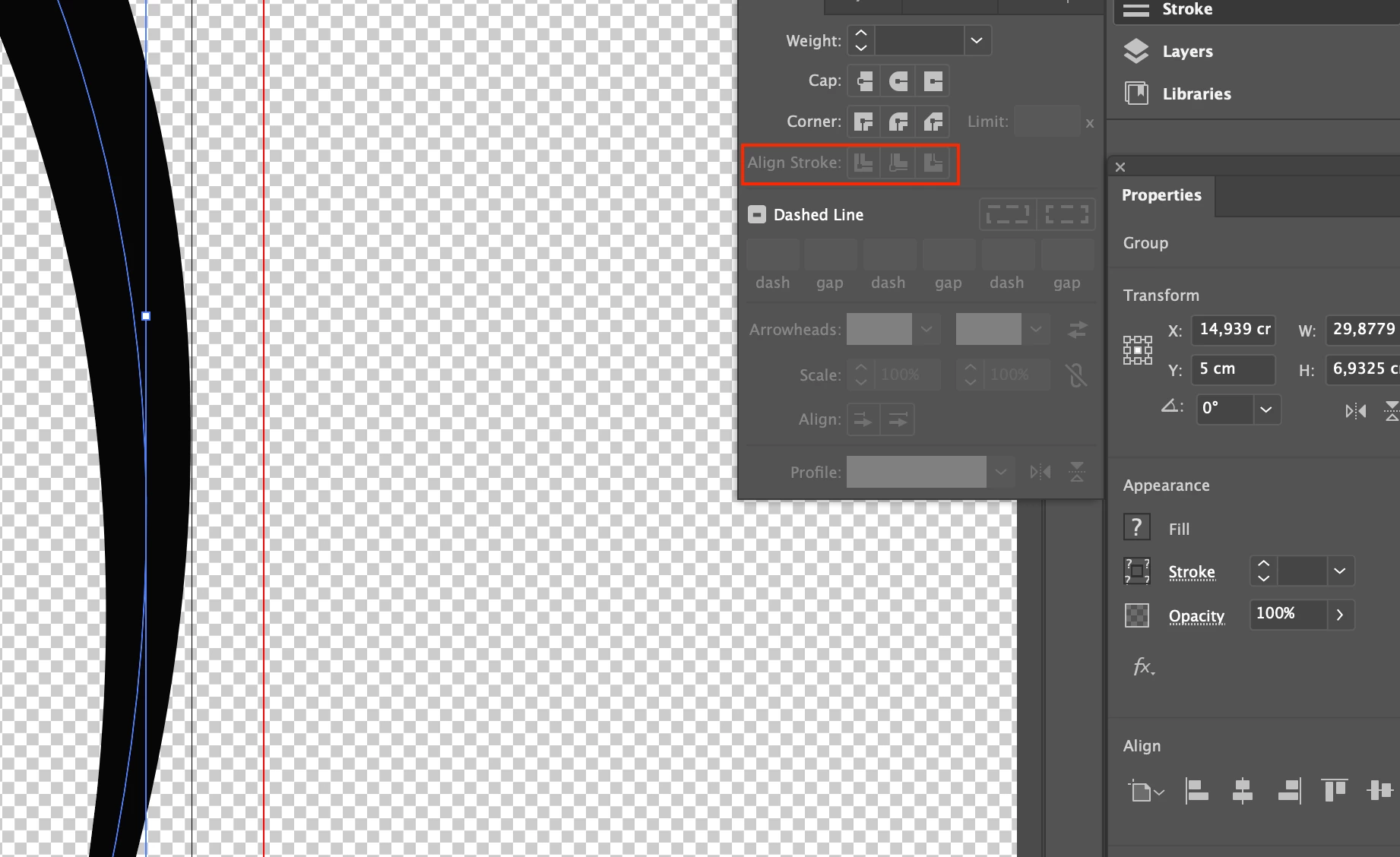
I  seem to have an issue with the stroke  alignment of a curve. I need to align the logo to the border of the file, but I cannot seem to get it precisely so I wanted to change the alignment stroke of an element but it is greyed out :
 

And I need the stroke to go to the border of the file :
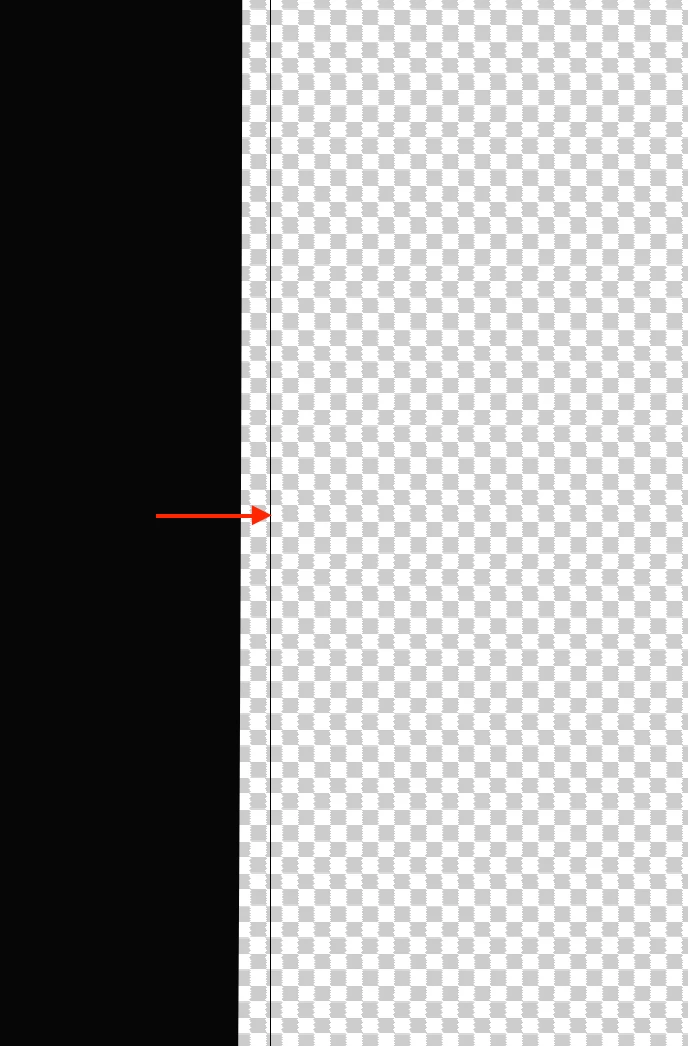


Can anyone please help me out with this and tell me what I need to do ? 🙂

Thank you very much 🙂


This topic has been closed for replies.
Correct answer John Mensinger

Here's a way:

Choose Edit > Preferences. On the General page, find "Use Preview Bounds" and enable it, if it's not already enabled. Click OK.

If the Transform panel isn't in view, choose Window > Transform

Assuming the Artboard size is known (if it's not, choose File > Document Setup to get it), select the logo and in the Transform panel, with "Constrain Width and Height Proportions" enabled, (chain-link putton pressed), enter the Artboard width in the W: field and press Enter.

This will make the logo the same width as the Artboard. (From your screenshots, I gather that's the objective.) If necessary, use the Align panel to position it as desired, or click/drag (best with Smart Guides enabled) to the final position.

1 reply

John Mensinger
Community Expert
Community Expert
February 17, 2022

Stroke alignment only works on closed paths, since "inside" and "outside" are otherwise ambiguous. The fact that it's disabled when your path is selected indicates the path is open.


I'm not altogether certain I understand what you mean by "the border of the file," but if you mean the edge of the artboard, it might be preferable to resize the artboard to match the artwork. To do that, double-click the Artboard tool and choose "Fit to Artwork Bounds" from the Preset menu.

YasminouStudioYK
Participant
February 17, 2022

@John Mensinger Thank you for your answer. What I want is for the logo to fit the artwork. When a click on "Fit to Artwork Bounds", the Artwork adapts it self to the logo but I would like the opposite, is this possible ?

John Mensinger
Community Expert
John MensingerCommunity ExpertCorrect answer
Community Expert
February 17, 2022

Here's a way:

Choose Edit > Preferences. On the General page, find "Use Preview Bounds" and enable it, if it's not already enabled. Click OK.

If the Transform panel isn't in view, choose Window > Transform

Assuming the Artboard size is known (if it's not, choose File > Document Setup to get it), select the logo and in the Transform panel, with "Constrain Width and Height Proportions" enabled, (chain-link putton pressed), enter the Artboard width in the W: field and press Enter.

This will make the logo the same width as the Artboard. (From your screenshots, I gather that's the objective.) If necessary, use the Align panel to position it as desired, or click/drag (best with Smart Guides enabled) to the final position.