
Aligning objects or text along a curved path
I have a variable number of text lines I would like to arrange along the path of half a circle. I would like the text to look like each text-string is radiating from the circle (the path I have as half a circle).
I would like to do this in adobe illustrator
I would like the text to be evenly spaced along the path dependent on how many lines of text I have.
I have seen other discussions suggesting either the blend-tool or the brush-tool. But both of these ideas does not really help me. The blend-tool would make distorted shapes in between, and would twist and distort the text. The brush tool would make each text a little bit 'cone-shaped', and I would prefer having the text without such a 'cone-shape'.
I am attaching a picture that halfway shows my intentions. In this diagram I have started rotating the first 4-5 text-lines. I have more text-strings (just above the half-circle) that I also would like to include along the path the half-circle is indicating.
The final goal is to get each of these locality-names raditing from the tips in the little red tree.
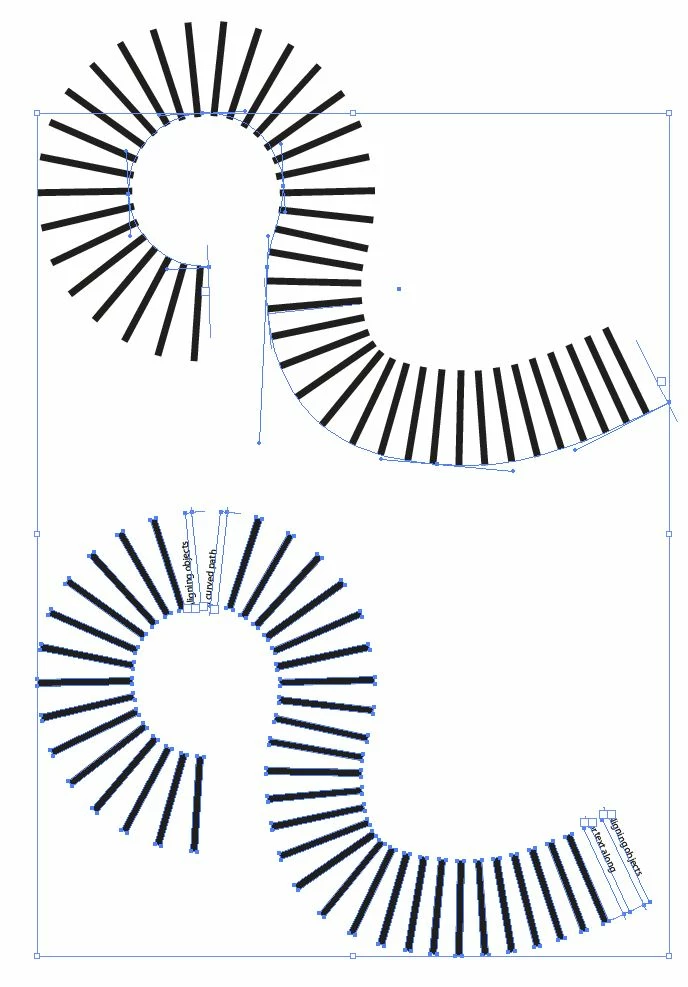
Is it possible in illustrator to align the text along a path like this? It is almost similar to the normal align objects and distribute objects.
I am working on a Mac OSX 10.5 Adobe Illustrator CS3.
Thanks in advance for your time and help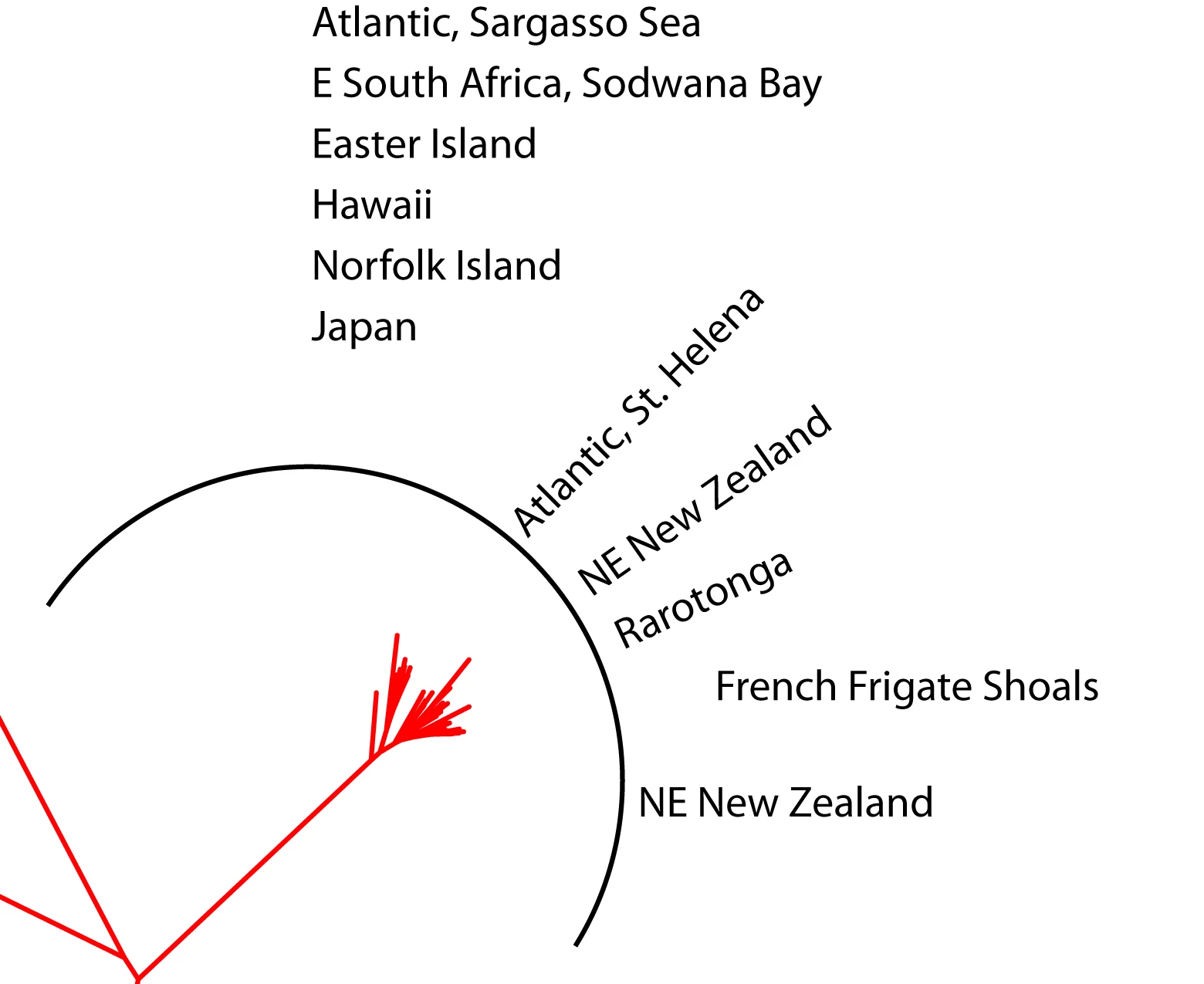


 AdChoices