
Participant
February 7, 2023
Question

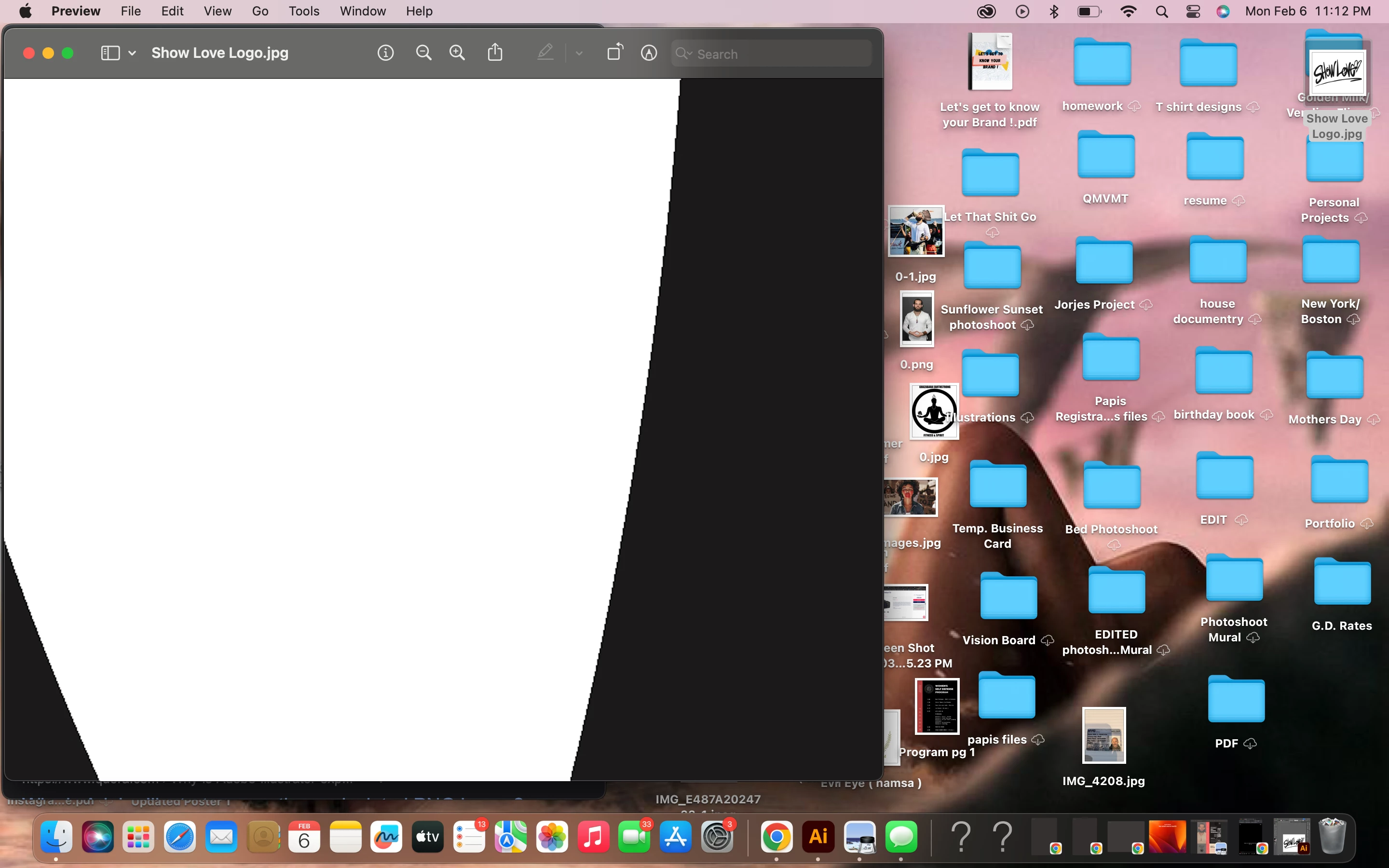
all files I save from AI are saving pixelated, this wasn't so hard before.
  • February 7, 2023
  • 5 replies
  • 385 views

 If you zoom in closely, that's a jpeg file at 1800 ppi. Just about, but still not completely smooth. But the AI logo is fine, vector, and smooth lines. What am I doing wrong when saving to different files? 

This topic has been closed for replies.

5 replies

John Mensinger
Community Expert
Community Expert
February 7, 2023

It lookes like a raster image, rendered in pixels...because that's what it is. Consider this; you jack the resolution up to 1800 ppi reaching for smooth edges, but then zoom in far enough so that one inch of your screen has fewer than 100 pixels to simulate those 1800 ppi. It's a bit like chasing your tail, if you had one. Aside from that, I don't think you're doing anything wrong.

Met1
Legend
February 7, 2023

I don't use a Mac, but how good is Preview? What does this look like in a different app, like Photoshop or GraphicConverter?

Monika Gause
Community Expert
Community Expert
February 7, 2023

@Met1  schrieb:

I don't use a Mac, but how good is Preview? What does this look like in a different app, like Photoshop or GraphicConverter?


The JPEG will not look diferent in any other app. I mean, Apple Preview is not good for anything important, but it won't change the pixels in a JPEG.

Anubhav M
Community Manager
Community Manager
February 7, 2023

Hello @Jacqueline28290351p2xi,


Thanks for reaching out. I hope the suggestions shared by Ton helped resolve the problem. If not, kindly share a sample Ai and the exported JPEG file here (https://community.adobe.com/t5/illustrator-discussions/share-your-files-in-6-simple-steps/td-p/12967531), so we can check it on our end.


Looking forward to your response.


Thanks,

Anubhav

Ton Frederiks
Community Expert
Community Expert
February 7, 2023

Did you check the Art Optimized anti-aliasing option?

kglad
Community Expert
Community Expert
February 7, 2023

in the future, to find the best place to post your message, use the list here, https://community.adobe.com/


p.s. i don't think the adobe website, and forums in particular, are easy to navigate, so don't spend a lot of time searching that forum list. do your best and we'll move the post if it helps you get responses.


<moved from using the community>