
Question
All fonts jagged in Illustrator
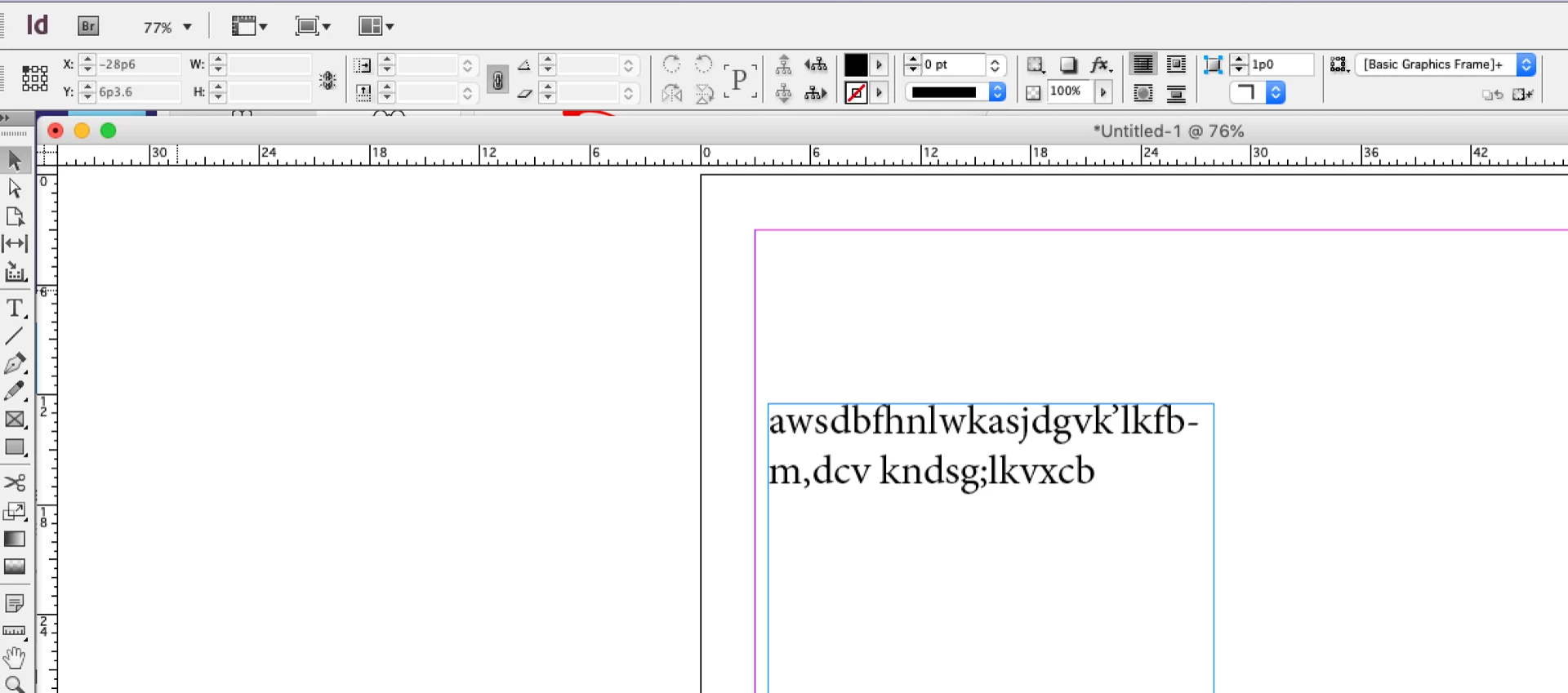
I moved to a newer Mac, downloaded the Illustrator CS6. My Mac runs Mojave OS 10.14.3. IMac Retina 5K with Radeon Pro 757 Graphic card. When opening a new page and I start typing the fonts looks jagged. Character setting is set to "crisp".
I am looking for the whole system to just type and show the characters perfectly, so no idea why this is happening. Been using Illustrator for 20 years, and this never happened to any of my computers. All other fonts in screen and other applications outside Adobe CS show just fine.
In Design:
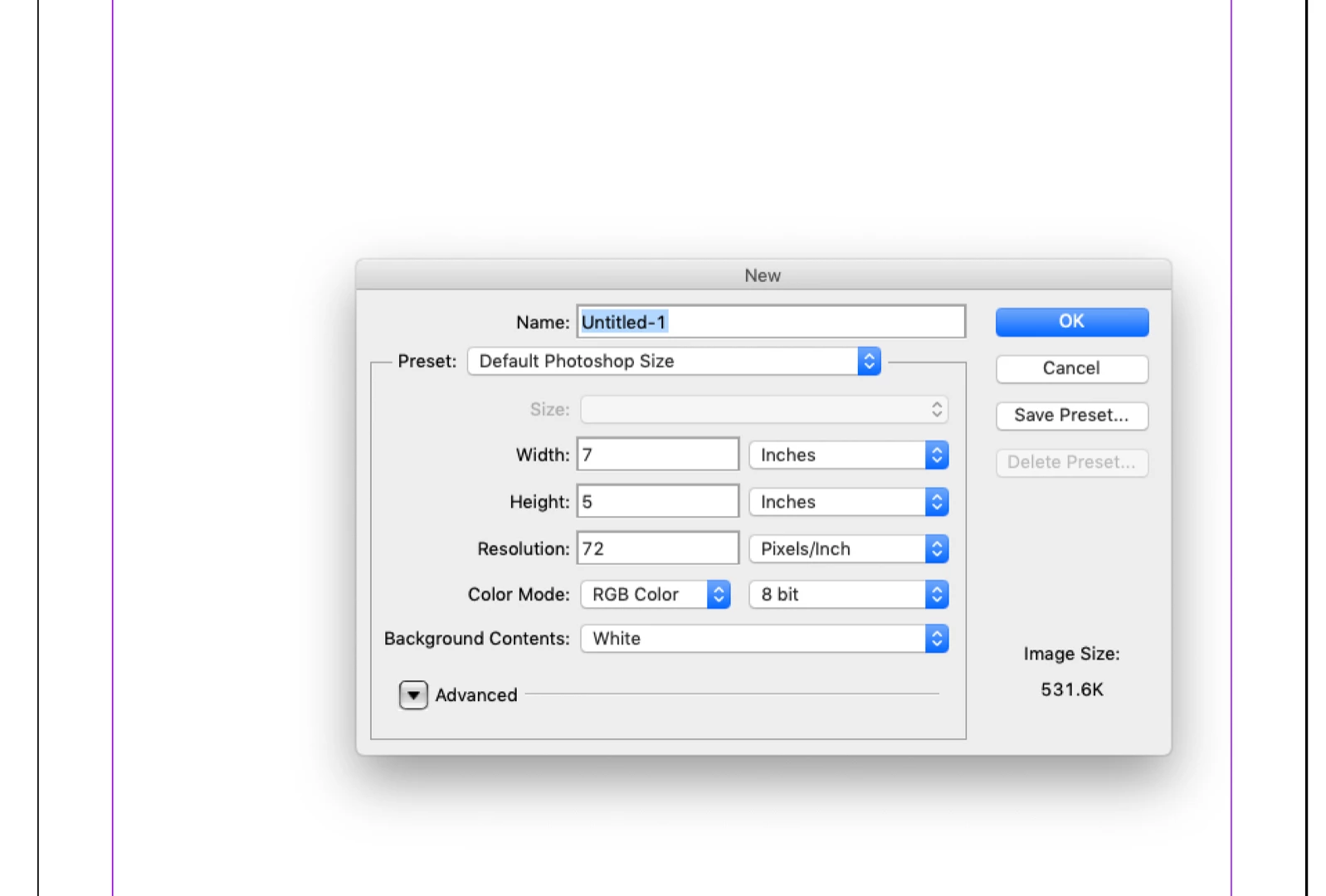
In Photoshop:

In Illustrator:
 AdChoices