


ironbridgechurch
Participant
February 6, 2017
Answered

All Shapes set to shear

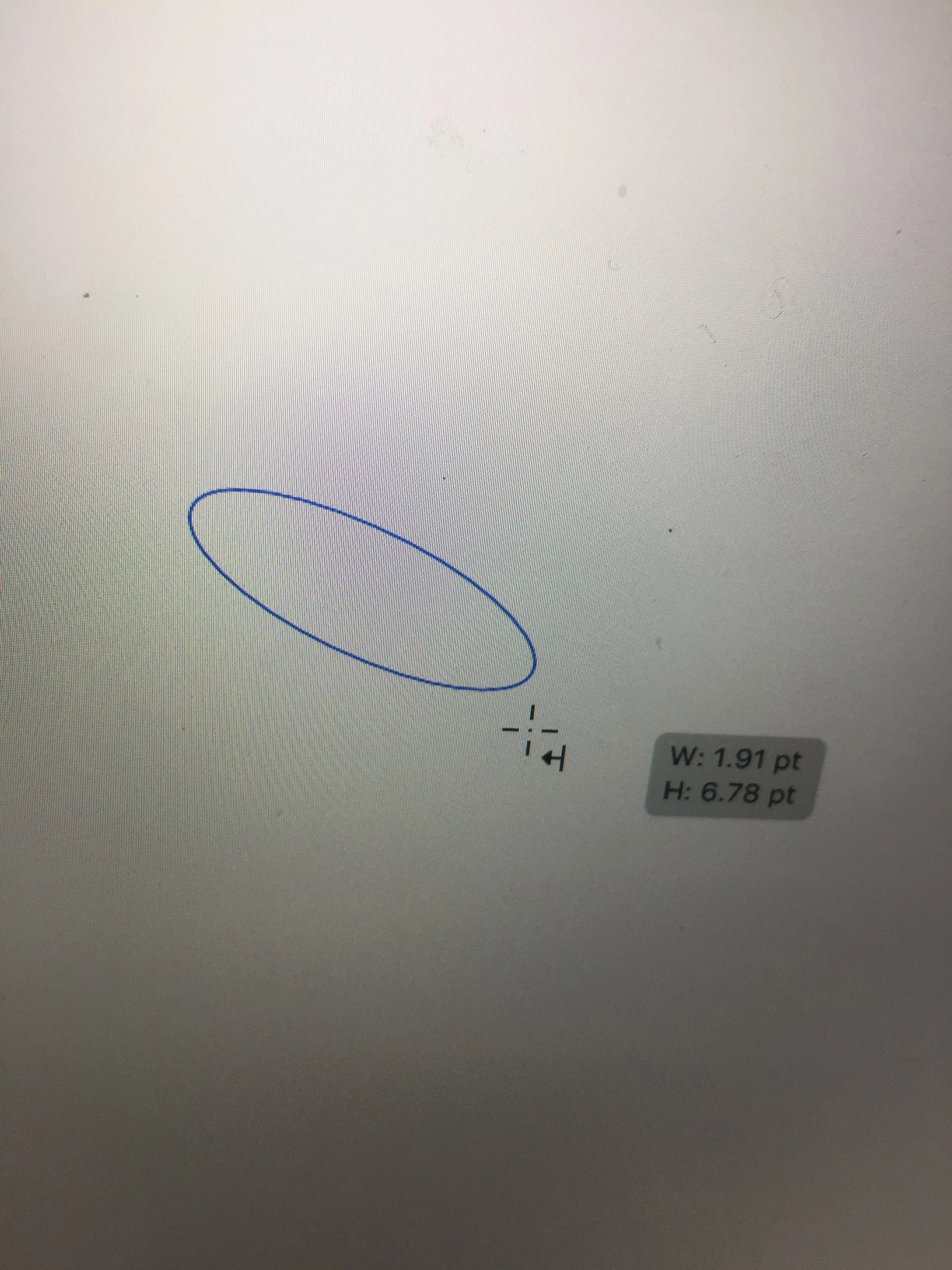
I am using Illustrator CC 2017. My ellipse tool has always allowed me to create a perfect circle by holding shift, clicking and pulling from the upper left and releasing in the lower right hand corner. Now, for some reason, my ellipse tool has an extra little icon next to it with a left arrow (see attachment) I am only able to pull shapes at an angle and the only way I can create a perfect circle is by reversing from upper right to lower left. I checked under preferences and the 'constrain to angle' option is set at zero, and I can't find any other way to find presets for the shape tool. I can not pull a 90 degree angle on a rectangle or square, everything is automatically sheared. help 😞 ?????

Monika Gause
Monika GauseCorrect answer
Community Expert
February 6, 2017

Looks like the perspective grid is turned on.

7 replies

Monika Gause
Community Expert
Monika GauseCommunity ExpertCorrect answer
Community Expert
February 6, 2017

Looks like the perspective grid is turned on.

Translate
ironbridgechurch
Participant
February 6, 2017

Thank you! I have no idea how I managed to do that, but you are right. :-)

Translate
Larry G. Schneider
Community Expert
Community Expert
February 6, 2017

The keyboard toggle is Cmd(Ctrl)-Shift-I.

Translate
Om Nath Jha
Legend
February 6, 2017

Hi there,

I believe you should reset the preferences and that should fix the issue. For details see : How to set preferences in Illustrator

Regards,

Om

Translate